

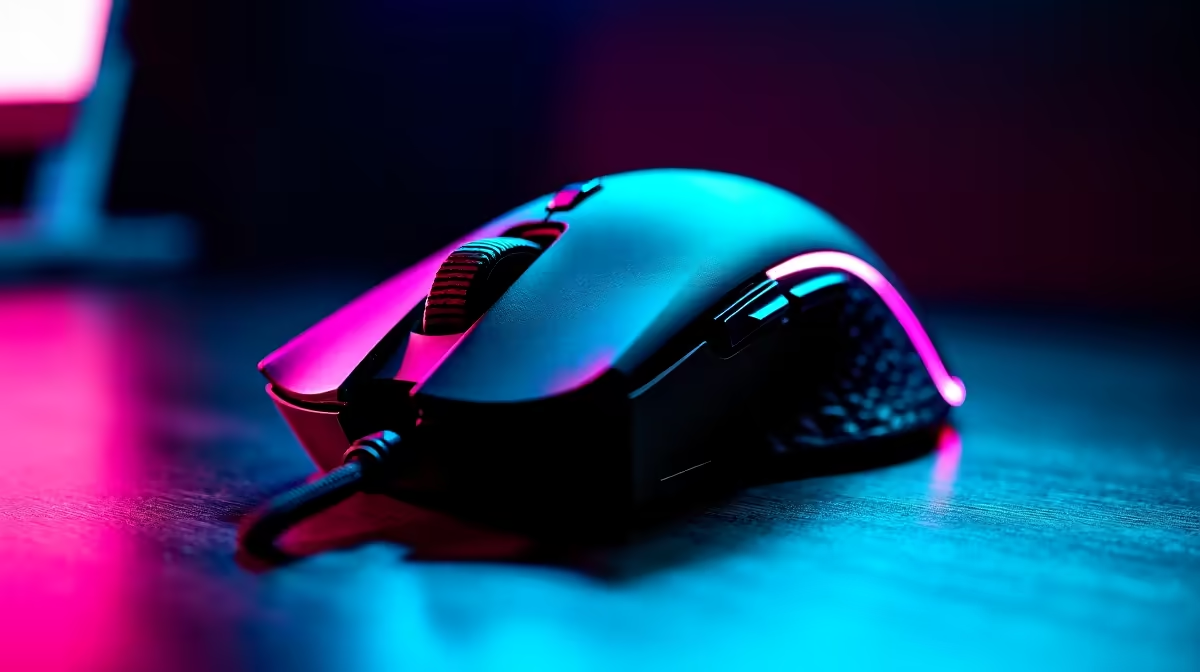
We’ve all been there. You’re in a clutch 1v3 situation in Valorant, the air is thick with tension, and your palm is sweating. You’re focused, dialled in… but have you ever wondered if your gear is truly optimised? We obsess over GPU temps and fan curves, but what about the unsung hero in your hand? The question is, does the simple act of switching your RGB off lower sensor temps on your gaming mouse enough to matter? Let's investigate. ⚡
The Theory: Does a Rainbow Generate Heat?
It sounds like a myth from the deepest forums, but there's a grain of scientific truth here. The LEDs that create that stunning RGB glow on your mouse do generate a tiny amount of heat as a byproduct of drawing power. In a compact, enclosed device, any heat source can theoretically contribute to the overall internal temperature.
So, when you ask if turning RGB off can lower sensor temps on a gaming mouse, the technical answer is yes… but the real question is by how much? For the vast majority of high-quality gaming mice on the market today, the heat dissipation is so well-engineered that the impact of RGB is almost immeasurable. Modern sensors are built to operate flawlessly within a wide temperature range, far exceeding any heat your mouse’s lighting could produce.
Real-World Impact: From Theory to Gameplay
Let's cut to the chase. For 99% of gamers, the performance gain from this tweak is negligible. You won't suddenly gain god-tier aim by switching to a darker colour scheme. The temperature drop inside your mouse would likely be less than a single degree Celsius—not enough to affect a modern, high-end optical sensor.
However, the conversation about whether to turn RGB off to lower sensor temps in your gaming mouse isn't entirely pointless. For professional esports athletes, where matches are won by milliseconds and psychological edges are everything, eliminating even the tiniest variable can provide peace of mind. A stable, predictable device is key. If you're running a marathon gaming session in a warm room, every little bit of heat reduction helps maintain consistency. This is especially true for those who prefer the absolute lowest latency of a top-tier wired mouse, where every component is pushed to its limit.
The Real RGB Win 🔋
most significant benefit of turning RGB off isn't about temperature... it's about battery life. For those rocking a high-performance [wireless mouse](https: www.evetech.co.za buy-wireless-mouse x 1597.aspx), disabling the lights can literally double your playtime between charges. Now that's a performance boost you can actually feel.
What Truly Boosts Your Mouse Performance?
Instead of focusing on the minimal effect of RGB on sensor temperatures, let's talk about what actually makes a difference in your gameplay. If you're looking for a real competitive advantage, your attention is better spent elsewhere.
Key Performance Factors:
- The Sensor: This is the heart of your mouse. Look for top-tier sensors like the Logitech HERO or Razer Focus Pro for flawless, pixel-perfect tracking.
- Polling Rate: A higher polling rate (1000Hz or more) means the mouse reports its position to your PC more frequently, resulting in smoother cursor movement.
- Weight & Shape: This is purely personal preference, but finding a mouse that fits your hand and grip style is crucial for comfort and control during long sessions.
- The Surface: Don't underestimate the power of a great mousepad! A quality surface ensures your sensor can read the data consistently. Upgrading your mat is one of the most cost-effective performance boosts you can make. Check out our range of mouse accessories to find the perfect partner for your mouse.
Ultimately, while the idea that turning RGB off will lower gaming mouse sensor temps is technically true, the practical benefit is almost zero. The real gains come from investing in quality hardware built for performance from the ground up.
Ready for a Real Upgrade? Stop worrying about minor tweaks and get the hardware that delivers a real competitive edge. Check out our latest gaming mouse deals and find the perfect fit for your playstyle and budget.











