

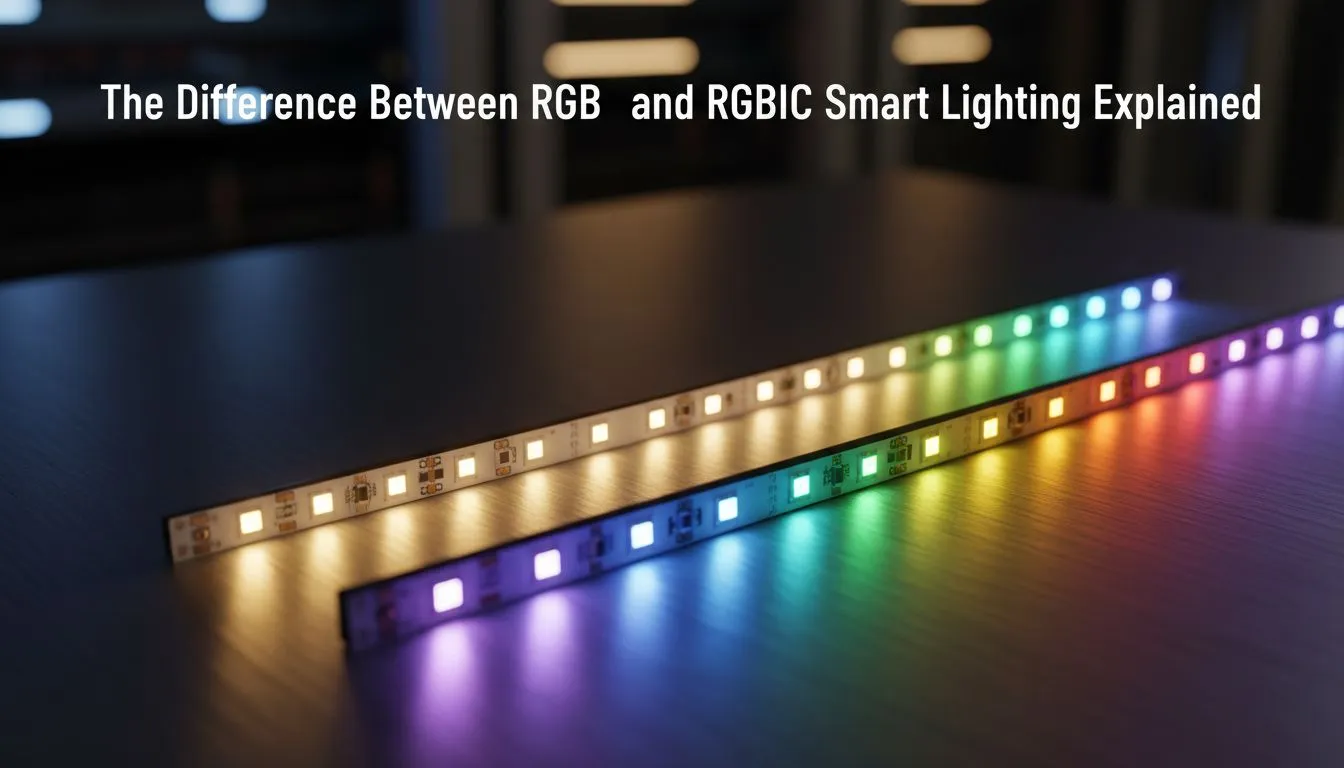
Understanding the Core of RGB Lighting
When you're building a dream gaming setup in South Africa, lighting is often the final touch that brings the whole aesthetic together. But browsing through LED options can feel like a maze. You’ve likely seen the terms RGB and RGBIC splashed across boxes, but which one actually justifies your ZAR? Understanding the RGB vs RGBIC: Smart Lighting Differences Explained is essential before you hit that checkout button.
Standard RGB lighting has been the industry standard for years. These strips are designed with a 4-pin connector where every LED on the strip is wired in parallel. This means that while you can choose from 16.8 million colours, the entire strip must display the same colour at any given moment. If you set your software to "Static Blue", every single diode turns blue. It is a reliable, cost-effective way to add a glow to your desk... but it lacks the fluid motion found in high-end setups. If you are looking to start your journey, you can find a wide range of gaming accessories that utilise this classic technology.
The Evolution of RGBIC and Independent Control
The "IC" in RGBIC stands for Independent Control. Unlike standard strips, RGBIC strips are equipped with a tiny Integrated Circuit chip for every segment or individual LED. This allows the strip to display multiple colours simultaneously. This is the technology behind those mesmerizing "rainbow" or "chasing" effects where light seems to flow like water down the length of the strip.
Diffusion Pro Tip ⚡
To get the most out of your RGBIC lighting, never look at the bare LEDs. Mount your strips behind your monitor or under the lip of your desk so the light reflects off the wall. This creates a soft, neon-like glow that hides the individual "hot spots" of the LEDs, making the colour transitions look much smoother and more professional.
Because of the added complexity, RGBIC strips usually require a 3-pin connection and a more sophisticated controller. While they offer superior visuals, there is one major trade-off: you cannot cut RGBIC strips to size. Cutting the strip breaks the circuit between the IC chips... which can render the entire strip useless. If you are hunting for value, keeping an eye on the latest gaming accessories deals is the best way to snag RGBIC kits at a better price point.
Which Smart Lighting Choice is Right for You?
Deciding between these two depends entirely on your specific goals. If you simply want a solid ambient backlight for your monitor or a clean white glow inside your PC case, standard RGB is more than enough. It is also the better choice if you need to trim the strip to fit a specific corner or small chassis.
However, if you want your room to react to your music or provide immersive lighting that syncs with your screen's action, RGBIC is the clear winner. The ability to have "zones" of light allows for much deeper customisation within your software. When browsing the Gaming Accessories category, always check the pin header compatibility on your motherboard to ensure your new lights will actually plug in and play.
Ready to Find Your Perfect Match? The RGB vs RGBIC debate is all about personal style, but for the best visual immersion in South Africa, RGBIC is the modern choice. Explore our massive range of gaming accessories and find the perfect lighting kit to illuminate your victory.











