

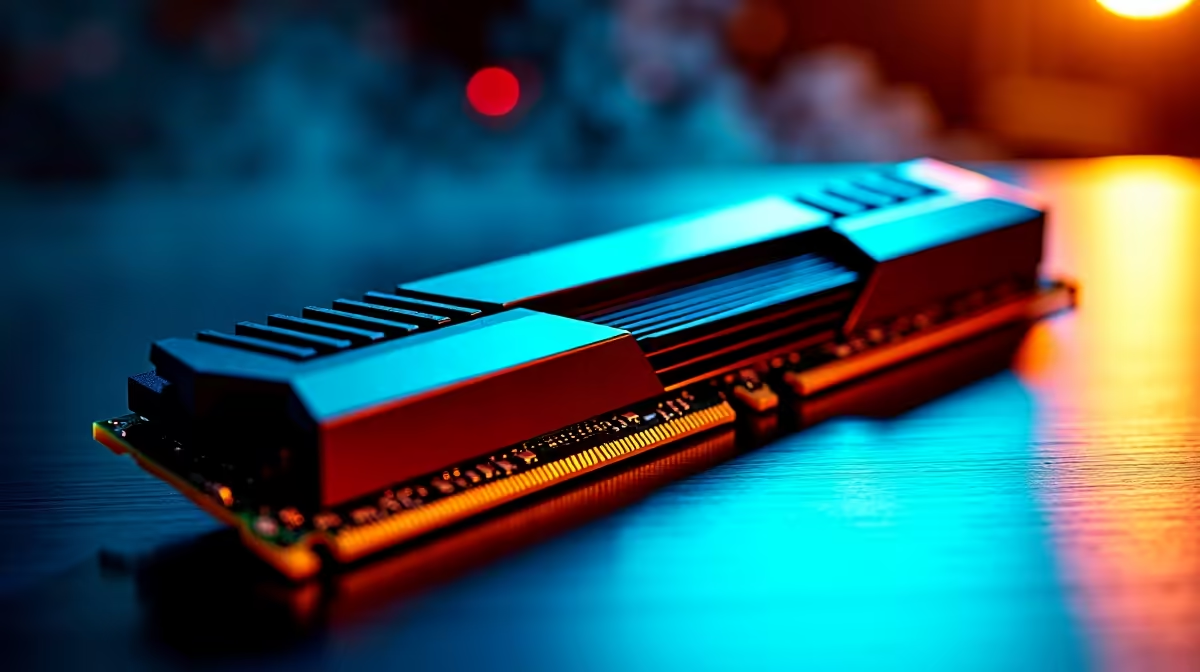
South African summers are brutal on your PC hardware. When you are pushing the latest AAA titles or compiling heavy workloads, your internal temperatures skyrocket. If you have recently upgraded to next-gen hardware, you might have noticed how hot things get. Let us break down the ROG Memory Fan and ROG DIMM.2 explained with the real benefits for DDR5 and NVMe cooling... and why your rig desperately needs them.
The DDR5 Heat Problem ⚡
DDR5 is incredibly fast, but that raw speed comes with a serious thermal cost. Unlike older generations, DDR5 moves power management directly onto the stick itself. This means more heat is generated right next to your CPU. When you are dropping thousands of Rands on premium components, letting them cook is a terrible idea.
Enter the ROG Memory Fan. This clever piece of engineering directs active airflow straight over your RAM. By keeping those modules chilled, you prevent thermal throttling and ensure absolute stability during intense gaming sessions. If you want to push your system to the absolute limit, investing in high-quality memory kits is just step one... keeping them cool is the real secret to longevity.
What Exactly is ROG DIMM.2? 🚀
Motherboard real estate is always shrinking as graphics cards get larger. ASUS solved this space issue beautifully with the ROG DIMM.2 module. It looks exactly like a standard stick of RAM, but it actually holds two M.2 NVMe SSDs. You slot it right next to your memory.
The genius here is twofold. First, it frees up critical space on your board. Second, it places your blazing-fast storage directly in the path of your primary case fans. Gen 4 and Gen 5 NVMe drives run incredibly hot while transferring massive game files. When you pair this tech with premium motherboards, you are guaranteed maximum read and write speeds without the dreaded thermal drop-off.
Airflow Pro Tip 🔧
Always ensure your intake fans are feeding fresh air directly towards your CPU and memory area. Even the best ROG DIMM.2 setup needs a steady supply of cool air to optimise your NVMe drives and keep them running at peak performance.
Real-World Benefits for South African Gamers ✨
Why does all this matter for your daily setup? Heat degrades components over time. Whether you are building a custom rig from scratch or looking at top-tier gaming PC deals, intelligent thermal management dictates exactly how long your ZAR investment lasts.
The combination of the ROG Memory Fan and ROG DIMM.2 creates a dedicated cooling zone for your most sensitive parts. By actively managing the heat output of your DDR5 and NVMe drives, you are effectively extending the lifespan of your entire PC. This means faster load times, smoother framerates, and zero crashes when the ambient temperature in your room hits 30 degrees.
Plus, you can often find compatible cooling hardware and components hiding in our weekly specials... saving you money while keeping your system icy cold.
Ready to Build an Ice-Cold Rig? High temperatures should never hold back your gaming experience. For maximum performance and the best value in South Africa, upgrading your cooling and components is essential. Explore our massive range of PC component specials and find the perfect hardware to conquer your world.











