

Understanding Rolling Cache and Sim Performance
Ever wondered why your flight over Table Mountain stutters even with high-speed fibre? It is likely your rolling cache settings. For South African gamers, managing your rolling cache SSD size is the secret to smooth performance in data-heavy sims like Microsoft Flight Simulator. You do not need a massive drive to see the benefits. Understanding how much space to allocate can save you from unnecessary spending while keeping your textures crisp... and lag-free. 🚀
A rolling cache acts as a temporary storage bridge. It downloads photogrammetry and terrain data while you fly, storing it locally so your PC doesn't have to fetch it from the server again. If you fly over the same area frequently, a well-managed cache ensures the scenery loads instantly. To get started without breaking the bank, you can find incredible value in our current SSD deals which are perfect for dedicated cache drives.
Calculating Your Ideal Rolling Cache SSD Size
The "correct" size depends entirely on your flying habits. If you are a local pilot mostly exploring the Western Cape or Gauteng, a smaller cache is sufficient. For those who hop between continents every session, a larger buffer prevents the "pop-in" effect of textures.
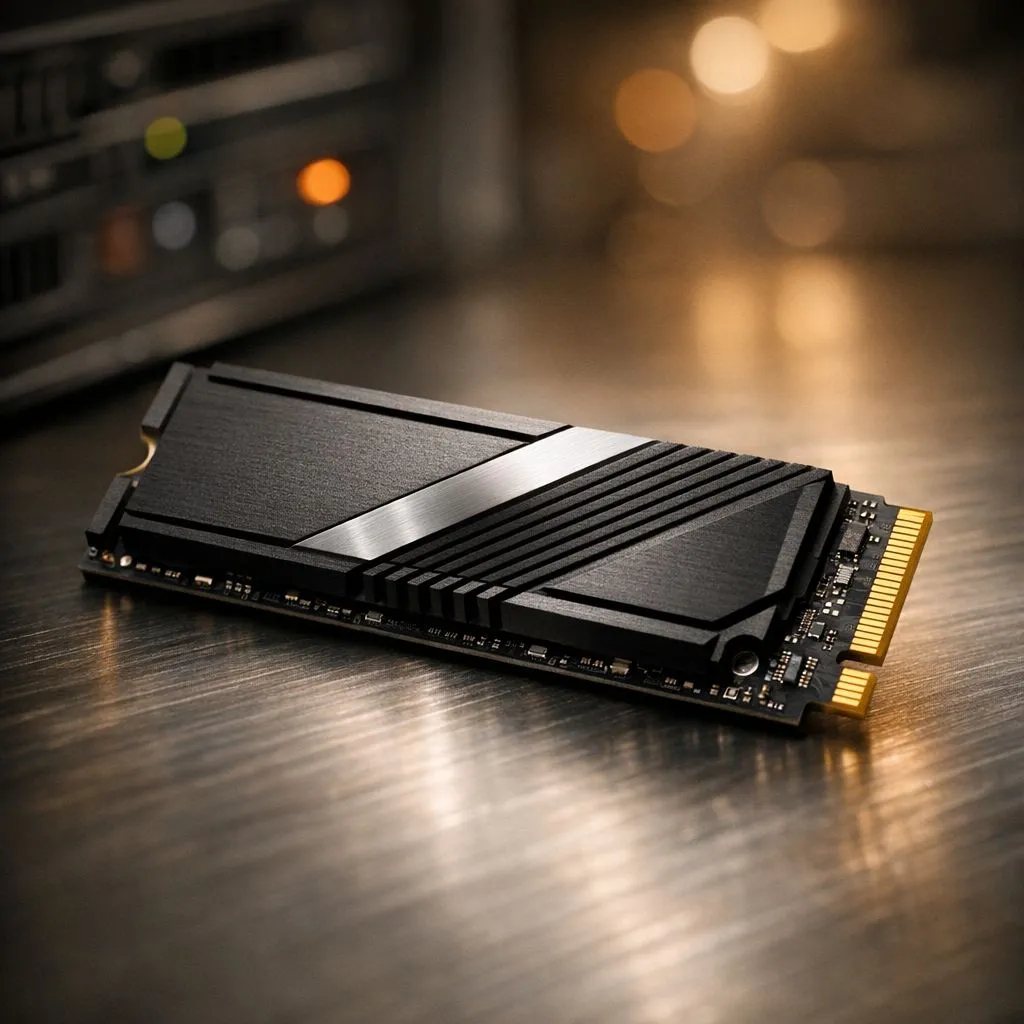
Generally, a rolling cache SSD size of 16GB to 32GB is the sweet spot for most users. If you have plenty of overhead on your primary drive, you can push this to 100GB. However, speed is just as important as capacity. Using high-speed NVMe SSDs ensures that the sim can read the cached data faster than your internet connection could ever stream it.
Performance Pro Tip ⚡
If you notice stuttering after a major game update, try deleting your rolling cache file and recreating it. Updates often change how terrain data is indexed, and an old cache file can cause conflicts that lead to frame rate drops. This simple reset often fixes "mysterious" performance issues instantly.
Internal vs External Storage for Caching
Many South African gamers use gaming laptops with limited internal slots. You might wonder if you can move your cache to an external device. The answer is yes, provided the interface is fast enough. A USB 3.2 Gen 2 connection is usually sufficient to prevent bottlenecks.
If your internal storage is cramped with the latest AAA titles, investing in external SSDs is a smart way to offload that rolling cache. This keeps your OS drive lean and responsive while still providing the sim with the quick-access data it craves. Just ensure the drive stays connected during your session to avoid a crash to desktop.
Why Quality Flash Memory Matters for Longevity
Rolling caches are "high-write" environments. The sim constantly overwrites old data with new terrain as you move. This puts more stress on the drive than standard gaming storage does. When browsing components/ssds, look for drives with a decent Terabytes Written (TBW) rating.
Cheaper, DRAM-less drives can sometimes struggle with the constant background writes, leading to minor hitches during gameplay. Investing in reputable solid state drives ensures that your hardware can handle the constant data cycling without degrading prematurely. In the South African heat, ensure your NVMe drive has adequate cooling or a heatsink to maintain these high transfer speeds during long haul flights. 🔧
Ready to Find Your Perfect Match? Whether you are soaring over the Drakensberg or navigating the streets of Cape Town, your storage should never hold you back. Explore our massive range of SSD specials and find the perfect drive to keep your simulations running butter-smooth.











