

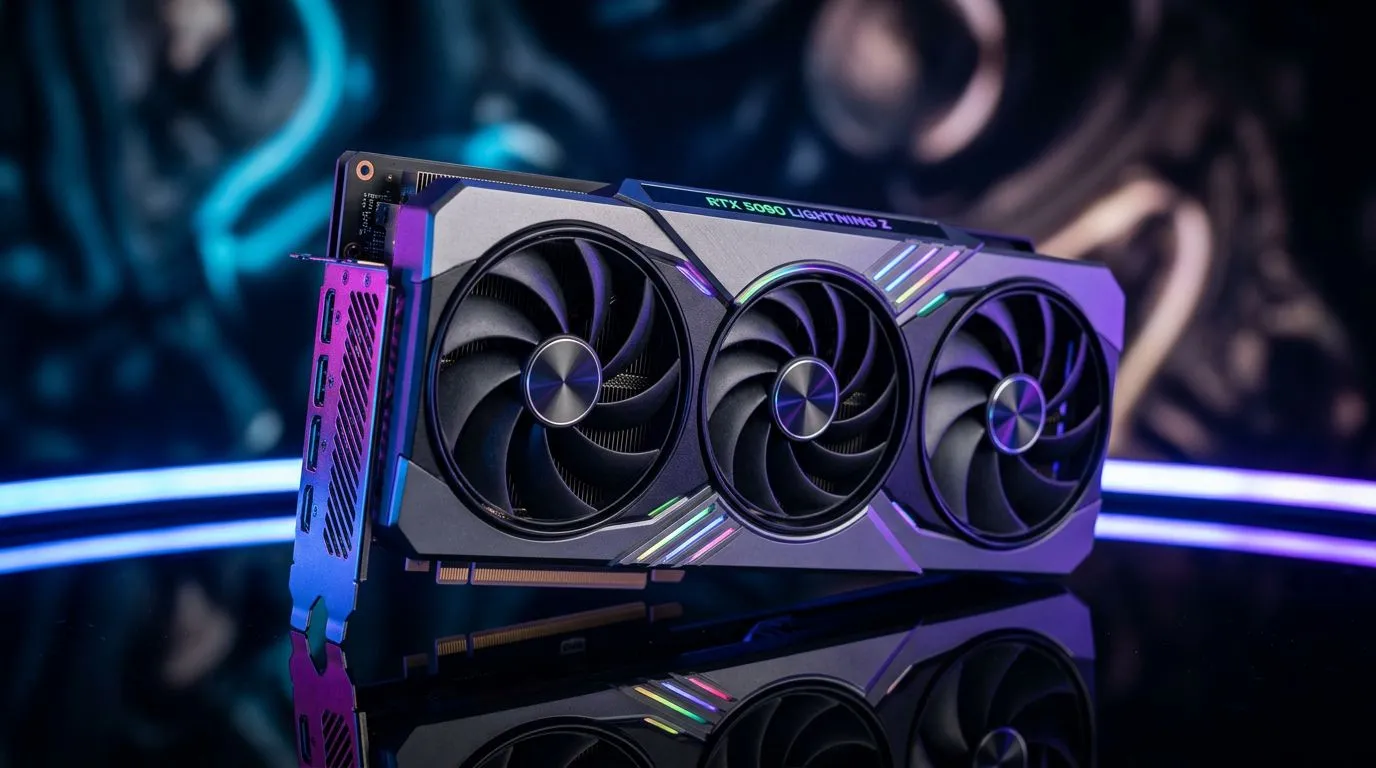
RTX 5090 32GB GDDR7: Overkill for Gaming or Essential for Creators? Let’s cut through the hype 🔥
South African gamers love smooth frames… but you’ve probably also heard that new “32GB VRAM is the only way forward” line. And honestly? It’s tempting. When you’re shopping after a long year of paying for upgrades, you want to spend once… not twice.
So let’s answer the real question: is the RTX 5090 32GB GDDR7 actually overkill for gaming… or a genuinely smart buy for creators too? We’ll break it down with practical use-cases, what to look for, and how to avoid paying for features you won’t use. 🚀
RTX 5090 32GB GDDR7: Overkill for Gaming or Essential for Creators? What VRAM really changes ✨
VRAM (video memory) matters most when your GPU has to store large textures, high-resolution assets, and certain rendering buffers without constantly swapping data. In plain terms: more VRAM can reduce stutter in memory-heavy scenes and help some workloads run more smoothly.
For gaming, though, the story is a bit more nuanced than “more VRAM = better FPS.” Real-world performance depends on:
- Your target resolution (1080p vs 1440p vs 4K)
- Texture settings and whether games stream assets efficiently
- The game’s engine and how it uses GPU memory
- CPU performance and overall system balance
For creators, VRAM can matter even more, because tools like 3D rendering, GPU-accelerated effects, and high-res texture workflows often load large datasets. If you frequently work with big scenes, high-resolution textures, or multiple outputs, extra VRAM can mean fewer slowdowns and fewer “out of memory” errors.
RTX 5090 32GB GDDR7: Overkill for Gaming or Essential for Creators? Quick decision guide for SA buyers ✅
Here’s a simple way to decide what you need.
If you mostly game (and want value)
Consider the RTX 5090 as “maybe” rather than “must-have” if:
- You play at 1440p or 1080p with sensible texture settings
- Your games are mostly competitive titles
- You don’t use heavy mod packs or custom texture upgrades
- You’re aiming for cost-per-frame, not bleeding-edge visuals
In many cases, spending less on VRAM and putting that money into a better monitor refresh rate, CPU, or SSD can feel better day to day.
If you create content (especially high-res work)
The RTX 5090 becomes much more compelling if:
- You render 3D scenes regularly (especially with large assets)
- You do GPU-accelerated workflows (video editing, effects, compositing)
- You build textures at high resolutions and reuse assets across projects
- You run multiple applications alongside your renderer (browser, preview tools, caches)
If your work often hits memory limits, extra VRAM can be the difference between smooth progress and constant reworking.
RTX 5090 32GB GDDR7: Overkill for Gaming or Essential for Creators? Practical workflow tips 🔧
Choose based on your “worst day,” not your average day
Think about the project that stresses your current rig most. Is it:
- A 4K texture set with lots of layers?
- A long render with heavy effects?
- A timeline with multiple high-bitrate clips?
- A scene with lots of geometry and lighting?
If that day happens often, more VRAM is easier to justify.
Keep storage and drivers from sabotaging performance
Even the best GPU can feel sluggish if your assets load slowly or your system is unstable. Make sure:
- You have fast storage for project assets
- You keep drivers up to date
- Your OS and background apps aren’t hammering the machine
Creator Productivity Pro Tip ⚡
On Windows, use the PowerToys FancyZones utility to create custom snap layouts for your windows. It's a lifesaver for managing multiple apps on a high-refresh ultrawide monitor, letting you organise your timeline, preview window, and asset folders without constant resizing while editing or rendering.
RTX 5090 32GB GDDR7: Overkill for Gaming or Essential for Creators? Where to shop in Evetech’s GPU range 🚀
If you’re building around an NVIDIA card (or just want to compare options), Evetech’s GPU listings make it easy to browse by brand and category. Start here for NVIDIA options:
- Explore GeForce graphics cards available at Evetech: GeForce graphics cards
- Looking specifically at MSI models? Check: MSI graphics cards
- Prefer AMD for certain creator workflows or price-to-performance? See: Radeon graphics cards
- Want the full view across all options? Browse the entire GPU selection: NVIDIA and ATI graphics cards
RTX 5090 32GB GDDR7: Overkill for Gaming or Essential for Creators? The real takeaway
If you’re purely gaming and chasing the best value in South Africa, an RTX 5090 with 32GB VRAM may be overkill unless you’re running demanding settings at higher resolutions or using memory-heavy content like high-res texture packs.
But if you create… especially with large assets or you frequently run into memory constraints… that extra VRAM can be essential. The best approach is matching the GPU to your actual workload, not to headlines.
Before you buy, consider your typical “heavy day,” your resolution target, and whether your software scales with VRAM. Then you can confidently pick a card that performs today and stays relevant for the projects you’re planning next. ✨
Ready to Find Your Perfect Match? The Mac vs Windows debate is complex, but for maximum power, choice, and value in South Africa, Windows is hard to beat. Explore our massive range of laptop specials and find the perfect machine to conquer your world.











