

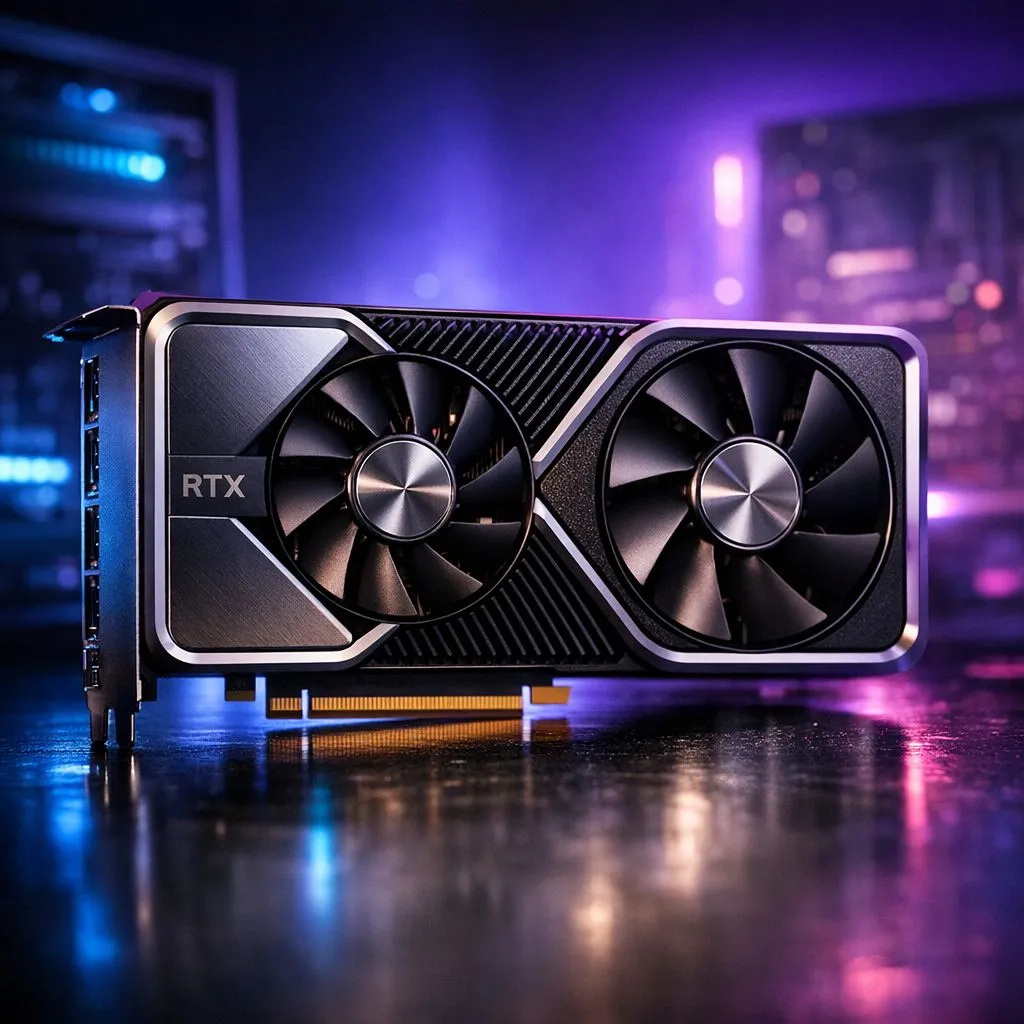
RTX meaning: Decode NVIDIA naming, CUDA cores & memory types
If you’ve ever scrolled Evetech’s GPU listings and wondered what "RTX" actually signals, you’re not alone. RTX meaning: Decode NVIDIA naming, CUDA cores & memory types is the short map to why some cards cost more, and why ray tracing matters for modern games. Read on and you’ll leave knowing what to buy for your budget and your frame‑rate goals. 🚀
What RTX means and why it matters
"RTX" is NVIDIA’s branding for GeForce cards that support real‑time ray tracing and dedicated AI features. The letters themselves don’t tell you raw performance… the model number, architecture, and memory type do. For a quick browse of current GeForce options, check Evetech’s GeForce graphics cards listing — it's the best way to see what’s in stock locally. https://www.evetech.co.za/components/nvidia-ati-graphics-cards-21?category=GeForce+Graphics+Cards
NVIDIA naming: series, suffixes and what to watch for
NVIDIA’s model names pack clues: series (e.g., 40-series), tier (e.g., 4080 vs 4060), and suffixes like Ti or SUPER. Those tell you relative positioning, but not the whole story. Always scan the product page for clock speeds, memory type, and power draw. Evetech’s main graphics category keeps all brands and models in one place if you want to compare cards side by side. https://www.evetech.co.za/components/nvidia-ati-graphics-cards-21
CUDA cores explained (simple, useful) 🔧
CUDA cores are the GPU’s parallel processors for shaders, compute and game physics. More cores generally mean more throughput, but core count is only part of the picture. Clock speed, architecture efficiency and memory bandwidth all matter. For a developer‑facing explainer, NVIDIA’s CUDA resources outline how those cores are used in practice. https://developer.nvidia.com/cuda-zone
Memory types: GDDR, HBM and why bandwidth matters
Memory type affects how fast textures and frame buffers move. GDDR6 is common on modern GeForce cards; HBM appears on specialised hardware. Bigger, faster memory helps at high resolutions and with heavy ray tracing loads. If you want Radeon alternatives or comparison shopping, Evetech's Radeon graphics cards section is a handy cross‑check. https://www.evetech.co.za/components/nvidia-ati-graphics-cards-21?category=Radeon+Graphics+Cards
Buying Tip ⚡
When you game at 1440p or higher, favour cards with larger VRAM and wider memory buses. If ray tracing is a must, prioritise cards with higher memory bandwidth and dedicated RT cores. Check product specs on Evetech before you buy so you’re comparing apples with apples.
Real advice from a South African buyer’s POV
I once upgraded from a mid‑range GTX to an RTX 3060 and saw better lighting and smoother gameplay on medium settings... but I still had to tweak shadows. The lesson? Match the card to your monitor and the titles you play. If you like MSI builds, Evetech lets you filter by brand to find models with cooling that fits hot SA summers. https://www.evetech.co.za/components/nvidia-ati-graphics-cards-21?brands=MSI
Quick checklist before checkout
- Match GPU memory to your resolution and texture mods.
- Check power supply headroom and connector types.
- Read Evetech's product pages for warranty and stock details. ✅
Ready to Find Your Perfect Match? The Mac vs Windows debate is complex, but for maximum power, choice, and value in South Africa, Windows is hard to beat. Explore our massive range of laptop specials and find the perfect machine to conquer your world.











