

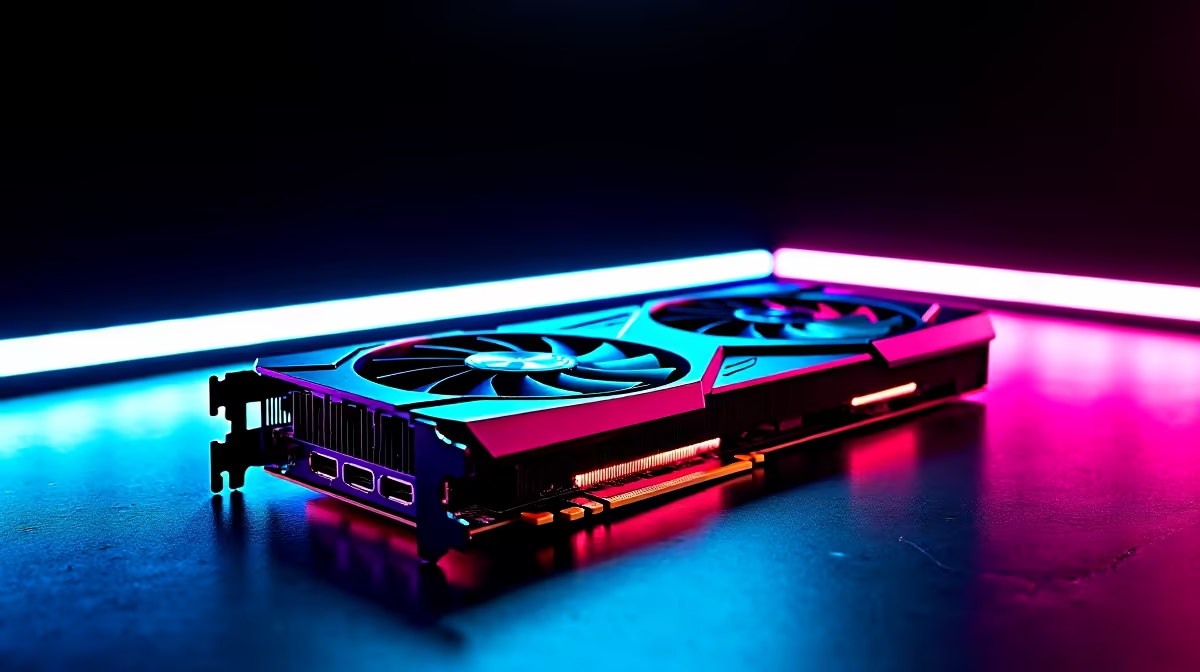
Building a gaming rig on a budget in South Africa is a real challenge. You're hunting for deals, trying to squeeze every drop of FPS from your rand, but one mismatched component can tank your whole setup. The AMD Radeon RX 6500 XT often gets a bad rap for its PCIe interface, but what if that fear is overblown? Let's break down how the RX 6500 XT avoids PCIe bottlenecks on modern systems. 🚀
Understanding the RX 6500 XT and PCIe Bottlenecks
The controversy around the RX 6500 XT centres on its design. Unlike most cards that use a 16-lane (x16) PCIe interface, this GPU uses only four lanes (x4). Think of PCIe lanes as lanes on a highway; more lanes mean more data can travel at once.
So, why the x4 design? It was a cost-saving measure to make 1080p gaming more accessible. The secret to how the RX 6500 XT avoids a major PCIe bottleneck lies in the speed of that highway: PCIe 4.0.
A PCIe 4.0 x4 connection offers the same theoretical bandwidth as a PCIe 3.0 x8 connection. This is generally enough for the card's 4GB of VRAM, especially in the 1080p gaming scenarios it was designed for. By leveraging the newer, faster standard, AMD created a clever solution for budget-conscious gamers exploring their range of AMD Radeon graphics cards.
How PCIe 4.0 Maximises RX 6500 XT Performance
When you plug the RX 6500 XT into a modern motherboard with a PCIe 4.0 slot, you give it the full-speed data highway it needs. Here’s why that’s critical:
- Bandwidth Boost: PCIe 4.0 doubles the bandwidth of PCIe 3.0. For the RX 6500 XT, this means its limited four lanes can carry data as fast as eight lanes on the older standard.
- Reduced VRAM Swapping: With only 4GB of VRAM, the card sometimes needs to pull assets from your system's main RAM. The faster PCIe 4.0 link makes this process quicker, minimising stutters in games that exceed its VRAM capacity.
This intelligent design ensures that on a compatible system, the RX 6500 XT PCIe performance is more than adequate for its target resolution. It’s a great example of engineering a product to a specific price point without catastrophic compromises. While competitors like Intel are entering the scene with their own Intel Arc graphics cards, AMD's approach here is unique.
Check Your Motherboard Specs! 🔧
Before you buy, double-check your motherboard’s product page. You’ll need a PCIe 4.0 x16 slot to get the most out of the RX 6500 XT. Running it in a PCIe 3.0 slot will work, but you might lose a few precious frames in VRAM-heavy games.
Is the RX 6500 XT Still Viable on PCIe 3.0?
So what happens if your system is a bit older and only has PCIe 3.0? This is where a potential 6500 XT bottleneck can appear. Running on a PCIe 3.0 x4 interface halves the card's available bandwidth, which can lead to a noticeable performance drop—sometimes up to 15-20% in certain titles, according to various tech benchmarks.
Does this make it a bad card? Not necessarily. If you're upgrading an older office PC with a card like a GT 1030 or just need something to run esports titles like Valorant or CS2, it can still be a massive improvement. However, for a new build, pairing it with a PCIe 4.0 motherboard is non-negotiable for getting your money's worth. This is a key difference compared to older budget kings, like some of the NVIDIA GeForce GTX graphics cards, which were less dependent on PCIe generation.
Ultimately, the card is designed for a specific purpose. It's a gaming card, not meant for heavy data-crunching tasks that benefit from the massive bandwidth of high-end workstation graphics cards. ✨
Find Your Perfect Performance Match Now that you know the score on PCIe, you're ready to make a smarter choice. Browse our extensive collection of graphics cards at Evetech for performance that leaves lag in the dust.











