

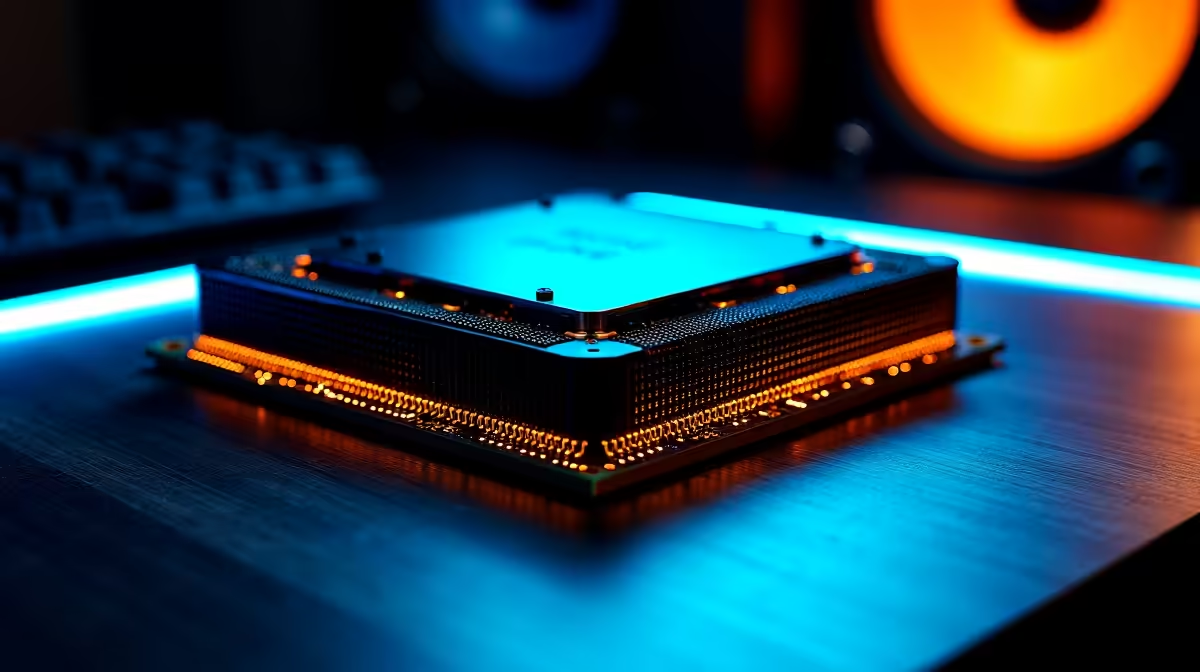
You just dropped serious ZAR on AMD’s latest powerhouse... only to end up staring at your desktop. If your Ryzen 7 9700X is crashing in games, you are not alone. Random reboots and blue screens are incredibly frustrating when you just want to play. Fortunately, we have the ultimate local guide to get your rig stable and back in the action.
Why is Your CPU Misbehaving? ✨
Let us look at why this beastly processor might be struggling. The new Zen 5 architecture is incredibly fast. However, early motherboard BIOS versions can battle with memory training or power limits. If you are shopping for new processors, you know AMD pushes the envelope. Sometimes that bleeding edge requires a little software fine-tuning to run perfectly.
Essential Fixes for System Stability 🔧
Your first step is updating your motherboard BIOS. Manufacturers constantly release updates to optimise stability for new chips. A fresh BIOS often patches memory compatibility bugs that cause random restarts. Just make sure you check your loadshedding schedule first. A power cut during a BIOS flash is a nightmare.
Next, check your RAM settings. AMD EXPO profiles are brilliant for squeezing out extra frames. But pushing memory too hard can cause your Ryzen 7 9700X to crash in games. Try disabling EXPO temporarily in your BIOS. If the crashing stops, you know the memory speed is the culprit. You can then manually tune the speed to a stable frequency. We see this exact scenario often when stress-testing our premium custom gaming PCs.
BIOS Update Pro Tip ⚡
Always use a UPS when updating your motherboard BIOS in South Africa. If Eskom cuts the power mid-update, you could brick your board. Keep your downloaded BIOS file on a freshly formatted FAT32 USB drive for the smoothest installation.
Power Delivery and Thermal Checks
South African power grids are notoriously unstable. Power surges can degrade your power supply over time. If your PSU cannot handle sudden load spikes, your PC will simply shut down. This is why our pre-built desktop computers always feature high-quality power supplies to handle local grid fluctuations.
Check your temperatures too. The 9700X runs warm by design. Ensure your cooler is mounted correctly and thermal paste is applied properly. Thermal throttling can easily lead to a Ryzen 7 9700X crashing in games if the heat cannot escape your chassis.
Need a Backup Plan? 🚀
Sometimes hardware troubleshooting takes time. If you need to keep working or gaming while sorting out your desktop, having a secondary device is a lifesaver. Many local gamers are investing in portable powerhouses. You can browse our range of high-performance laptops for a solid loadshedding backup.
Alternatively, if older components are causing the bottleneck, it might be time for a fresh build. Keep an eye on our weekly tech specials to upgrade your RAM, motherboard, or cooling solution without breaking the bank.
Ready to Upgrade Your Setup? Don't let hardware issues keep you offline. Whether you need a more reliable power supply, faster RAM, or a completely new rig, Evetech has the best deals in South Africa. Explore our PC component specials and get back to winning your matches today.











