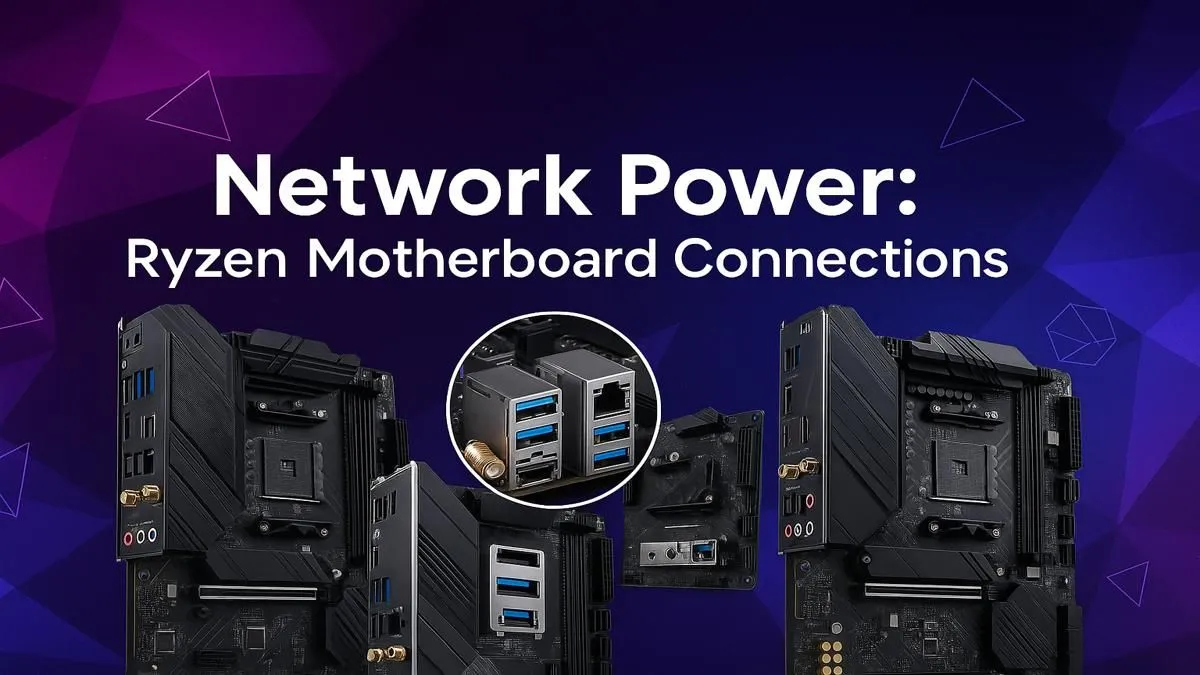
So, you’ve splashed out on a powerful AMD Ryzen CPU. Your PC should be flying, right? But then you hit a snag… your game downloads crawl, you’re out of fast USB ports for your external SSD, and your network lags at the worst possible moment. The culprit isn’t your CPU; it’s often the overlooked hero of your build: your motherboard’s I/O. Understanding your Ryzen motherboard connections is the key to unlocking your PC’s true potential. 🚀
The Backbone of Your Build: Understanding Ryzen Motherboard Connections
Before we dive into the specifics, let's get one thing straight: the ports on the back of your PC aren't just random holes. They are the gateways that connect your powerful components to the outside world. The quality and variety of these Ryzen motherboard connections directly impact your gaming experience, from network latency to data transfer speeds. Choosing a board with the right I/O is as crucial as picking the right CPU or GPU, ensuring your rig is ready for today's demands and tomorrow's upgrades.
Decoding the Network Ports: LAN & Wi-Fi Explained
For any South African gamer, a stable, fast internet connection is non-negotiable. Whether you're downloading the latest 100GB patch or battling it out in a competitive match, your network port is your lifeline.
Ethernet (LAN) Ports: Your Key to Stable Gaming ⚡
The humble Ethernet port is your best bet for rock-solid, low-latency gaming. But not all ports are created equal.
- 1 Gigabit Ethernet (GbE): The long-standing standard, perfectly fine for most gaming and browsing on typical fibre lines.
- 2.5 Gigabit Ethernet (GbE): This is the new sweet spot. It offers more than double the speed of 1GbE, making it perfect for gamers with high-speed fibre plans, a home NAS (Network Attached Storage), or anyone who wants to ensure their connection is future-proof. You'll find this feature becoming standard on many high-end AMD X870 motherboards, built for enthusiasts who demand maximum performance.
- 10 Gigabit Ethernet (GbE): Once reserved for servers, this is overkill for most home users but is the ultimate choice for content creators and power users moving massive files across their local network.
Onboard Wi-Fi: Cutting the Cord Without Compromise
A wired connection is ideal, but not always practical. Modern onboard Wi-Fi is incredibly capable, thanks to new standards.
- Wi-Fi 6/6E: Offers fantastic speeds and, crucially, better performance in congested areas with many devices. Wi-Fi 6E adds access to the 6GHz band, reducing interference for an even cleaner signal.
- Wi-Fi 7: The next generation, promising even faster speeds and lower latency. As this tech rolls out, you'll see it on the latest platforms, including many newer AMD B850 motherboards, making them a smart choice for a future-focused build.
Don't Neglect Your Antennas! 📡
The little screw-on antennas that come with your Wi-Fi enabled motherboard aren't just for show. For the best signal strength and speed, make sure you install them and position them in a 'V' shape. This helps with signal diversity and can significantly improve your wireless connection stability, especially if your PC tower is tucked away under a desk.
A Universe of USB: Getting Your Ports Straight
USB (Universal Serial Bus) is the most common connection, but the naming can be a mess. Let’s simplify it based on speed and common use cases.
- USB 2.0 (Black): The slowest, but perfect for your keyboard, mouse, and headset.
- USB 3.2 Gen 1 (Blue): At 5Gbps, this is your workhorse port for flash drives and older external hard drives.
- USB 3.2 Gen 2 (Red/Teal): Offering 10Gbps speeds, this is excellent for fast external SSDs, allowing you to transfer game files or video projects in a flash.
- USB Type-C: This is the oval-shaped connector, not a speed standard itself. A Type-C port can be anything from 5Gbps to 40Gbps (USB4/Thunderbolt). It's a versatile, reversible connector that's becoming essential.
Having a good mix of these ports is vital. Even budget-friendly but excellent value-packed AMD B550 boards from the previous generation offer a great selection of modern USB ports for most gamers' needs.
Essential Audio and Display Connections 🔧
Finally, let's cover the ports that bring the sights and sounds to life.
- Audio Jacks: Most motherboards have a set of 3 to 6 colour-coded 3.5mm audio jacks for speakers and microphones. For the best audio quality, look for a board with an Optical S/PDIF out, which sends a pure digital signal to your high-end sound system or DAC.
- Display Outputs (HDMI/DisplayPort): These ports (HDMI and DisplayPort) are only active if your Ryzen CPU has integrated graphics (like a 'G' series CPU or most Ryzen 7000/9000 series chips). If you're using a dedicated graphics card, you'll always plug your monitor directly into the GPU, not the motherboard.
Ultimately, the right Ryzen motherboard connections are about creating a balanced system where no single part is a bottleneck. It ensures every component, from your CPU to your headset, performs at its best.
Ready to Build a Better Connection?
Choosing the right motherboard unlocks your PC's full potential, ensuring lightning-fast speeds and future-proof connectivity for years to come. Explore our full range of AMD motherboards and find the perfect foundation for your ultimate Ryzen rig.