

import TipBox from "../../components/TipBox"; import CALLTOACTION from "../../components/CALLTOACTION";
Remember the early days of PC gaming? Leaning so close to your chunky CRT or first-gen LCD that you could practically count the pixels? You might recall a faint, grid-like pattern overlaying the image, like you were looking at your game through a fine mesh. That, fellow gamers, was the infamous screen door effect, and for years it was a ghost in the machine. But today, we're here to bust the myth that it's still a major concern.
What Exactly Was the Screen Door Effect?
The screen door effect (SDE) refers to the visible lines or gaps between individual pixels on a display. On older, lower-resolution screens, these unlit spaces were prominent enough for the human eye to perceive, creating a pattern that resembled a mesh screen door. 🖼️
This wasn't a software glitch; it was a physical limitation of the hardware. The lower the pixel density (Pixels Per Inch, or PPI), the larger the gaps appeared, breaking immersion and making fine details in games and text look fuzzy. Thankfully, the technology found in modern PC monitors has made this problem virtually obsolete for most users.
The Tech That Killed the Grid: Why SDE is a Myth Today
So, what changed? The simple answer is pixel density. As manufacturing processes improved, companies could pack an incredible number of pixels into the same physical space, dramatically increasing PPI.
Think about it: a 24-inch 1080p monitor has a PPI of about 92. A modern 27-inch 1440p (QHD) monitor bumps that up to 109 PPI. The pixels are smaller and closer together, making the gaps between them shrink to a point where they become invisible from a normal viewing distance.
This is why today's crisp 4K and 5K monitors deliver such breathtakingly sharp images. The pixel density is so high that the screen door effect is completely eliminated, leaving nothing but a smooth, seamless picture. 🚀
Quick PPI Check
A great rule of thumb for gaming is to aim for at least 100 PPI. For a 27-inch screen, 1440p resolution is the sweet spot. For 32-inch and above, 4K is ideal to keep that image razor-sharp and free from any visible pixel structure.
Does the Screen Door Effect Still Exist Anywhere?
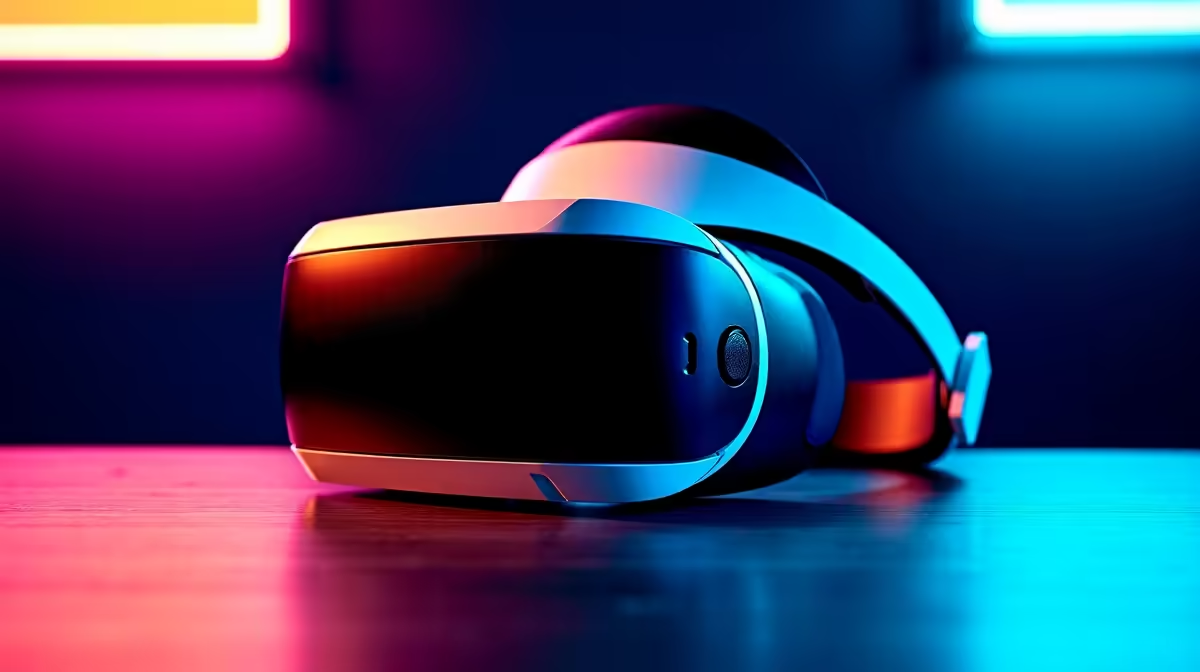
While it's a non-issue for desktop displays, the screen door effect does still pop up in one specific area: Virtual Reality. Because VR headsets place screens just centimetres from your eyes and use lenses to magnify them, any gap between pixels becomes much more noticeable. However, even here, newer headsets with higher-resolution panels are rapidly solving the problem.
You might also notice a hint of it on very large, budget TVs or some lower-resolution portable monitors if you're sitting unusually close, but it's no longer the distracting artifact it once was.
Choosing a Modern Monitor Free From Distractions
Busting the screen door effect myth means you can stop worrying about pixel grids and focus on what truly matters for an epic gaming experience in 2024:
- Refresh Rate (Hz): Higher is better for smooth motion (144Hz is the standard).
- Response Time (ms): Lower is better to eliminate ghosting (1ms is ideal).
- Panel Type: IPS for stunning colour, VA for deep blacks, or OLED for the ultimate contrast.
Whether you're after the total immersion of curved monitors or a lightning-fast esports panel, you can browse with confidence. Dive into all our gaming monitors to find the perfect fit for your rig. And don't forget that the right setup, complete with quality monitor accessories, can make all the difference. ✨
Ready for a Crystal-Clear Upgrade? The days of distracting pixel grids are long gone. It's time to experience your games with the flawless clarity they deserve. Shop the best PC monitor deals at Evetech and see the stunning difference for yourself.











