

Why You Need a Secondary Router for Smart Home Security
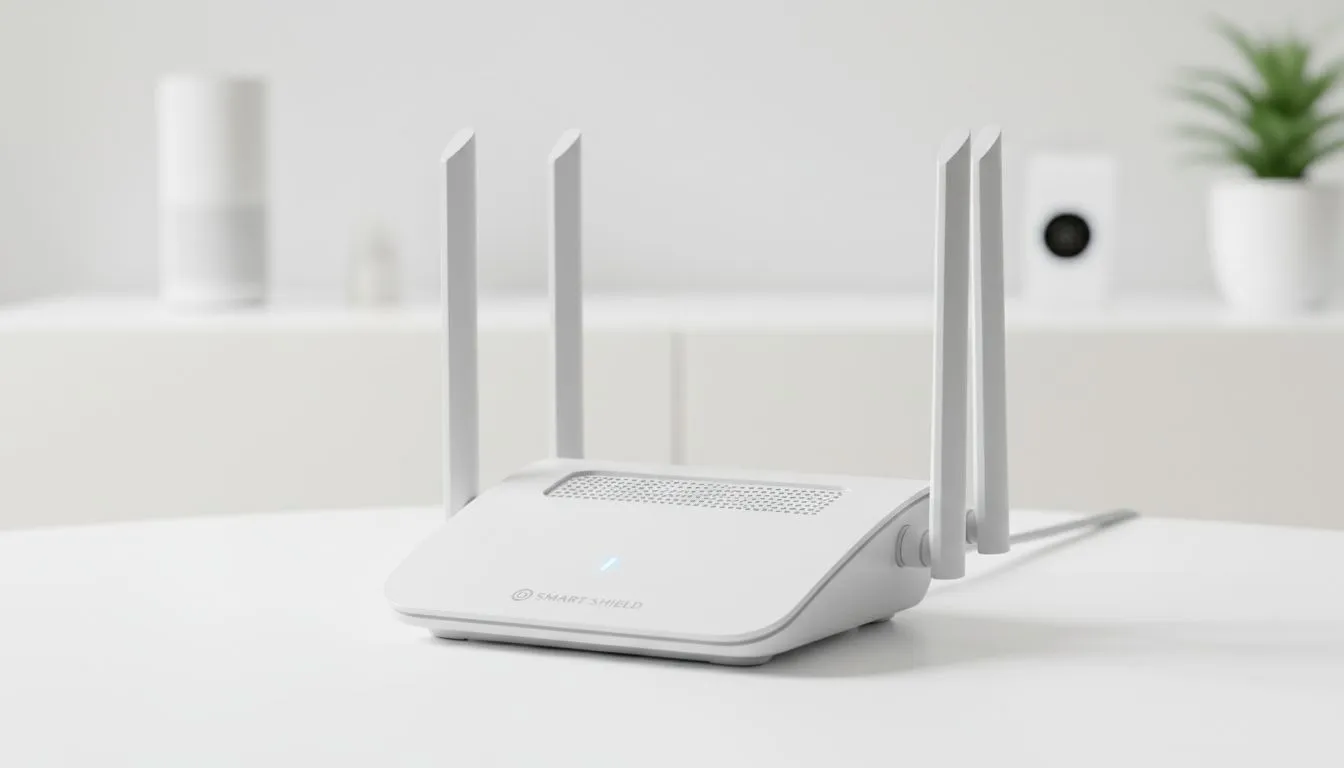
Ever wonder if your smart fridge is a back door for hackers? In South Africa, our homes are getting smarter, but our security often lags behind. A secondary router for smart home security isn't just for tech geeks... it's a vital shield for your digital life. By isolating your IoT devices from your main PC, you ensure your private data stays private. 🛡️
The Power of Network Isolation
Most smart home devices, from light bulbs to security cameras, have notoriously weak security protocols. If a hacker gains access to a cheap smart plug on your primary network, they could potentially access your personal laptop or NAS drive. By setting up a dedicated network, you create a "DMZ" or a demilitarised zone. This means your sensitive information is physically and logically separated from your smart devices.
When you browse the latest TP-Link wireless routers, look for models that support Guest Networks or VLANs. These features allow you to segment your traffic without needing complex enterprise hardware. It is a simple step that significantly reduces your digital footprint and risk profile.
Security Pro Tip ⚡
Always change the default admin credentials on your secondary router immediately. Use a unique SSID that doesn't identify your home address or the router model. This small step makes it much harder for drive-by hackers to identify vulnerabilities in your network setup.
Improving Performance and Reducing Congestion
Smart devices are often "chatty" and use the 2.4GHz band, which is already crowded in South African suburbs. This congestion can lead to lag in your competitive gaming sessions or buffering during 4K streaming. Moving these devices to a secondary router for smart home security offloads that traffic. Your main router can then focus entirely on providing high-speed data to your gaming rig and work station. 🚀
For users with a high density of smart gadgets, the Cudy South Africa range provides robust hardware that handles multiple connections without breaking a sweat. This setup ensures that your smart home stays responsive while your primary internet connection remains lightning-fast for your most important tasks.
Redundancy and Load Shedding Resilience
In South Africa, we have to consider the impact of load shedding on our home security. If your fibre goes down, your smart cameras and alarm systems might lose their connection to the cloud. This is where a secondary router with cellular capabilities becomes a lifesaver. 🔧
The Cudy LT700 AC1200 4G Cat6 router is an excellent choice for this specific role. By using it as your secondary router, you can insert a SIM card to act as a failover. When the main line drops, your security system stays online... keeping your home protected even when the lights are out. It’s an investment in peace of mind that pays for itself the first time the grid falters.
Simplified Troubleshooting and Management
Managing fifty different smart devices on one router can be a nightmare. When something goes wrong, it is difficult to identify the culprit. With a secondary router, you can easily reboot your smart home network without interrupting your work or gaming. It allows for cleaner management and ensures that a firmware update on a smart speaker won't accidentally crash your entire home office setup. ✨
Ready to Secure Your Smart Home? Protecting your digital life starts with the right hardware. Whether you need a high-speed hub or a resilient LTE backup, we have the tech to keep you safe. Explore our massive range of wireless routers and find the perfect secondary router to secure your South African home today.











