

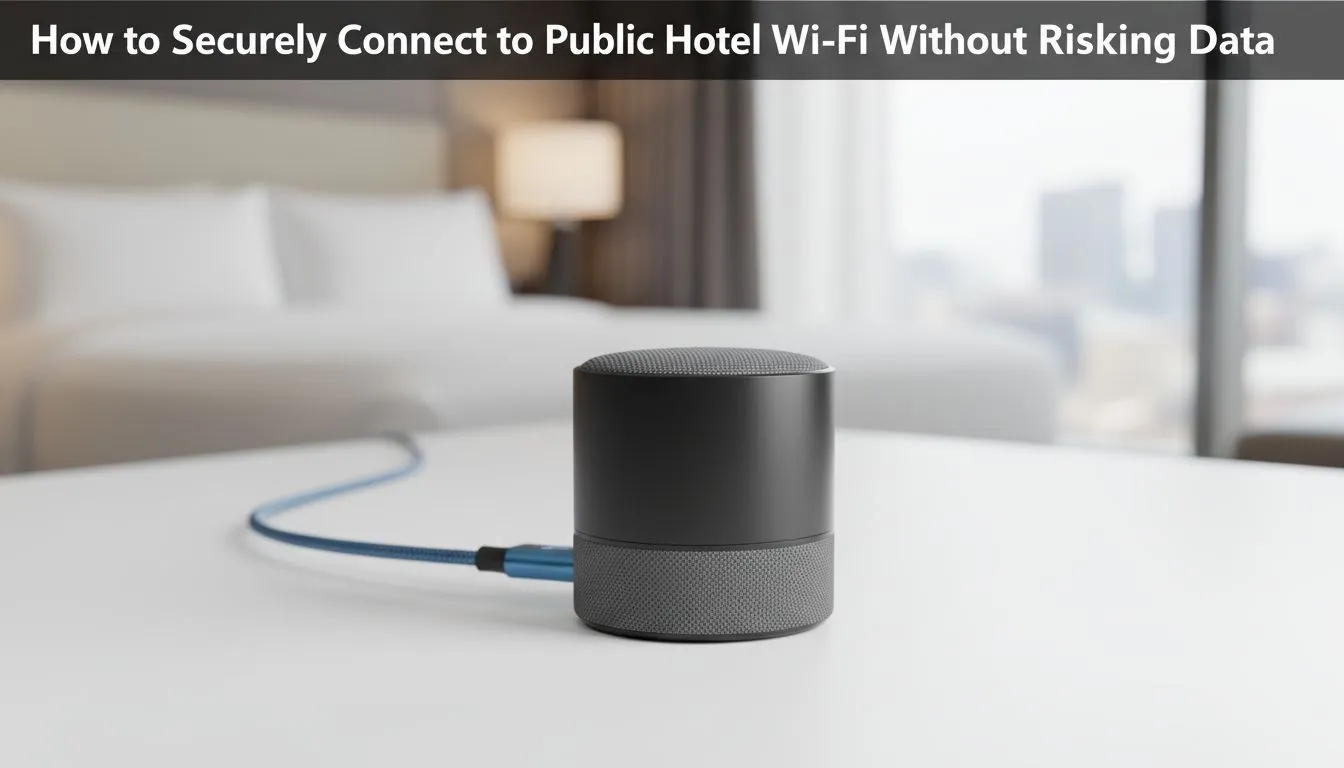
Checking into a hotel in Umhlanga or Sandton feels great... until you try to log into the "Guest Wi-Fi" and see a security warning. We have all been there. You need to send an urgent email or finish a raid, but public networks are risky. Learning how to Secure Hotel Wi-Fi: How to Connect Safely is the difference between a productive trip and a massive security headache. 🔒
The Hidden Dangers of Public Hotel Networks
Public Wi-Fi is often unencrypted. This means anyone on the same network could potentially intercept your data. Hackers use "Man-in-the-Middle" attacks to sit between you and the router... watching every site you visit. They can even set up "Evil Twin" hotspots with names like "Hotel_Guest_HighSpeed" to trick you into connecting directly to their hardware.
To stay safe, you must treat every hotel network as hostile. Never access your banking app or sensitive work files without a layer of protection. If you are a power user, consider browsing the selection of TP-Link wireless routers to find devices that support advanced security protocols for your home or small office setup.
Essential Steps to Secure Hotel Wi-Fi and Connect Safely
The first rule is to use a Virtual Private Network (VPN). A VPN creates an encrypted tunnel for your data. Even if a hacker intercepts your traffic, they will only see scrambled gibberish.
Secondly, always check that the websites you visit use HTTPS. Most modern browsers will warn you if a site is "Not Secure". If you see that warning in a hotel, disconnect immediately.
Security Pro Tip ⚡
Always enable the "Always-on VPN" feature on your laptop or smartphone before connecting to any public network. This ensures that no data packets leave your machine unencrypted, even if the connection drops and reconnects while you are moving between the hotel lobby and your room.
Why Hardware is Your Best Defence ✈️
Software is great, but hardware gives you total control. Many South African professionals are now carrying travel routers. These devices connect to the hotel Wi-Fi and then broadcast your own private, encrypted signal to all your devices.
If the hotel internet is too slow or feels too risky, a dedicated LTE solution is the ultimate backup. The Cudy LT700 4G router allows you to insert a local SIM card and bypass the hotel network entirely. This ensures you have a high-speed, private connection for gaming or Zoom calls without sharing bandwidth with hundreds of other guests.
Optimise Your Mobile Office
When you travel across South Africa, consistency is key. Using gear from the Cudy South Africa range helps you maintain a secure environment no matter where you set up your desk. By managing your own firewall and DNS settings, you significantly reduce the risk of data theft. 💻
Remember to "Forget" the hotel network on your device settings once you check out. This prevents your phone from automatically reconnecting to a potentially compromised network if you pass by the building in the future.
Ready to Secure Your Connection? Public Wi-Fi doesn't have to be a risk if you have the right gear. Explore our massive range of networking specials and find the perfect router to keep your data safe while travelling.











