

Understanding How to Separate Microphone and Headphone Channels USB
Ever felt like your game audio and Discord chat are fighting a war in your ears? You are not alone. Many South African gamers struggle with messy audio setups. Learning how to separate microphone and headphone channels USB style is the key to a cleaner stream and better comms. It is about taking control of your soundboard without breaking the bank on high-end mixers.
Most basic setups cram every sound through a single pipe. This makes it impossible to adjust your music without silencing your teammates. When you separate microphone and headphone channels USB connections become much more versatile. You can assign specific apps to different outputs. This ensures your stream hears the game while you hear tactical callouts clearly. ⚡
Audio Routing Pro Tip ⚡
Use the 'App volume and device preferences' menu in Windows 10 or 11. This allows you to force Spotify to one USB device and your game to another. It is the easiest way to manage multiple audio streams without needing a physical mixer on your desk.
The Hardware You Need for Discrete Audio
Sometimes software is not enough to get the job done. You might need to invest in some dedicated gaming accessories to split your signals. A USB sound card or a dedicated DAC can provide that extra physical channel. This is especially useful if your motherboard audio has too much interference.
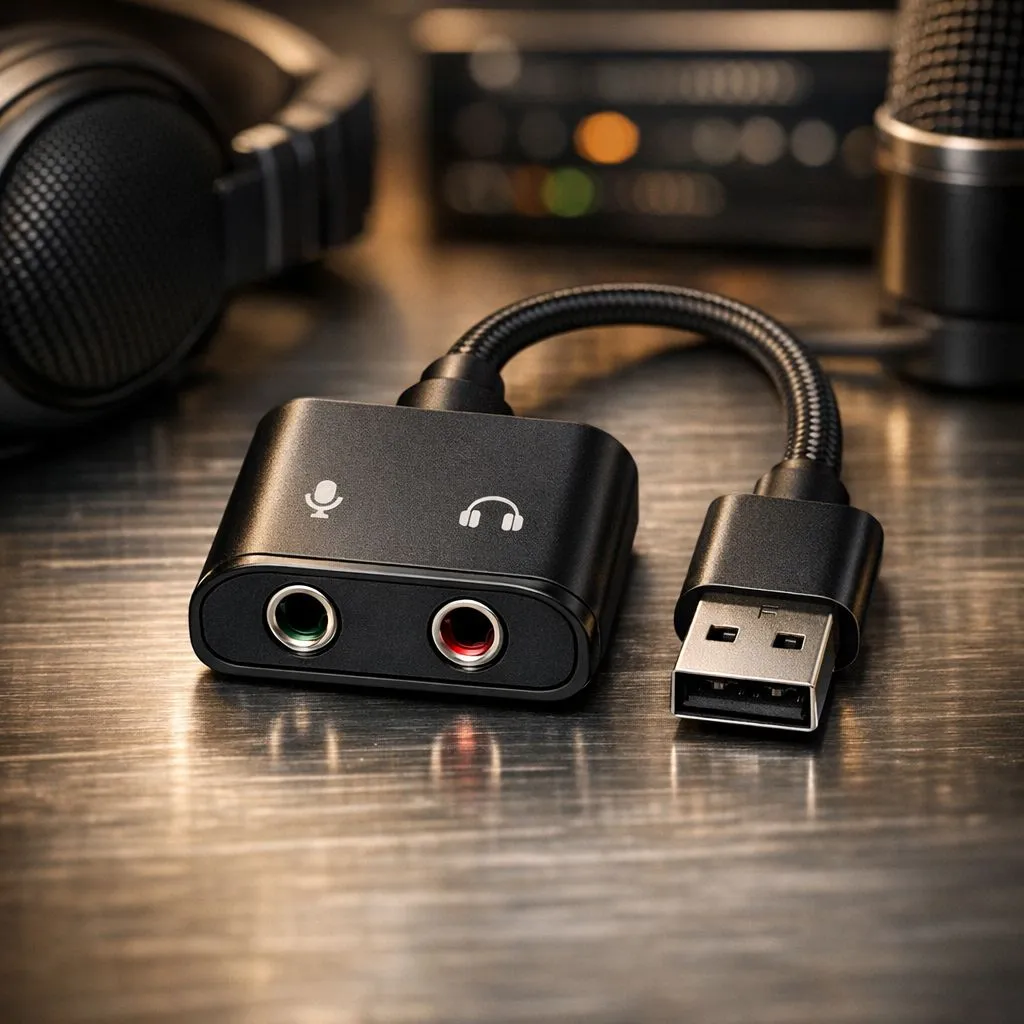
Finding the right gear does not have to cost thousands of Rands. There are plenty of gaming accessories deals available that include USB-to-3.5mm adapters. These small devices act as a second sound card. Windows sees them as a completely separate device. This makes it easy to separate microphone and headphone channels USB for a professional feel. 🚀
Software Tweaks for Better Control
Once your hardware is plugged in... you need to tell Windows what to do. Right-click the speaker icon and open Sound Settings. Under Advanced Sound Options... you can pick exactly where each program sends its noise. If you are looking for high-quality gaming accessories that support dual-channel output... check for headsets with built-in chat-mix dials. 🔧
These headsets often show up as two distinct playback devices in your settings. One is for "Game" and the other for "Chat". This is the gold standard for anyone serious about their audio balance. It allows for on-the-fly adjustments during an intense clutch moment in CS2 or Valorant. ✨
Ready to Perfect Your Audio Setup? Balancing your game and chat audio is the first step to a pro-tier gaming experience. Explore our massive range of gaming accessories and find the perfect gear to upgrade your South African battle station.











