

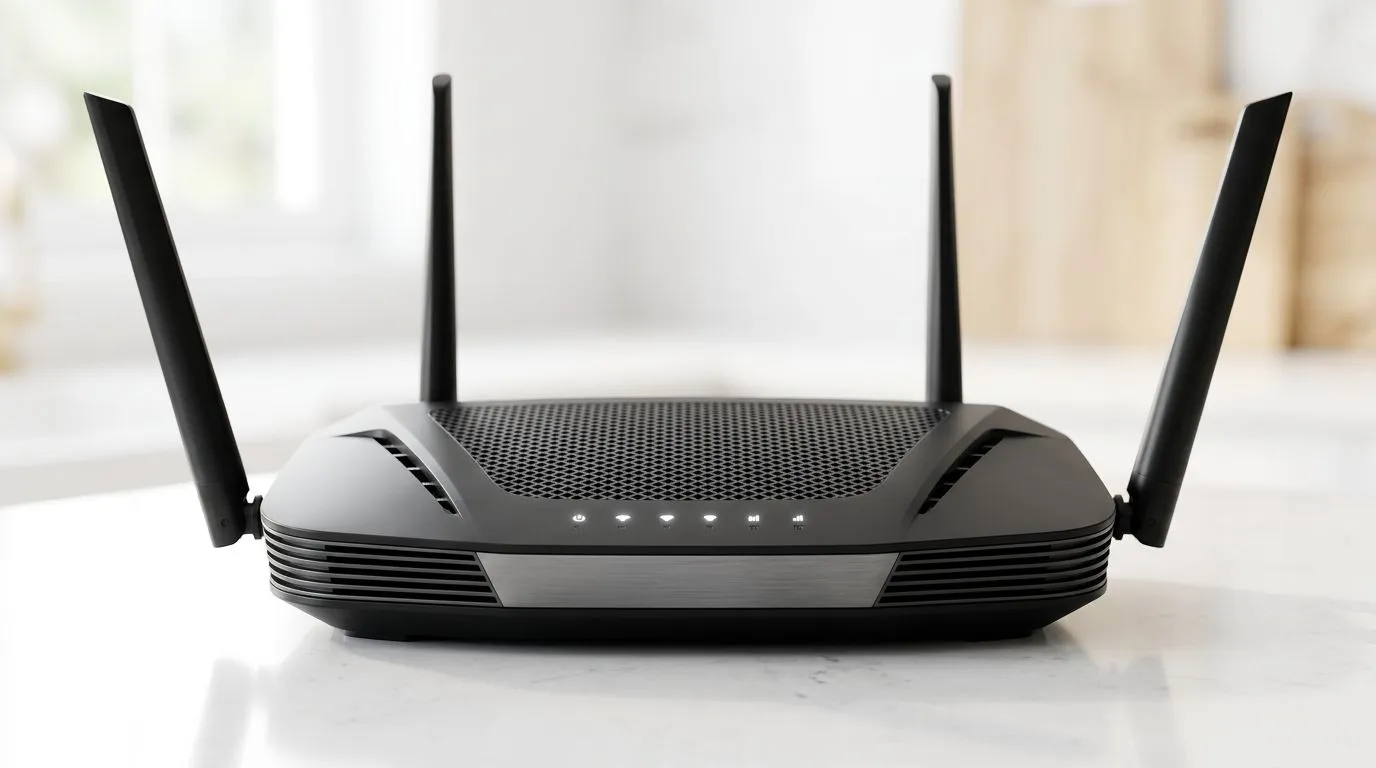
Optimising Your Home Network for South African Fibre
If you are tired of lag spikes ruining your killstreak or your 4K stream buffering during a load-shedding-induced evening in, it is time to take control of your network. Upgrading to a modern wireless router is the most effective way to stabilise your connection. Learning how to set up a dual-band WiFi 6 router correctly ensures that your high-bandwidth gaming PC and your smart home devices stop competing for airtime. ⚡
Strategic Positioning and Initial Setup
The physical location of your hardware matters more than most people realise. Avoid placing your router inside a cupboard or behind a massive steel TV stand. For the best signal propagation, place it in an elevated, central position in your home. Once connected to your fibre line, access the admin panel via your browser. Ensure your firmware is updated immediately, as manufacturers frequently release patches that improve stability for local ISP protocols. If you find your signal struggles to reach the back bedroom, browse our wireless range extenders to eliminate dead zones. 🔧
Mastering Dual-Band Frequencies
The magic of dual-band technology lies in frequency separation. Use the 5GHz band exclusively for your gaming rig and consoles to enjoy lower latency and higher throughput. Reserve the 2.4GHz band for IoT devices, smart lights, and older mobile phones. If your current desktop setup lacks a modern card, consider upgrading with our high-performance wireless adapters to tap into those faster speeds.
Pro Connection Tip 🚀
When configuring your channels, use a free WiFi analyser app to see which channels your neighbours are using. Manually setting your router to a less crowded channel can significantly reduce interference in densely populated suburbs.
Fine-Tuning for Peak Performance
For those relying on a dedicated fibre router, ensure that Quality of Service (QoS) settings are enabled. This prioritises gaming traffic over background downloads. If you are building out a full network ecosystem, check out our wireless networking category to find the hardware that fits your budget, whether you are spending R1,500 or R8,000 for a mesh system. ✨
Ready to Upgrade Your Network? Don't let a bottlenecked connection hold back your hardware. From high-speed routers to the latest networking components, we have everything you need to dominate the leaderboard. Browse our full networking catalogue at Evetech and experience the difference that true WiFi 6 performance makes.











