

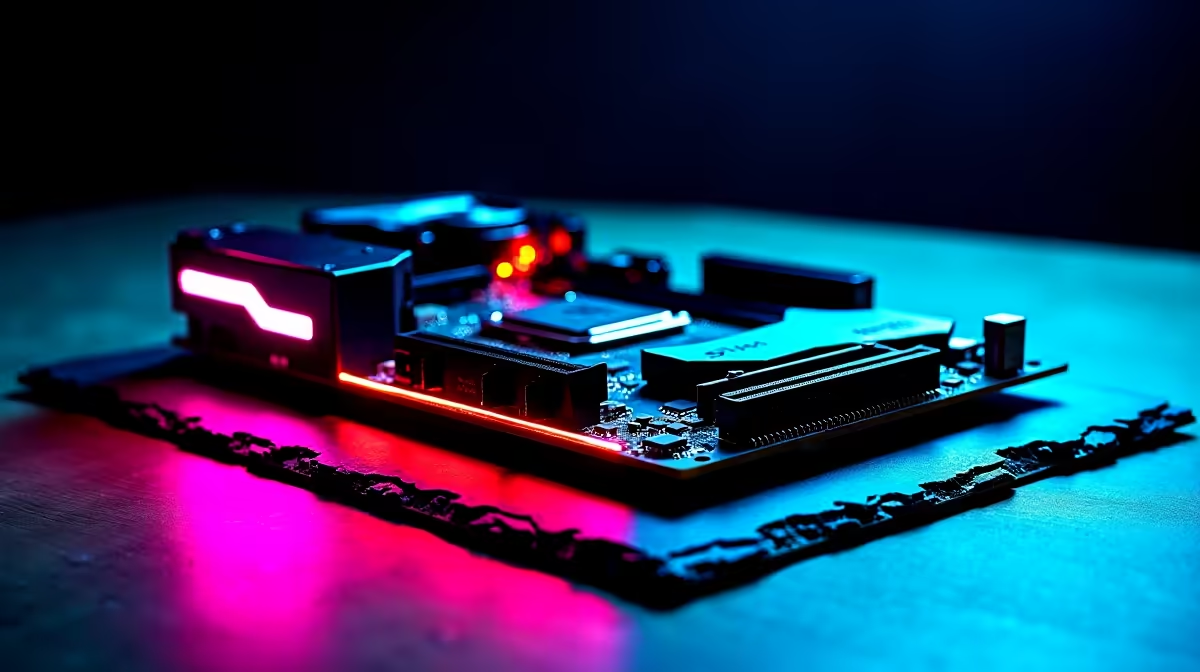
Building a top-tier rig in South Africa often means making tough choices with your hard-earned Rands. When you look at the spec sheets of flagship boards, the features are staggering. But should South African buyers pay more for seven M.2 slots, Thunderbolt 4 and WiFi 7 on one motherboard? Let us break down whether these premium specs are worth the ZAR investment or just expensive bragging rights.
Decoding the Need for Seven M.2 Slots
Modern games devour storage space at an alarming rate. With titles easily crossing the 150GB mark, having room to expand is crucial. However, populating seven NVMe drives is extreme for the average gamer. A quality 2TB Gen4 drive already costs a fair amount of ZAR.
If you are a professional video editor dealing with massive 4K project files, those extra slots are brilliant. For most of us, standard latest motherboards with three or four M.2 slots offer plenty of room to grow. You can always upgrade to larger capacity drives later without needing seven physical slots.
Thunderbolt 4 and WiFi 7 Explained ⚡
Next-generation connectivity sounds fantastic on paper. WiFi 7 promises massive bandwidth and incredibly low latency. When load shedding schedules are tight, downloading massive updates quickly is vital. This is great if your fibre router actually supports the new standard.
Thunderbolt 4 offers blistering 40Gbps transfer speeds for external drives. Premium platforms like ASUS Intel motherboards often include these features to future-proof your setup for years to come. Meanwhile, fans of Team Red looking at top-tier ASUS AMD motherboards will find similar high-end connectivity options.
But remember... fibre infrastructure in SA is fast, but you rarely need WiFi 7 just to play competitive shooters. A solid WiFi 6E or even a wired LAN connection is usually more than enough for stable ping.
Storage Pro Tip 🔧
Before buying a board with seven M.2 slots, check the CPU PCIe lane limits. Populating every slot often drops your graphics card bandwidth from x16 to x8. Always pair premium boards with high-capacity drives rather than hoarding smaller ones.
Balancing Your ZAR for Maximum Performance 🚀
Should you spend upwards of R15,000 on a motherboard alone? If you have an unlimited budget, absolutely. But for the savvy South African buyer, you must optimise your hardware balance.
Allocating your budget towards a better graphics card or high-speed RAM often yields better in-game frames than extreme motherboard features. A motherboard does not generate frames... it simply connects the components that do. Spending wisely means prioritising the hardware that directly impacts your daily gaming experience.
Sometimes, letting the experts balance the specs for you is the smartest move. If you want guaranteed compatibility without overspending on unused features, browsing pre-built gaming PCs can save you both time and money. You get exactly what you need to play the latest titles without paying the ultra-premium early adopter tax.
Ready to Build Your Dream Rig? Whether you need extreme connectivity for professional workloads or just a solid foundation for gaming, Evetech has you covered. Explore our massive range of motherboards and find the perfect board to power your next PC build.











