

Loadshedding might be taking a break, but South African internet routing is still a wild ride. If you are dropping frames during a crucial stream or lagging out of a ranked match, your connection is costing you. A stable connection is the absolute backbone of any successful channel. The question on every serious creator's mind right now is simple. Should you choose a Z890 motherboard with WiFi 7 for gaming and streaming? Let us break down the facts.
Unpacking the Z890 Platform 🚀
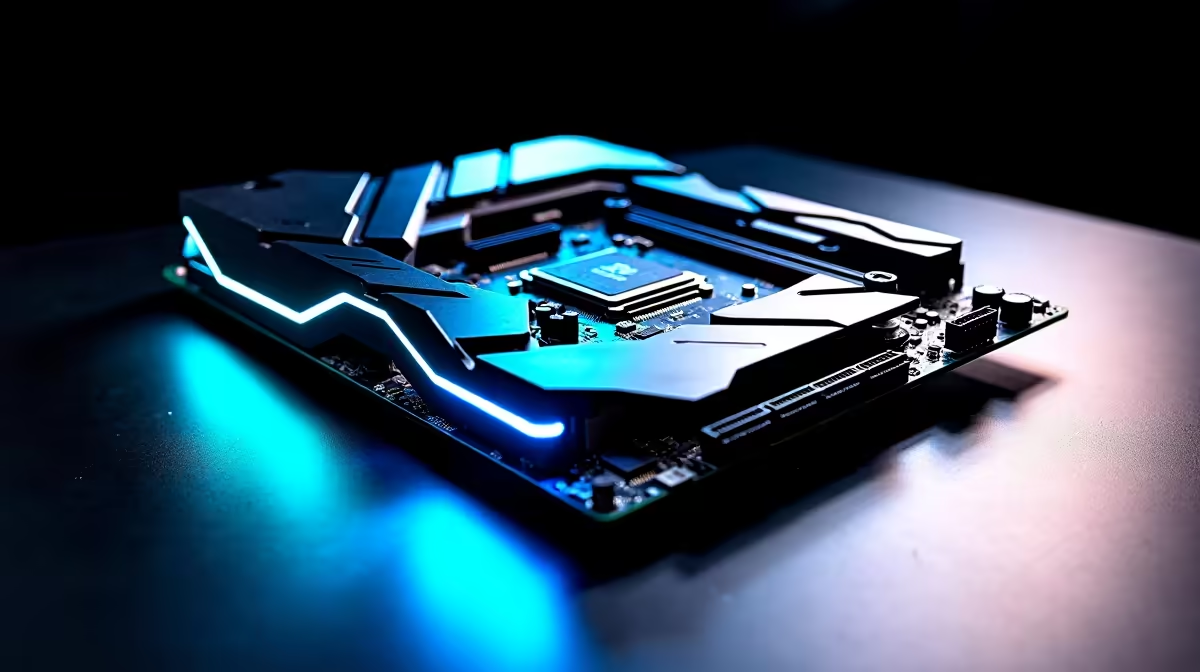
Upgrading your rig is a major investment in ZAR, requiring careful thought. The new Z890 chipset is engineered specifically for Intel's latest Core Ultra processors. It brings massive bandwidth for multiple NVMe drives and heavy-duty graphics cards. If you are planning a completely fresh build, exploring the latest PC motherboards is your absolute first step. These boards are built to handle extreme workloads... making them perfect for running OBS Studio while pushing ultra settings in demanding titles.
For those who stay loyal to Team Blue, looking at premium ASUS Intel motherboards reveals incredible power delivery systems. This premium hardware ensures your processor remains perfectly stable when rendering high-resolution video or broadcasting to hundreds of viewers online.
Why WiFi 7 is Crucial for Content Creators ⚡
Running a physical network cable through a standard South African home is rarely an easy task. Thick brick walls and awkward room layouts often make wireless networking a daily necessity. This is exactly where WiFi 7 proves its worth. It delivers speeds significantly faster than previous generations... drastically reducing frustrating latency spikes.
When you choose a Z890 motherboard with WiFi 7 for gaming and streaming, you unlock Multi-Link Operation. This brilliant technology allows your PC to connect to multiple frequency bands simultaneously. If your local network gets congested, the connection seamlessly shifts. You never have to worry about dropping a live broadcast again.
With local fibre providers now offering symmetric gigabit lines, your internal home network is often the weakest link. Upgrading your board fixes this bottleneck. Naturally, if you prefer Ryzen processors, you can still find incredible wireless technology on high-performance ASUS AMD motherboards. Great connectivity is not restricted to just one brand.
Maximising Your Next-Gen Hardware 🔧
A blazing-fast motherboard requires the right supporting hardware to truly shine. Z890 platforms exclusively utilise DDR5 technology. Modern games consume memory rapidly... adding streaming overlays only increases that heavy load. Pairing your new board with ultra-fast memory kits ensures your system never chokes when you optimise your stream settings or apply live colour correction.
If assembling a PC from scratch feels slightly overwhelming, you certainly do not have to do it alone. You can comfortably explore the best gaming PC deals that feature these next-gen components. Buying a pre-built system saves you valuable time and guarantees every part functions flawlessly together.
Network Pro Tip ✨
To actually experience true WiFi 7 speeds on your new Z890 motherboard, you must connect to a compatible WiFi 7 router. Until you upgrade your home network hardware, your PC will simply fall back to older wireless standards. Always position your motherboard antennas away from solid objects for maximum signal strength.
Ready to Find Your Perfect Match? The hardware debate is complex, but for maximum power, stability, and value in South Africa, a next-gen motherboard is hard to beat. Explore our massive range of motherboard specials and find the perfect machine to conquer your world.











