

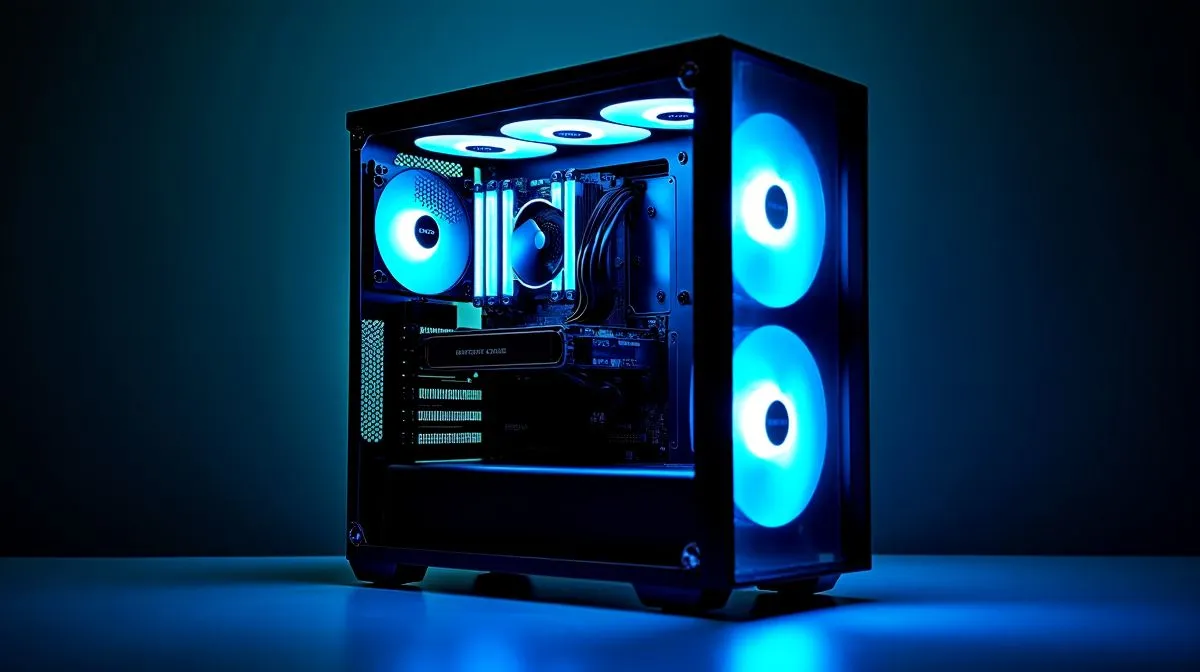
Clearance first: why layout matters for tight South African builds 🔧
If you’ve struggled to fit a beefy GPU into a sleek case, you know clearance is everything. Side-mounted tubes and traditional tube layouts change how coolers hug the CPU and fit near RAM, GPUs and tight SFF frames. This quick read helps Cape Town modders and Jozi builders decide which works for their rig, fast.
What is side-mounted tube layout and who benefits?
A side-mounted tube design places the AIO hoses off to one side of the pump block instead of the top or rear. The biggest win is extra clearance around tall RAM and tight CPU coolers. Builders who run large air coolers or compact cases find fewer interference issues with this layout. Want to browse general cooler options first? Check Evetech’s CPU coolers collection: Evetech CPU coolers.
When side-mounted beats traditional layouts
If you’re stacking a 3070/4080-class GPU with aftermarket fans, side-mounted tubes reduce elbow-room clashes and improve cable routing. For AIO shoppers, compare standard liquid coolers to see layout options: AIO liquid coolers on Evetech. Brands like Corsair design compact pump housings; browse their AIO line for side-friendly fittings: Corsair AIO range. Deepcool also offers models where hose exit and orientation reduce interference: Deepcool choices.
Radiator size and layout: practical trade-offs ⚡
Choosing side-mounted vs traditional often ties to radiator size. Bigger rads like 360mm move heat more effectively but need case mounts and space planning; if your case supports it, performance is solid: 360mm radiator options. Smaller 240mm rads are easier in compact layouts and play nicely with side-mounted hoses: 240mm radiator options.
Productivity Pro Tip ⚡
On Windows, use the PowerToys FancyZones utility to create custom snap layouts for your windows. It's a lifesaver for managing multiple apps on an ultrawide monitor, letting you organise your timeline, preview window, and asset folders perfectly for video editing.
Build checklist: measure, orient, test
- Measure clearance from CPU cap to first DIMM and GPU backplate.
- Mock-fit the pump with hoses to check bends; avoid sharp kinks.
- Consider push-pull fan setups if radiator placement is constrained.
- Test boot with stock fan curves; monitor temps for 48 hours.
A quick micro-story: a Pretoria streamer swapped to a side-mounted orientation and gained 12mm of usable RAM height, allowing a tall RGB kit and clean cable runs. It’s those small wins that make a tight build feel roomy.
Final thought before you buy ✨
Side-mounted tube design vs traditional layouts for clearance often comes down to case geometry and personal workflow. If you value tidy builds with tall RAM or compact SFF frames, side-mounted hoses are worth prioritising. For maximum radiator capacity and simple front-mount installs, traditional layouts remain reliable.
Ready to Find Your Perfect Match? The Mac vs Windows debate is complex, but for maximum power, choice, and value in South Africa, Windows is hard to beat. Explore our massive range of laptop specials and find the perfect machine to conquer your world.











