

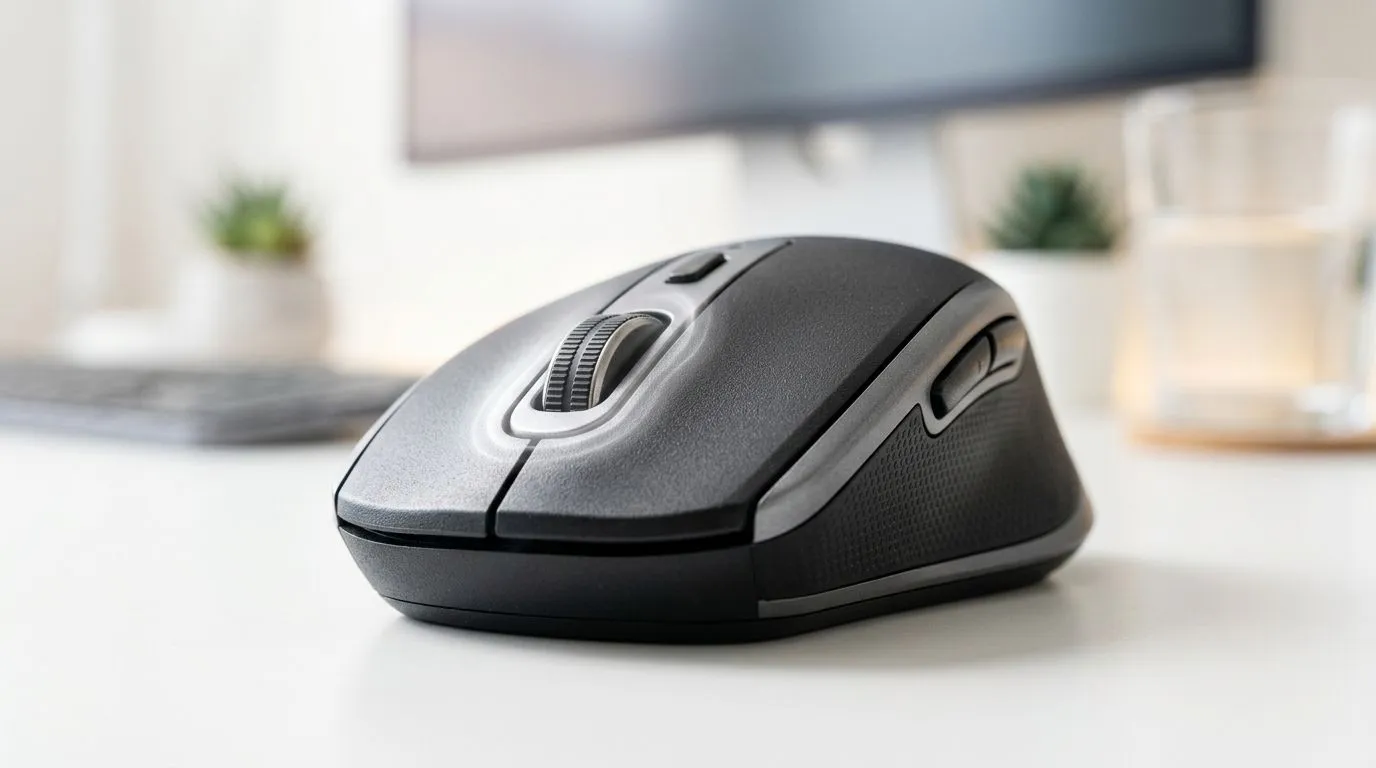
SilentTouch Technology: Reduce Click Noise at the Office
Ever been on a Teams call… and heard that “click-click” from your mouse? Your colleagues don’t need headphones on full volume. You need a calmer setup. 🔧
As South African gamers, we’re used to clean responsiveness. But the office demands something else: quiet, consistent input. That’s where SilentTouch Technology: Reduce Click Noise at the Office comes in. It helps dial down the mechanical sound from mouse buttons, so you can focus without distracting everyone around you.
What SilentTouch Technology: Reduce Click Noise at the Office Actually Does ✨
“Silent” button designs typically swap traditional click switches for quieter tactiles. The feel is still there, but the audible feedback drops significantly. In practice, that means fewer interruptions during calls, fewer complaints in open-plan spaces, and less noise late at night when everyone else is winding down.
Why this matters for gamers too? Your mouse hand is already trained on timing and actuation. A quieter switch shouldn’t ruin your muscle memory. Instead, it should keep your clicks predictable.
At Evetech, you can compare options and build your setup around your style, whether you prefer wired reliability, wireless freedom, or mouse accessories that match your grip.
Productivity Pro Tip ⚡
On a shared desk, pair a low-noise mouse with a dedicated headset mic and disable keyboard “click” feedback in your OS sound settings. You’ll reduce total ambient noise and keep meetings crisp, even when you’re gaming after hours.
Quiet Doesn’t Mean Slower: How to Choose the Right Mouse 🚀
When you’re shopping for silent performance, don’t focus only on noise. Consider:
- Connection type: Wired can feel more consistent; wireless gives cleaner cable management for home offices.
- Button layout: If you use side buttons for Discord, push-to-talk, or in-game macros, confirm the placement matches your hand.
- Sensor quality: For smooth cursor control, look for a reputable optical sensor and stable tracking (you want less “micro-stutter” on spreadsheets and design tools).
- Ergonomics: A comfortable grip reduces accidental double-clicks and fatigue.
If you’re sensitive to noise but still want reliable gaming-grade control, explore Evetech’s selection to match your workflow.
Start with the connection that fits your workday 🔧
If you want a focused office setup with minimal cable drag, check out wireless mouse options here: Shop wireless mice at Evetech
If your desk is always plugged in and you want dependable responsiveness, browse wired models: Buy wired mice at Evetech
And if you’re upgrading peripherals gradually, look through mouse accessories to improve comfort and control: Buy mouse accessories at Evetech
Office-Friendly Without Losing Your Edge ⚡
Here’s the real-world scenario many South Africans recognise: you’re writing documents in the day, then hopping into a match after work. A quiet mouse keeps your meetings professional and your gaming still tight.
If you want to balance budget and quality, watch for current promotions. Evetech regularly updates pricing, and deals can get you into a better switch style without overspending. For example: Best gaming mouse deals at Evetech
Or, if you’re shopping by category and want to compare multiple options in one place, start here: Gaming mouse range on Evetech
Quick Check Before You Buy ✨
If possible, choose a mouse with a comfortable grip shape for your dominant hand and test button feel in-store or via a return-friendly retailer policy. “Silent” still needs to feel right under pressure, especially if you click rapidly in games.
CALLTOACTION
Ready to Find Your Perfect Match? The Mac vs Windows debate is complex, but for maximum power, choice, and value in South Africa, Windows is hard to beat. Explore our massive range of laptop specials and find the perfect machine to conquer your world.











