

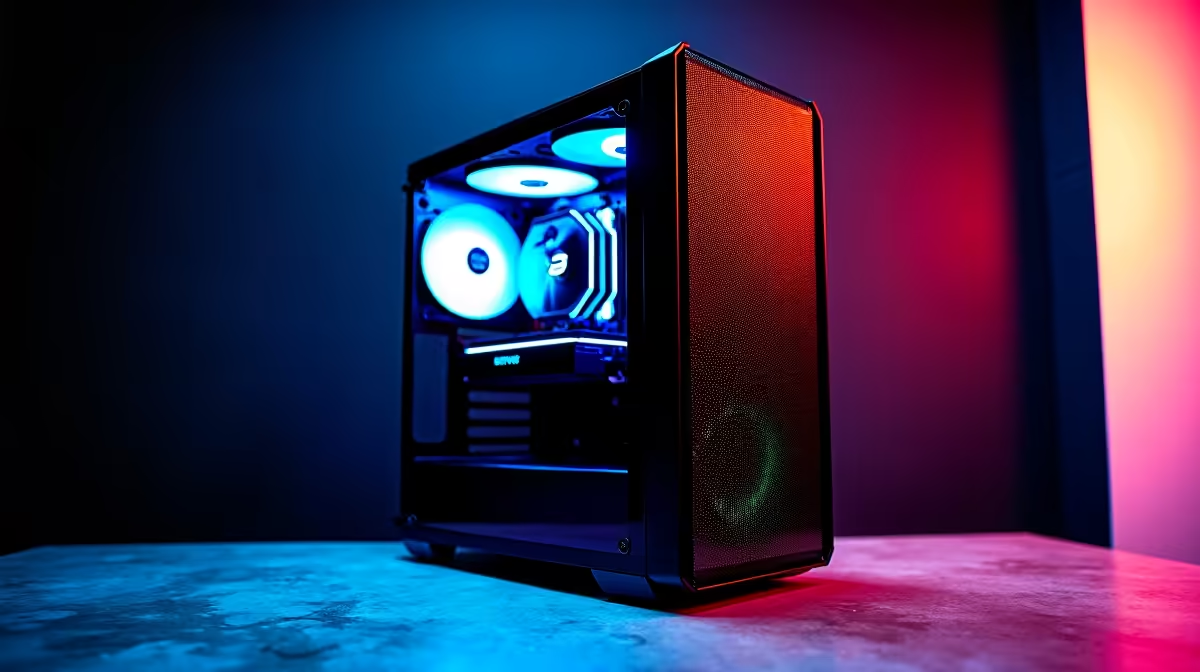
Is your PC chugging along like it’s stuck in rush-hour traffic on the N1? You click, you wait... and you wait some more. That frustration is a universal language for PC users across South Africa. But how do you know if it's just a bad day or one of the critical slow computer performance signs screaming for an upgrade? Don't stress, we're here to help you diagnose the problem before you throw your mouse across the room.
Key Slow Computer Performance Signs to Watch For
Before you start pricing out a brand-new rig, let's pinpoint the classic symptoms. Recognising these issues is the first step toward a faster, more responsive machine.
🐢 The Endless Boot-Up
Remember when your PC used to boot up in seconds? If you can now make a full cup of coffee before your desktop appears, your primary drive is likely the culprit. This is one of the most common slow computer performance signs. Older Hard Disk Drives (HDDs) with their physical spinning platters simply can't keep up with modern software. An upgrade to a Solid-State Drive (SSD) is often the single biggest performance boost you can give an ageing system.
😩 Multitasking Grinds to a Halt
Are you trying to run Discord, Chrome with a few tabs, and Apex Legends at the same time? If your PC stutters and freezes, you're probably hitting your RAM limit. Insufficient RAM means your system has to shuffle data to your much slower storage drive to keep things running. This bottleneck creates a sluggish experience where every click feels delayed. For most gamers and power users, 16GB is the new standard.
Quick Software Check
Before buying new hardware, check what programs launch when your PC starts. Press Ctrl + Shift + Esc to open Task Manager, go to the "Startup" tab, and disable non-essential apps. This can seriously improve boot times and free up resources!
📉 Gaming Feels More Like a Slideshow
If your frame rates are dropping in games that used to run smoothly, your Graphics Card (GPU) or Processor (CPU) is showing its age. Newer games and application updates demand more power. When your hardware can't supply it, you get stuttering, low FPS, and a generally miserable experience. This is a clear sign your core components can no longer handle the load.
Is It Just Your PC? Thinking About Your Whole Setup
Sometimes, PC performance issues aren't just about the box itself. Your entire environment, especially in South Africa, plays a huge role in your productivity and gaming flow. What's the biggest flow-killer of them all? Ja, you guessed it... load shedding.
You can have the fastest PC in the world, but it's just an expensive doorstop without power. This is where thinking about your setup's resilience comes in. Keeping your essential peripherals online during an outage is crucial. Investing in reliable power solutions ensures your router, phone, and other devices stay charged, so you don't lose your work or get booted from a match lobby. ⚡
You don't have to break the bank, either. Even a simple power bank for under R500 can be enough to keep your Wi-Fi router alive through a two-hour slot. For a more robust home office or serious gaming setup, exploring options with a bigger capacity up to R1200 can keep multiple devices running. Brands like Promate offer a lekker balance of reliability and features, ensuring you're never left in the dark.
Build a Resilient Setup While you plan your next big PC upgrade, make sure your current setup is protected from interruptions. A solid power bank is the first step to ensuring you stay connected and productive, no matter what. Shop our wide range of power banks at Evetech and leave downtime in the dust.











