

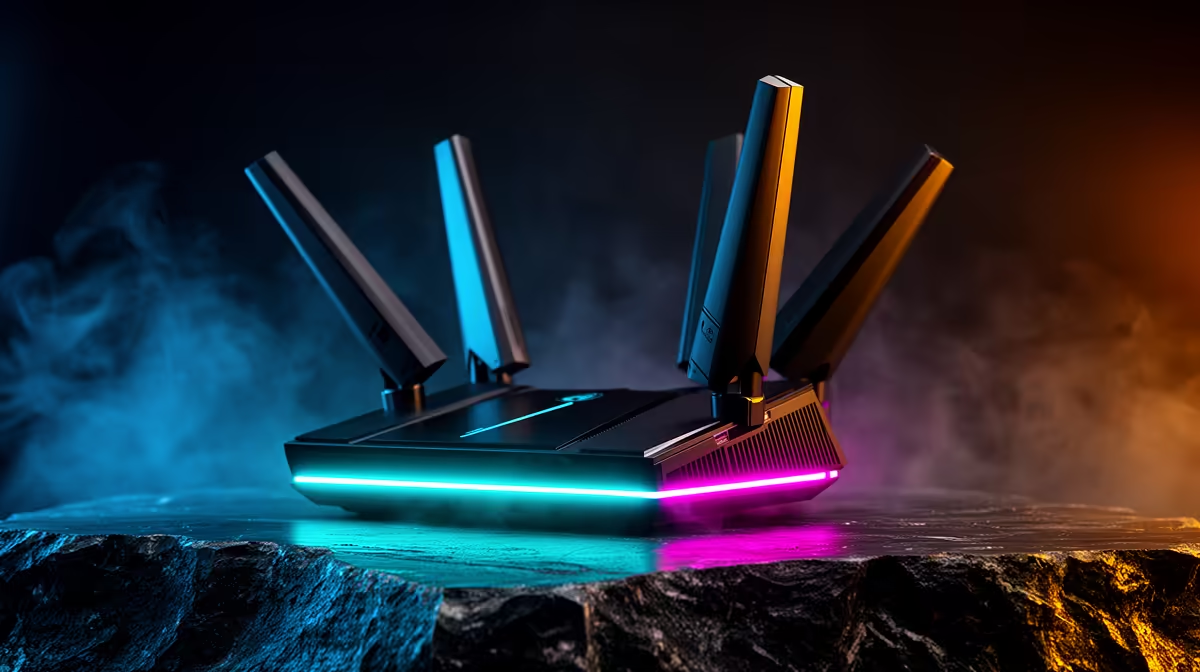
You’re seconds from clutching the round. The tension is palpable. Then… disaster. A crippling lag spike hits, and you're staring at the respawn screen. The culprit? Not loadshedding this time, but your boet walking past the router to grab a snack. This frustrating scenario highlights a common challenge: Wi-Fi struggling with dynamic obstacle layouts.
Thankfully, modern tech has a powerful solution: smart antenna tuning, designed to keep your connection stable and strong. 🚀
Why Your Wi-Fi Hates Moving Obstacles
Think of your Wi-Fi signal as sound waves. In an empty room, they travel freely. But in a typical South African home, the signal has to navigate a maze of brick walls, furniture, appliances, and people. These are obstacles. When they move—a door closes, the dog runs past, someone rearranges the living room—it creates a dynamic obstacle layout.
This constant change can weaken or block the signal path to your PC or console, causing those infuriating stutters. Older routers broadcast their signal like a simple lightbulb, spreading it everywhere equally. When something gets in the way, the light reaching you dims. A solid understanding of basic wireless networking principles is the first step to conquering this.
How Smart Antenna Tuning Outsmarts Your Home 📡
This is where the magic happens. Instead of a dumb lightbulb, imagine your router has a smart spotlight. This is essentially what smart antenna tuning, often called beamforming, does. It intelligently detects where your connected devices are and focuses a stronger, dedicated Wi-Fi stream directly at them.
When your home’s layout changes, the router adapts. It recalculates the best path in milliseconds, effectively "steering" the signal around the new obstacle. This intelligent adaptation is the core of what makes high-performance wireless routers a must-have for any serious gamer. The result is a more stable, reliable, and faster connection, even in a busy household.
Positioning is Still King 👑
Even with smart tuning, router placement matters. For best results, place your router in a central, elevated location. Avoid putting it inside cupboards or right next to metal objects or thick concrete walls to give the signal the best possible starting point.
Building a Rock-Solid Connection
While a smart router is the heart of your network, sometimes you need a little extra help to cover every corner of your home, especially in larger or double-storey houses.
Extending Your Reach
If you have a persistent dead spot in your gaming room or office, a router alone might not solve it. This is the perfect job for a wireless range extender. It picks up the signal from your main router and rebroadcasts it, eliminating weak zones without needing to run cables through your ceiling.
Upgrading Your PC's Receiver
Your router can be the most advanced piece of kit on the market, but it's only half the equation. If your PC is using an old or basic Wi-Fi card, it might not be able to properly communicate with the router's smart features. Upgrading to a modern PCI-E or USB wireless adapter ensures your rig has the tech needed to take full advantage of that powerful, focused signal. 🔧
Stop Lagging, Start Dominating. Tired of your connection dropping at the worst possible moment? A smarter network is the answer. Shop Evetech's range of wireless routers now for performance that leaves lag in the dust.











