

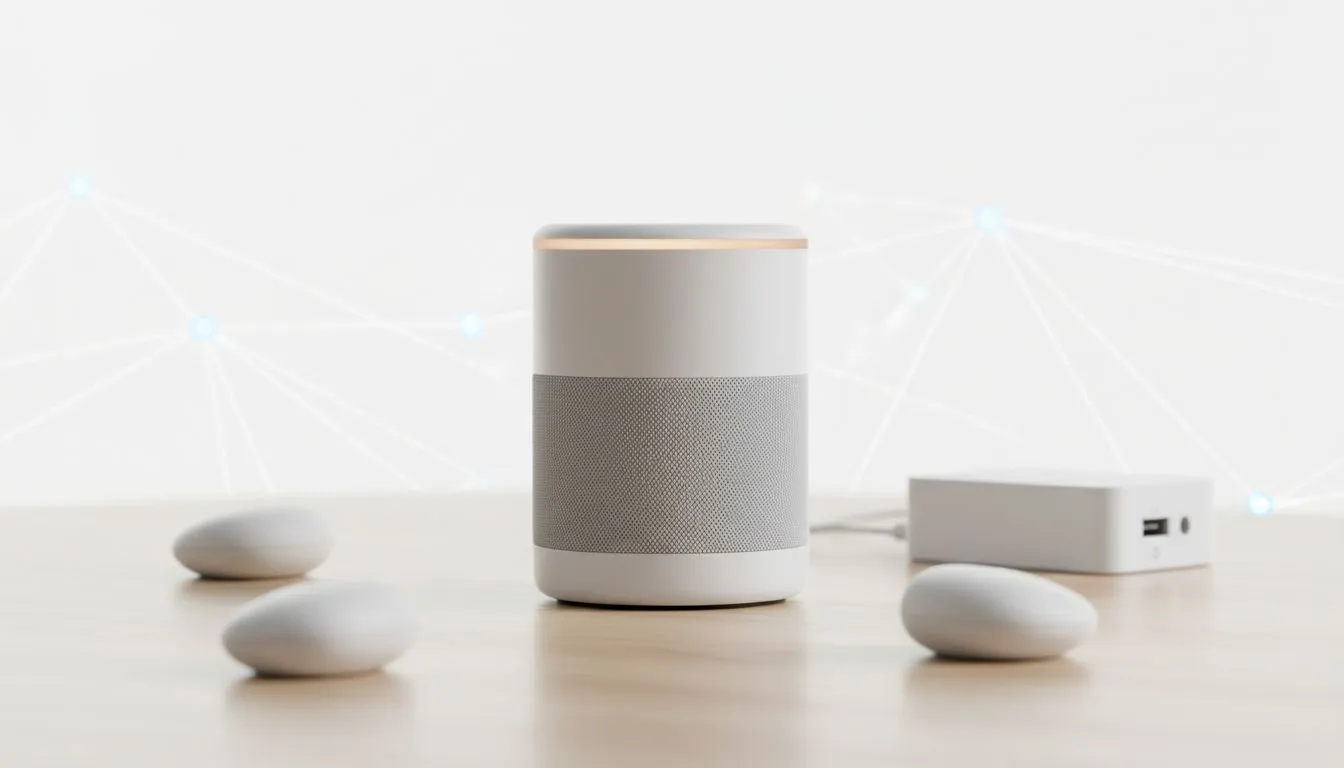
Living in South Africa means power outages aren't just a possibility... they are a schedule. Whether it is Stage 6 loadshedding or a local substation trip, your smart home ecosystem can quickly turn into a collection of expensive paperweights. Using these smart home power outage tips: prepare and manage your ecosystem to ensure your security, lighting, and gaming setup stay functional when the lights go out. ⚡
Essential Smart Home Power Outage Tips for South Africans
The first step is identifying which devices are critical for your daily routine. Your router, smart hub, and security cameras should be at the top of your list. Investing in a Pure Sine Wave inverter or a high-quality UPS is a necessity for South African tech enthusiasts who want to protect their hardware. Beyond just backup power, you need to ensure you have the right essential gaming accessories to protect your hardware from the dreaded surge when the grid returns.
Most entry-level UPS systems are designed for short-term shutdowns. If you want to keep your smart home running through a two-hour loadshedding block, look for units with larger battery capacities or Lithium Iron Phosphate (LiFePO4) technology. These batteries handle frequent cycling much better than traditional lead-acid alternatives... which is vital when the power goes off multiple times a day.
Configure Smart Bulb Power Recovery
There is nothing worse than every light in your house turning on at 3 AM after the power returns. Most modern smart bulbs allow you to set a 'Power Loss Recovery' state within their respective apps. Set your bulbs to stay off or return to their previous state. This simple tweak saves energy and prevents a jarring wake-up call... it also preserves the lifespan of your smart lighting hardware. 🔧
How to Prepare and Manage Your Ecosystem During Loadshedding
A smart home is only smart if it stays connected to the internet. During extended outages, your primary fibre connection might go down if the local exchange lacks backup power. Having a failover LTE or 5G connection ensures your automations still trigger and your security cameras remain accessible. While you are at it, check out the latest gaming accessories deals to find surge-protected power strips. These are vital for protecting your PC and smart hubs from voltage spikes that occur during grid switching. 🚀
Automation Pro Tip ⚡
Use a 'Power Outage' routine in your smart home app. If your hub detects a loss of mains power, it can automatically shut down non-essential devices like smart plugs or heaters. This extends your battery backup time significantly by reducing the phantom load on your UPS or inverter system.
Optimising Your Hardware Resilience
Surge protection is the unsung hero of the South African smart home. Frequent switching of the grid can lead to dirty power that degrades sensitive electronics over time. Integrating high-performance gaming peripherals with dedicated surge protection ensures your most sensitive equipment remains safe. Always check the Joule rating on your protectors to ensure they can handle the local grid's volatility.
If you use a Zigbee or Z-Wave mesh network, remember that mains-powered devices act as repeaters. When the power goes out, your mesh network might collapse if too many repeaters lose power. Keeping key nodes on a small UPS ensures your battery-powered sensors can still communicate with the hub throughout the outage. ✨
Ready to Secure Your Smart Setup? Protecting your ecosystem from South Africa's power challenges requires the right gear. From surge protection to high-end peripherals, we have the hardware you need. Explore our massive range of gaming accessories and keep your smart home running smoothly, no matter the stage of loadshedding.











