

Why You Need a Smart Lighting for Loadshedding: Power-Savvy Home Lighting Plan
You’ve just hit the final circle in Warzone, the tension is peaking, and then... total darkness. In South Africa, loadshedding isn't just an inconvenience; it's a tactical hurdle for every gamer. Creating a Smart Lighting for Loadshedding: Power-Savvy Home Lighting Plan isn't just about aesthetics anymore. It is about keeping your focus sharp and your room illuminated when the grid inevitably fails us again. ⚡
Efficiency is the Core of Any Loadshedding Strategy
The first step in any power-savvy plan is reducing your base load. Traditional bulbs pull too much current from a UPS or inverter. By switching to smart LED alternatives, you can significantly extend your backup runtime. When you browse the latest gaming accessories, look for low-wattage LED options that offer high lumen output. These bulbs allow you to maintain a bright environment without draining your battery bank in minutes.
Automating Your Way Through the Blackouts
Smart lighting shines brightest when it works for you. You can set schedules that align with your local loadshedding stages. Imagine your lights automatically shifting to a warm, dim amber hue five minutes before the power cuts. This gives your eyes time to adjust and signals that it is time to save your progress. Smart lighting doesn't have to break the bank if you hunt for gaming accessories deals that include programmable RGB strips. 🔧
Loadshedding Automation ⚡
Use an IFTTT (If This Then That) recipe linked to your local loadshedding schedule. This can automatically dim your smart lights to 10% brightness five minutes before the power cuts. It saves your UPS battery life while ensuring you aren't left in pitch blackness during a critical boss fight.
Choosing the Right Gear for Your Setup
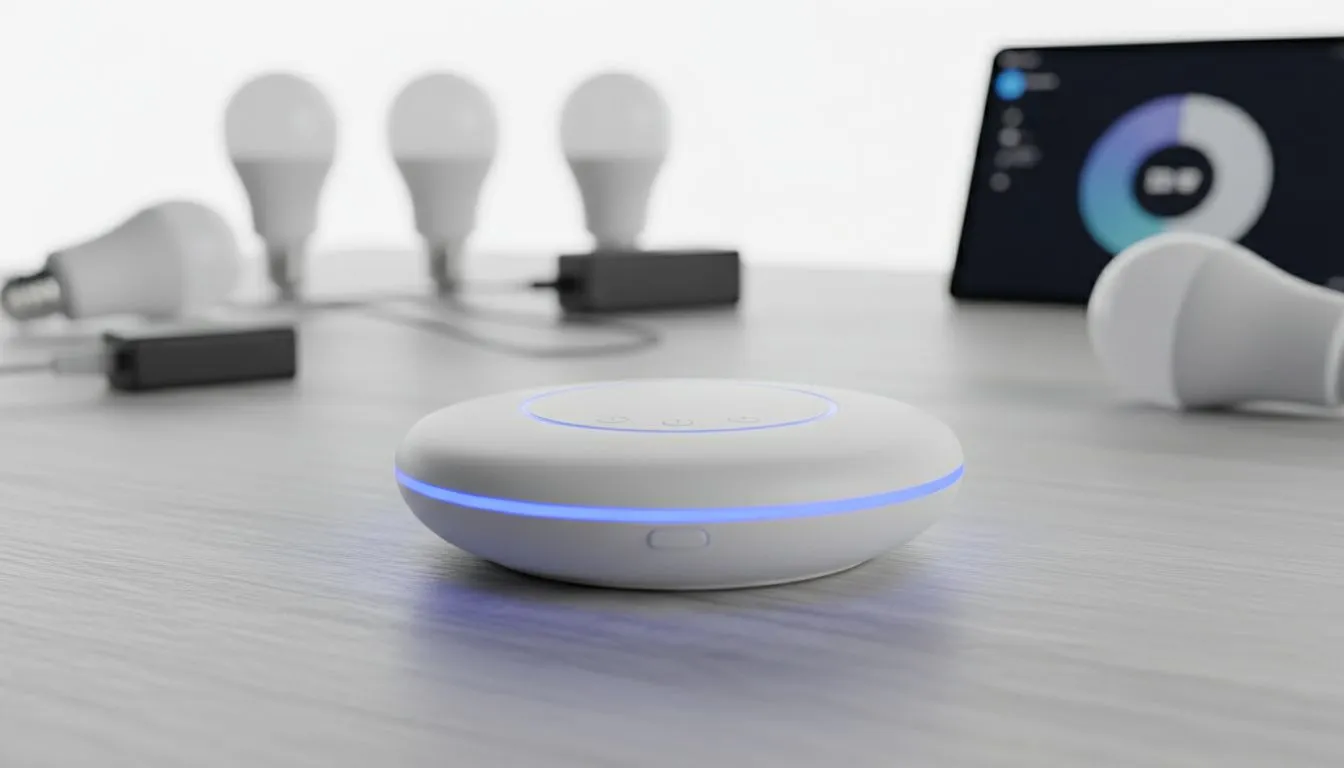
Not all smart lights are created equal. Some require a dedicated hub, while others connect directly to your Wi-Fi. For a truly power-savvy home, look for lights that remember their last state. This prevents your room from turning into a disco at 3 AM when the power finally returns. You can find dedicated strips and bulbs in our Gaming Accessories section that integrate perfectly with software like Razer Chroma.
Visual Comfort and Eye Strain
Gaming in the dark is a recipe for headaches. A single LED strip behind your monitor... often called bias lighting... can reduce eye strain significantly. This small addition uses very little power but makes a massive difference in your comfort. It creates a soft glow that makes the screen pop without requiring a high-wattage ceiling light. By choosing energy-efficient colours like green or red, you can further optimise your power consumption during Stage 6 bouts. 🚀
Ready to Light Up Your Setup? Don't let the next blackout ruin your immersion or your K/D ratio. Explore our massive range of gaming lighting and accessories and build a setup that stays bright even when Eskom doesn't.











