

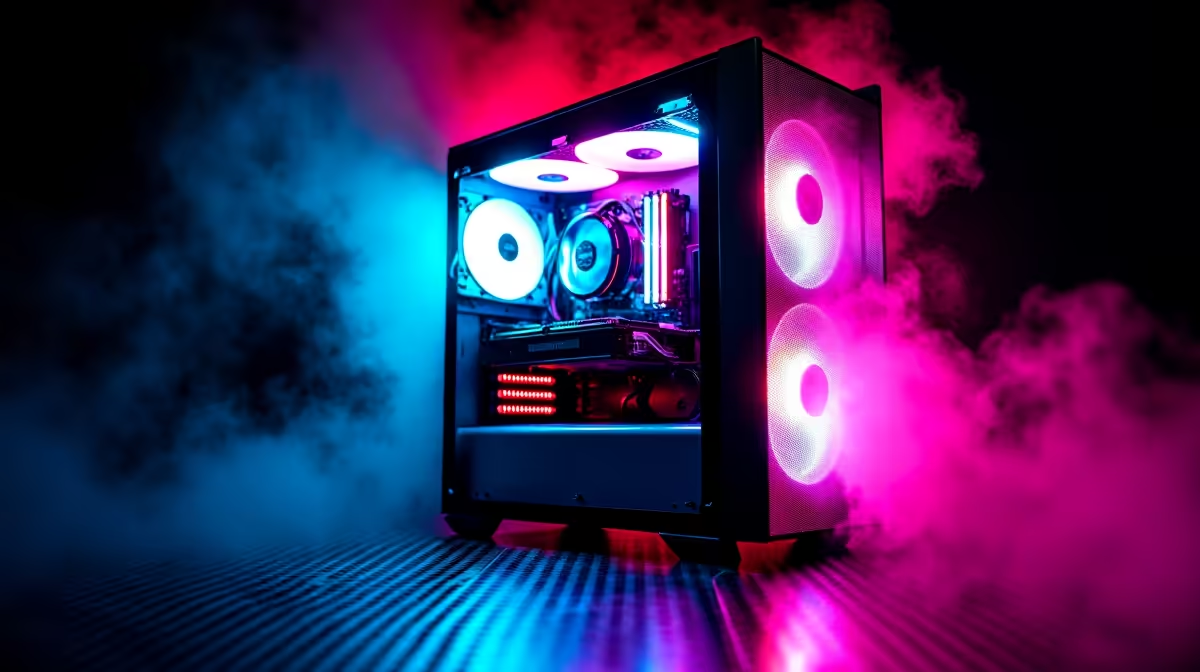
Let's be honest... a custom rig without the right illumination feels incomplete. Whether you want a neon cyberpunk aesthetic or a calm ambient glow, adding RGB breathes life into your setup. Tired of staring at a dark chassis? This smart lights installation guide for your PC will help you add that perfect touch of colour. Let's get your rig glowing. ✨
Planning Your PC Lighting Setup
Before sticking LED strips everywhere, you need a solid plan. Check your motherboard manual for RGB headers. You will usually find 4-pin 12V connections or 3-pin 5V ARGB connections. Mixing these up can permanently fry your lights... so always double-check your hardware specs.
You need to map out where the cables will run to keep things neat. If you are upgrading your entire rig to match a brand new aesthetic, browsing the best gaming PC deals is a great way to find modern cases with built-in lighting hubs. This makes routing cables significantly easier.
Essential Tools and Perfect Placement
You do not need a massive toolbox for this project. A clean microfiber cloth, some rubbing alcohol, and your light kits are more than enough. Clean the metal surfaces inside your case thoroughly. This ensures the adhesive backing sticks properly over time.
Think carefully about placement. You want the soft glow... not the blinding glare of exposed bulbs. Hide strips behind the motherboard tray, under the GPU, or along the bottom lip of the chassis.
If you prefer skipping the DIY route entirely, checking out pre-built PC deals guarantees a professionally cable-managed and illuminated setup right out of the box.
Cable Management Pro Tip 🔧
Always route your lighting cables before peeling the adhesive backing. Test the connections and software sync first. It saves you from ripping off perfectly good strips if a cable cannot reach your motherboard header.
Connecting and Syncing Your Colours
Once mounted securely, route your cables to the RGB headers. You can also use a dedicated controller hub tucked away in the back. Software like ASUS Aura Sync or MSI Mystic Light will let you control the effects easily.
You can sync your case lights with other internal components. Imagine matching your chassis glow with powerful graphics cards for a unified, pulsing visual effect across your whole desk.
Even mobile gamers are getting in on the aesthetic these days. While you cannot easily add internal strips to portable machines, many modern notebooks for sale in South Africa feature stunning per-key RGB and under-glow to match your desktop vibes.
Final Touches and System Power
Boot up your system and watch the magic happen. Customising your lighting profile is easily the most rewarding part of the build. Set it to react to live CPU temperatures. You can even sync it with your favourite in-game audio tracks. This level of immersion adds immense value to your late-night gaming sessions.
Building the ultimate setup is an ongoing journey. If you are looking to expand your setup further without breaking the bank, keep a close eye on our weekly tech specials for RGB peripherals, fans, and accessories priced in ZAR. 🚀
Ready to Light Up Your Setup? Building a beautiful, high-performance rig is easier than ever. Whether you need a simple RGB upgrade or a complete system overhaul in South Africa, we have you covered. Explore our massive range of PC components and accessories and find the perfect hardware to conquer your world.











