

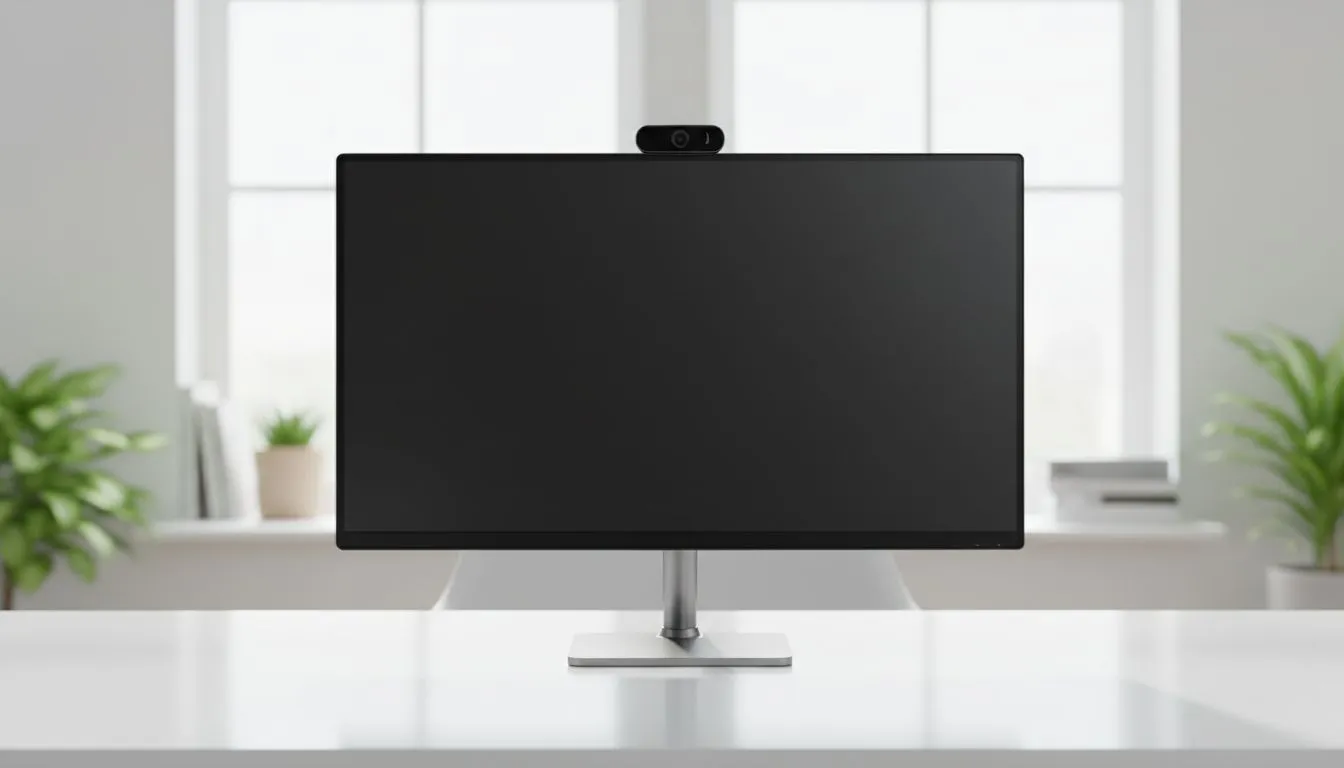
Whether you are attending a remote lecture at UCT or jumping into a business meeting from your Jozi flat, your screen is your window to the world. But is that window looking back at you? Smart Monitor Privacy: Safe Camera Use for Calls & Classes is no longer just for the paranoid. It is a vital part of modern digital hygiene in South Africa. 🚀
Why Smart Monitor Privacy Matters for Safe Camera Use
As we spend more time in front of screens, the integration of webcams into our hardware has become standard. While convenient, these built-in sensors require careful management. When choosing from a comprehensive range of PC monitors, privacy features should be as important as resolution or refresh rate. A smart monitor privacy strategy ensures that your private home life does not accidentally become public knowledge during a Zoom call or an online exam.
Physical Privacy Solutions for Calls & Classes
The most effective way to ensure safe camera use for calls & classes is a physical barrier. Many users prefer Flat monitors because their straight edges make it much easier to attach a sliding privacy shutter. These simple plastic covers provide 100% certainty that your lens is blocked when not in session.
Alternatively, modern Curved monitors often feature "pop-up" style cameras. These ingenious modules physically retract into the monitor housing when they are not powered on. If the camera is tucked away inside the frame, it is physically impossible for it to record you... giving you total peace of mind while you work or study. 🔧
Privacy Pro Tip ⚡
Always check the 'Camera' privacy settings in Windows 11. You can toggle off access for specific apps entirely. This prevents background programmes from accessing your video feed without your knowledge, adding an extra layer of digital protection to your physical shutter.
Software Security and Panel Quality
Safe camera use for calls & classes also involves managing how your image is processed. High-quality IPS panel monitors offer superior colour accuracy and wide viewing angles. This ensures you look professional during presentations. However, these clear visuals mean you should be more aware of what is visible in your background. Use blurred backgrounds or digital overlays to keep your personal space private. ✨
Balancing Performance with Privacy
While privacy is the priority, you do not want to sacrifice the user experience. Ensuring your display supports Adaptive Sync helps keep the video feed smooth and reduces eye strain during long classes.
If you use an AMD graphics card, looking for FreeSync (AMD) options will provide a tear-free experience. Similarly, NVIDIA users should prioritise G-Sync (NVIDIA) to ensure that your screen remains responsive and clear. A stable, high-performance monitor allows you to focus on your work rather than troubleshooting hardware issues. ⚡
By combining physical shutters, software permissions, and high-quality hardware, you can master smart monitor privacy and enjoy safe camera use for calls & classes every single day.
Ready to Find Your Perfect Match? Your privacy and performance should never be a compromise. For the best deals on secure, high-performance displays in South Africa, Evetech has you covered. Explore our massive range of monitor specials and find the perfect screen to upgrade your home office or gaming setup today.











