

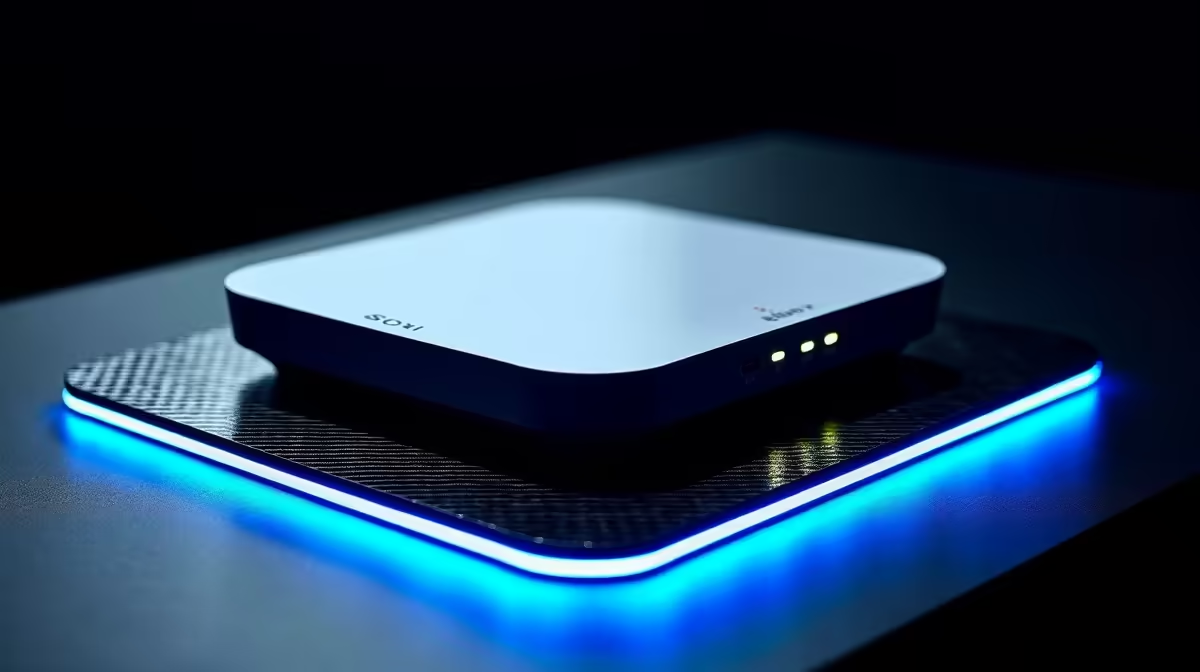
Tired of your Wi-Fi signal giving up the ghost the second you step out to the braai area? Or maybe that back-room office has become a black hole for connectivity. You’re not alone. The solution is simpler than you think: a modern Wi-Fi extender you can manage right from your phone. Let’s kill those dead zones for good and get your whole home connected seamlessly. ⚡
Why App-Controlled Wi-Fi Extenders Are a Must-Have
Let's be honest, nobody enjoys logging into a clunky web interface with a cryptic IP address just to tweak a setting. The best Wi-Fi extenders for smartphone-controlled connectivity remove that friction completely. With a dedicated mobile app, you can set up, manage, and monitor your network in minutes.
Imagine this: you're setting up for a movie night and need to prioritise the smart TV's bandwidth. Just open the app. Need to create a guest network for your mates coming over? A few taps and it's done. This level of app-based control makes managing your home network as easy as checking your WhatsApp messages. It's a massive leap in convenience that transforms a once-technical chore into a simple task. For a complete overview of what's possible, check out Evetech's full range of wireless networking solutions.
Key Features of the Best Wi-Fi Extenders 🔧
When you're ready to buy, not all extenders are created equal. Finding one with great smartphone management is key, but a few other features separate the good from the great.
Wi-Fi Standard: Wi-Fi 5 vs. Wi-Fi 6
The biggest decision is the Wi-Fi standard.
- Wi-Fi 5 (802.11ac): This is the reliable standard that's perfect for most homes. It handles HD streaming, online gaming, and general browsing with ease. It's also more budget-friendly.
- Wi-Fi 6 (802.11ax): This is the future. It's designed for homes packed with smart devices, offering faster speeds, lower latency, and better performance in congested areas. If you have a fibre connection and multiple users, a Wi-Fi 6 extender is a worthwhile investment.
For the best results, your extender should match your router's standard. An old router can bottleneck even the most powerful extender, so consider if it's time for an upgrade from our selection of high-performance wireless routers.
Pro Placement Tip 📶
Place your extender halfway between your router and the dead zone, not in the dead zone. Use your phone's Wi-Fi signal indicator to find a spot with at least two bars of signal from your main router for the best results.
Building a Flawless Home Network
While a Wi-Fi extender with app control is a fantastic tool, it's one part of a bigger picture. If your primary issue is a desktop gaming PC that's just too far from the router for an Ethernet cable, an extender might not be the optimal solution. In this scenario, you could experience slightly higher latency.
For a rock-solid gaming connection, a dedicated internal or USB wireless adapter is often the superior choice. These devices are built specifically to give a single PC the strongest possible connection, cutting out the middleman and prioritising low-latency performance for those crucial competitive moments. Thinking about your specific needs—coverage for many devices vs. performance for one—is key to building a truly optimised network. ✨
Ready to Banish Wi-Fi Dead Zones? Stop buffering and start enjoying seamless connectivity across your entire home. Explore our top-rated wireless range extenders and find the perfect fit for your setup.











