

You just pulled off an impossible 1v4 clutch in Valorant. The reactions in voice chat are priceless. You hit the hotkey to save the replay… only to find the recording is a stuttering, pixelated mess. Ja, we’ve all been there. Capturing your best moments shouldn't cost you frames or quality.
The key to smooth gameplay recording is understanding and optimising your PC's workload. Let's get you set up for crisp, lag-free gaming clips every time. 🚀
Why Your Gameplay Recording Stutters
When you're in the middle of a demanding game, your PC's processor (CPU) and graphics card (GPU) are already working hard. Asking them to also record and encode high-quality video in real-time is a massive task. This extra load is often what causes in-game stuttering and choppy recordings.
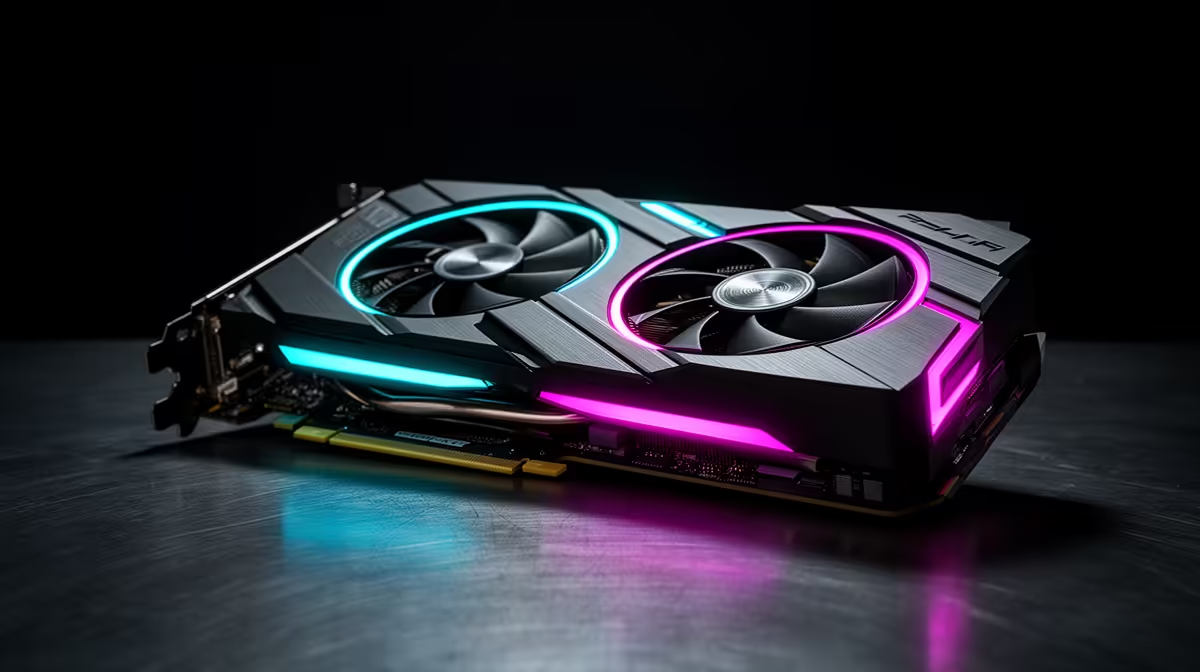
Your PC has to juggle rendering the game, processing your inputs, and compressing video footage simultaneously. If any one component can't keep up, you'll see dropped frames… both in your game and in the final video file. Upgrading even a few key components can make a world of difference, and you can find many affordable streaming upgrades under R6000 to get started.
The Hardware Fix for Lag-Free Gaming
The most effective way to achieve smooth gameplay recording is to offload the encoding process from your gaming hardware. This is where a dedicated capture card comes in.
A capture card, whether internal or external, has one job: to take the video feed from your GPU and encode it into a video file. By doing this, it frees up your CPU and GPU to focus entirely on running your game at the highest possible settings. The result? Lag-free gaming on your screen and flawless, high-fidelity footage for your content. It's the standard for any serious streamer or content creator.
Quick OBS & ShadowPlay Tip 🔧
If you don't have a capture card, try switching your software's encoder. In OBS Studio or Streamlabs, change the encoder from x264 (CPU-intensive) to NVENC (for NVIDIA GPUs) or AMF (for AMD GPUs). This uses a dedicated chip on your graphics card and can significantly reduce performance impact.
Fine-Tuning Your Setup for Peak Performance
Great hardware is half the battle; the other half is optimising your entire ecosystem. This includes your software settings and peripherals. Ensure your recording software is set to a reasonable bitrate and resolution. Recording 4K footage at 60 FPS is demanding, so consider starting at 1080p60 for a good balance of quality and performance.
Investing in a solid microphone, a comfortable headset, and a responsive mouse ensures your entire content creation experience is seamless. Using quality gear from brands like Corsair not only improves your gameplay but also adds a layer of reliability to your recording setup. ✨
Don't Forget the Vibe
Once your performance is sorted, you can focus on presentation. Good lighting is crucial for looking professional on camera. Instead of a harsh overhead light, consider adding some soft, dynamic background lighting. It elevates the look of your stream or videos with minimal effort. You can easily customise your background with Cololight panels to match your brand's colour scheme or the mood of the game you're playing.
Ready to Record Flawless Gameplay? Stop letting lag ruin your best moments. Equip your rig with the hardware it needs for smooth, high-quality recording. Explore our full range of streaming essentials and start creating content that truly stands out.











