

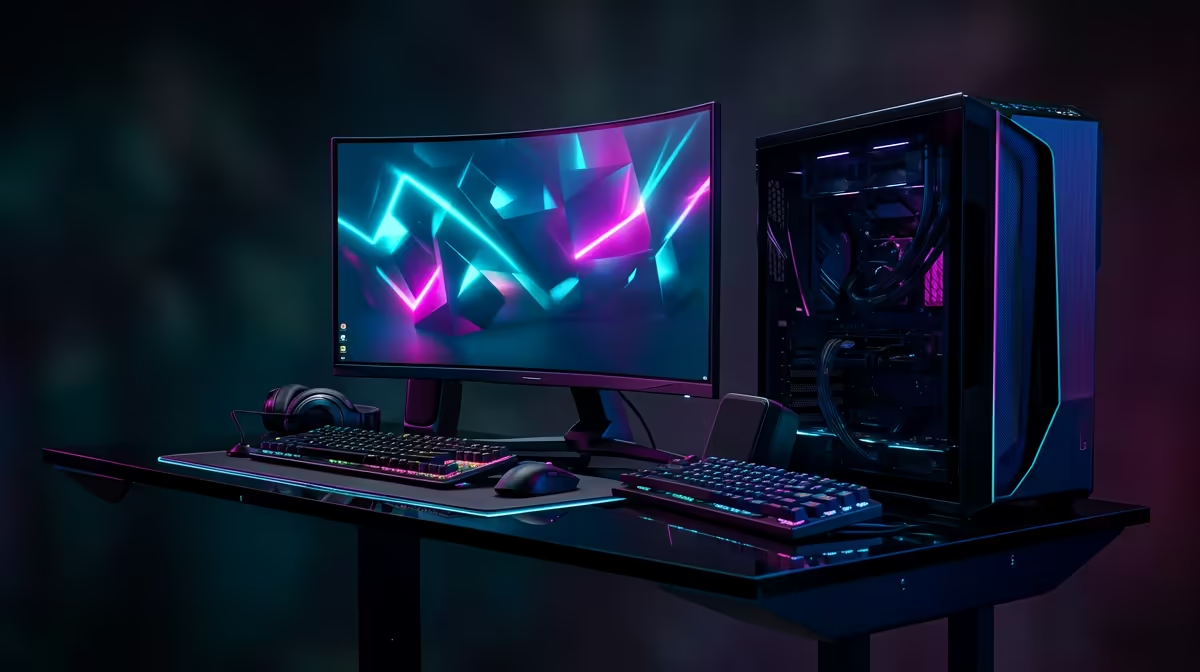
Nothing kills the vibe faster than a stuttering stream or a massive lag spike during a clutch moment. For South African gamers and creators, a stable connection isn't just nice to have… it's everything. Forget blaming your ISP for a moment. The secret to victory often lies in your own home network. This guide provides a straightforward path to achieving a smooth streaming and gaming setup, ensuring your gameplay is uninterrupted and your broadcast is crystal clear. 🚀
The Foundation: Why Your Network Comes First
Before you even think about overclocking your GPU, let's talk about the bedrock of any smooth streaming and gaming setup: your network connection. While your fibre or ADSL line provides the speed, how that data travels through your home determines its stability.
For competitive gaming and high-bitrate streaming, nothing beats the reliability of a wired connection. An Ethernet cable directly from your router to your PC or console eliminates wireless interference, packet loss, and latency fluctuations. It's the single most effective step for a stable online experience. If your setup allows for it, exploring a robust wired networking solution should be your top priority.
But what if running a cable across the house isn't an option? Don't worry, a well-optimised wireless setup can still deliver incredible performance.
Optimising Your Wi-Fi for Flawless Gaming and Streaming
If you're relying on Wi-Fi, you need to be strategic. A powerful router is your best friend, but its placement and settings are just as crucial.
Router Placement and Signal Strength
Position your router in a central, elevated location, away from thick walls, metal objects, and other electronics like microwaves that can cause interference. For larger homes or double-storey houses where a single router struggles, a mesh Wi-Fi system is the ultimate solution. Brands like the ever-reliable TP-LINK offer fantastic mesh kits that blanket your entire home in a seamless, powerful signal, eliminating dead zones for good.
Activate QoS (Quality of Service) ⚡
Most modern routers have a QoS setting in their admin panel. Find it and prioritise your gaming PC or console. This tells your router to give your gaming traffic priority over everything else, like someone streaming Netflix in the other room. It’s a simple tweak for a much smoother gaming setup.
Choosing the Right Gear for Your Budget
Upgrading your network doesn't have to cost a fortune. You can achieve a huge performance boost with smart, budget-conscious choices. For instance, brands like Cudy offer excellent value, providing powerful mesh systems and routers that bring next-gen Wi-Fi 6 technology into your home for a surprisingly low price in ZAR. A solid gaming and streaming setup is more accessible than ever. ✨
A stable network is the unsung hero of every great gaming moment and every successful stream. By focusing on a strong foundation—either wired or a well-optimised wireless network—you take control back from lag and disconnects.
Ready to Banish Lag for Good? Don't let a weak signal dictate your K/D ratio or your stream's quality. Upgrading your gear is the single biggest step towards the flawless performance you deserve. Explore our full range of wireless networking solutions and build the ultimate setup today.











