

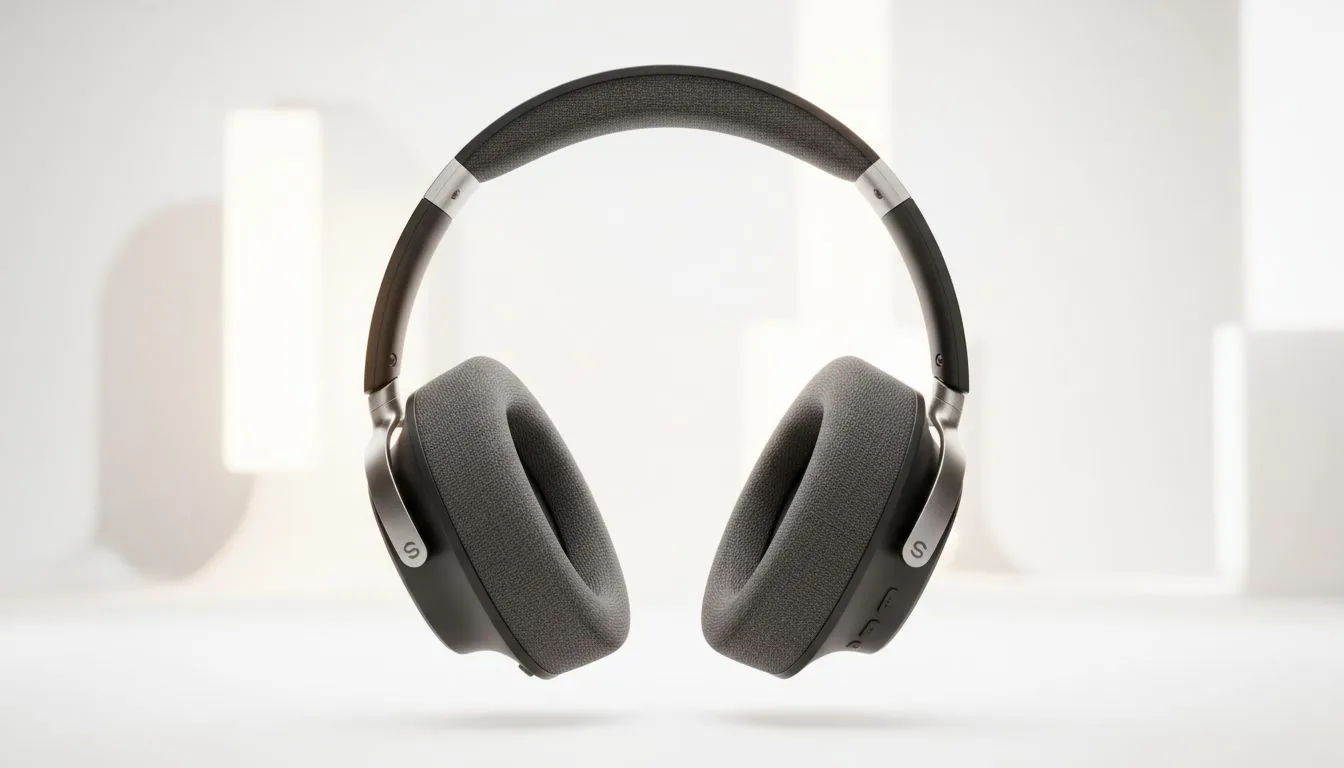
SoundID Technology: How It Personalises Audio to Your Hearing
If you’re playing late-night raids in Johannesburg or mixing a podcast in Cape Town, SoundID Technology can tune audio to your ears — not to some generic curve. In under five minutes you can get clearer vocals, tighter bass and fewer ear-fatigue moments. Curious how it actually learns your hearing and improves every headphone? Read on for practical tips and real-device links. 🎧
What SoundID does for gamers and listeners
SoundID creates a hearing profile by asking you to compare tones and choose which sounds you prefer. That profile becomes a personalised EQ, applied in real time. The result feels like a custom sound signature that brings footsteps, dialogue and ambience into clearer focus — especially useful in competitive play or immersive single-player storytelling.
The tech behind the personalisation
SoundID uses psychoacoustic testing: small AB comparisons that map sensitivity across frequencies, then adjusts equalisation to match your preferences and hearing thresholds. It works on-device with apps and supports many headsets and DACs. If you’re choosing a headset to pair with SoundID, consider comfortable wireless options like the Razer Barracuda X Chroma for longer sessions — Evetech lists it with current deals and specs here: Razer Barracuda X Chroma wireless headset. 🔧
Which headphones benefit most
Open-back studio cans and closed-back gaming headsets both improve with personalisation, but sealed designs may reveal tighter bass when properly tuned. For brand-specific choices, browse Razer’s range for compatible models and features: Razer headphones and headsets collection. If you’re shopping broadly, see Evetech’s headphone category for options across budgets and use-cases: Headphone & headset components.
How to set up SoundID effectively
- Start quiet. Do the calibration with minimal background noise for accurate thresholds.
- Use the same output chain you’ll game with: USB DAC, wireless dongle, or onboard jack. Consistency matters.
- Save multiple profiles: one for esports, one for movies, one for music. Switching is instant and revealing. 🚀
Calibrate Like a Pro ⚡
Do the SoundID test in a quiet room, use your typical gaming volume, and create at least two profiles — one neutral for competitive play and one warm for story-driven games. It'll save time and highlight how big the difference can be.
Final thoughts from a South African perspective
Personalised audio isn’t just premium marketing; it’s an accessibility and performance boost. For gamers in SA, clearer positional cues can mean the difference between spotting an opponent or missing a crucial cue. Try a quick profile, pair it with pads and a mic you trust, and compare before/after — your ears will tell you the story.
Ready to Find Your Perfect Match? The Mac vs Windows debate is complex, but for maximum power, choice, and value in South Africa, Windows is hard to beat. Explore our massive range of laptop specials and find the perfect machine to conquer your world.











