

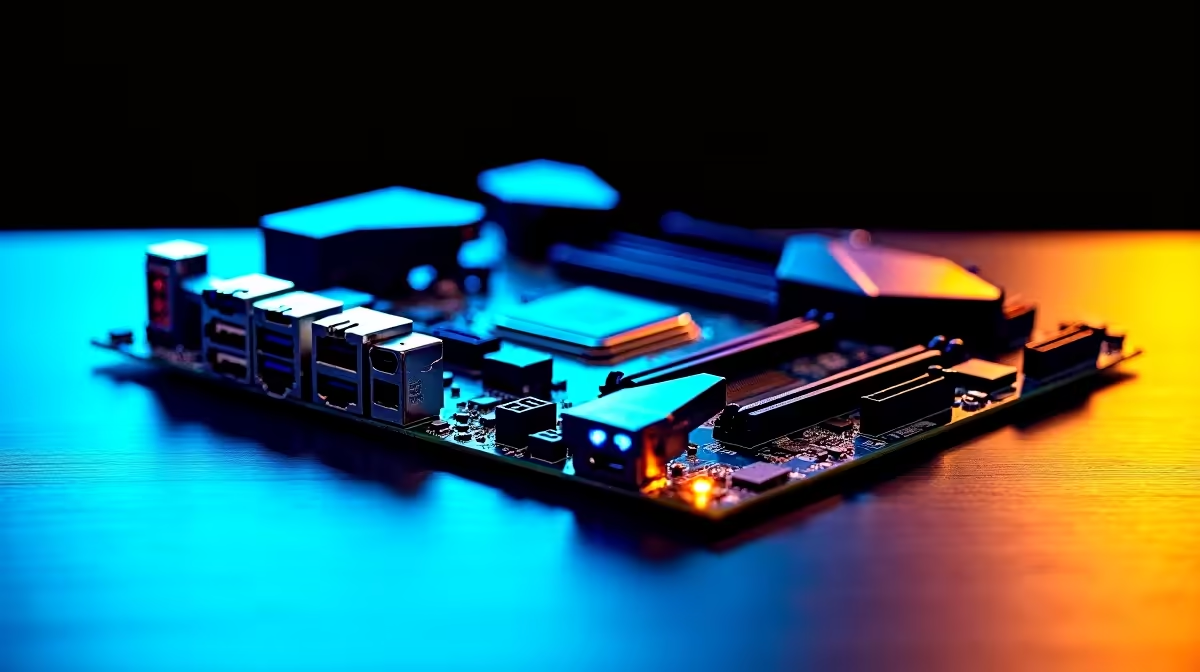
Building a PC in South Africa right now means making every single Rand count. You want a rig that survives load shedding surges and handles the newest titles without breaking a sweat. But where do you start? The foundation. Welcome to your South Africa motherboard buying guide. If you want WiFi 7, DDR5, and long-term upgrade headroom, you need to know exactly what to prioritise.
Why Your Motherboard Dictates Your PC's Future 🔧
Your motherboard is the central nervous system of your build. It decides which processors you can use and how fast your system runs. When looking to buy motherboards, you are essentially choosing your upgrade path for the next five years.
A cheap board might save you a few ZAR today. However, it will restrict your options tomorrow. Weak VRMs (Voltage Regulator Modules) will throttle high-end CPUs. Limited PCIe lanes will choke your graphics card. You need a solid platform to support high-performance components.
Choosing Your Camp... Intel or AMD?
Team Blue and Team Red offer completely different socket lifespans right now. If you lean towards Intel, you want a board that maximises their current generation chips. Checking out ASUS Intel motherboards gives you fantastic options with robust power delivery.
On the flip side, AMD's AM5 platform promises years of continued support. Investing in high-quality ASUS AMD motherboards means you can easily upgrade later. You can drop in a new CPU three years from now... all without changing your board. This is massive for long-term value.
Prioritising DDR5 and WiFi 7 🚀
DDR4 is officially stepping aside. To get the absolute most out of modern gaming, DDR5 is essential. It offers massive bandwidth improvements for complex physics and high frame rates. Pairing your new board with the right desktop memory kits ensures your processor never waits for data.
Then there is connectivity. WiFi 7 is currently rolling out across premium boards. It offers wireless speeds that finally rival wired ethernet connections. If you hate drilling holes for LAN cables, a WiFi 7 board is a brilliant investment. It ensures latency-free competitive gaming.
Future-Proofing Pro Tip ✨
Always check the QVL (Qualified Vendor List) on the motherboard manufacturer's website before buying RAM. This ensures your DDR5 memory kit will run at its advertised speeds without any annoying stability issues.
Securing Long-Term Upgrade Headroom
You want a board with PCIe 5.0 slots for future graphics cards and blazing-fast NVMe storage. Modern games easily hit 150GB these days. Having three or four M.2 slots saves you from constantly uninstalling your favourites to make room.
Building from scratch can be stressful. Sometimes it is easier to look at pre-built options that already balance these premium components perfectly. Browsing the best gaming PC deals can save you thousands of Rands while securing that future-proof foundation.
Ready to Build Your Dream Rig? Finding the perfect foundation for your PC does not have to be a headache. Whether you want blazing fast DDR5 or unmatched upgrade potential, Evetech has you covered. Explore our massive range of motherboards and start building your ultimate gaming machine today.











