

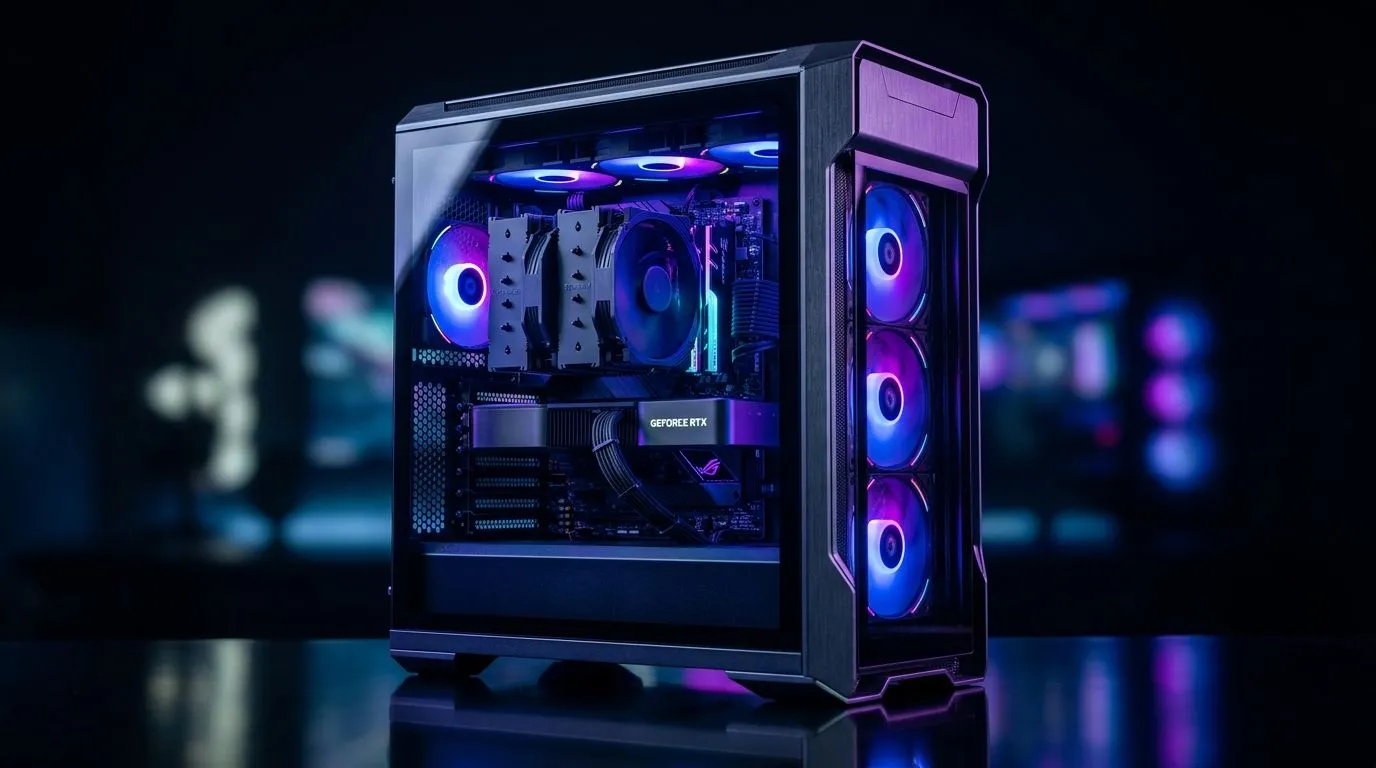
Balance PC Cooling, Noise and RGB: wins for SA gamers 🔧✨
South African Gamers: Balance PC Cooling, Noise and RGB — that trade-off is real. Want cool temps without sounding like a jet? Or RGB that doesn’t block airflow? This short guide gives practical fixes, local price flags and component ideas to keep your rig quiet, cool and sharp-looking.
Balance PC Cooling, Noise and RGB: Fans and airflow
Pick fan count and placement before chasing RGB rings. Front intake, rear exhaust, top exhaust remains the gold layout for airflow. If you want quiet performance, choose high static pressure fans or PWM models and run a conservative curve. Look at case compatibility and fan sizes on Evetech’s case selection to match airflow and aesthetics: computer cases hub. 🔧
Balance PC Cooling, Noise and RGB: Case choices matter
A roomy case with good cable management lowers temps and noise. Fractal Design cases balance silence and airflow well; see their range for examples on Evetech: Fractal Design cases. For builders who want a gaming look, Gamdias offers striking designs and airflow-focused models: explore Gamdias options here.
Balance PC Cooling, Noise and RGB: Cooling hardware tips
Pair fans with an appropriately sized heatsink or AIO. Air coolers are dependable and quieter at moderate loads; AIOs free up space but need good case airflow. Measure radiator clearance and choose fan speeds that keep load temps under control while avoiding constant high RPMs. For product browsing, check Gamdias models on Evetech to compare fan and radiator support: Gamdias range.
Noise vs Temp Trade-off
If you prefer silence, set a shallow fan curve that allows temps to rise a few degrees under light use. For competitive gaming, increase fan speed thresholds to prioritise lower temps during extended sessions.
Balance PC Cooling, Noise and RGB: RGB without compromise
RGB strips and fan rings look great, but avoid stuffing cables around intake paths. Use addressable ARGB controllers or motherboard headers to synchronise effects without extra hubs blocking airflow. Consider diffused lighting and fewer high‑rpm RGB fans to keep ambient noise down. If you want a clean budget option, see Gamdias models filtered under R1,500 on Evetech for cases that balance looks and airflow: Gamdias under R1,500. ✨
Balance PC Cooling, Noise and RGB: Final checklist for builders
- Plan fan layout first, then RGB.
- Match fan sizes to case mounts.
- Use PWM control via motherboard or fan controller.
- Consider dust filters and positive pressure to reduce cleaning.
Ready to Find Your Perfect Match? The Mac vs Windows debate is complex, but for maximum power, choice, and value in South Africa, Windows is hard to beat. Explore our massive range of laptop specials and find the perfect machine to conquer your world.











