

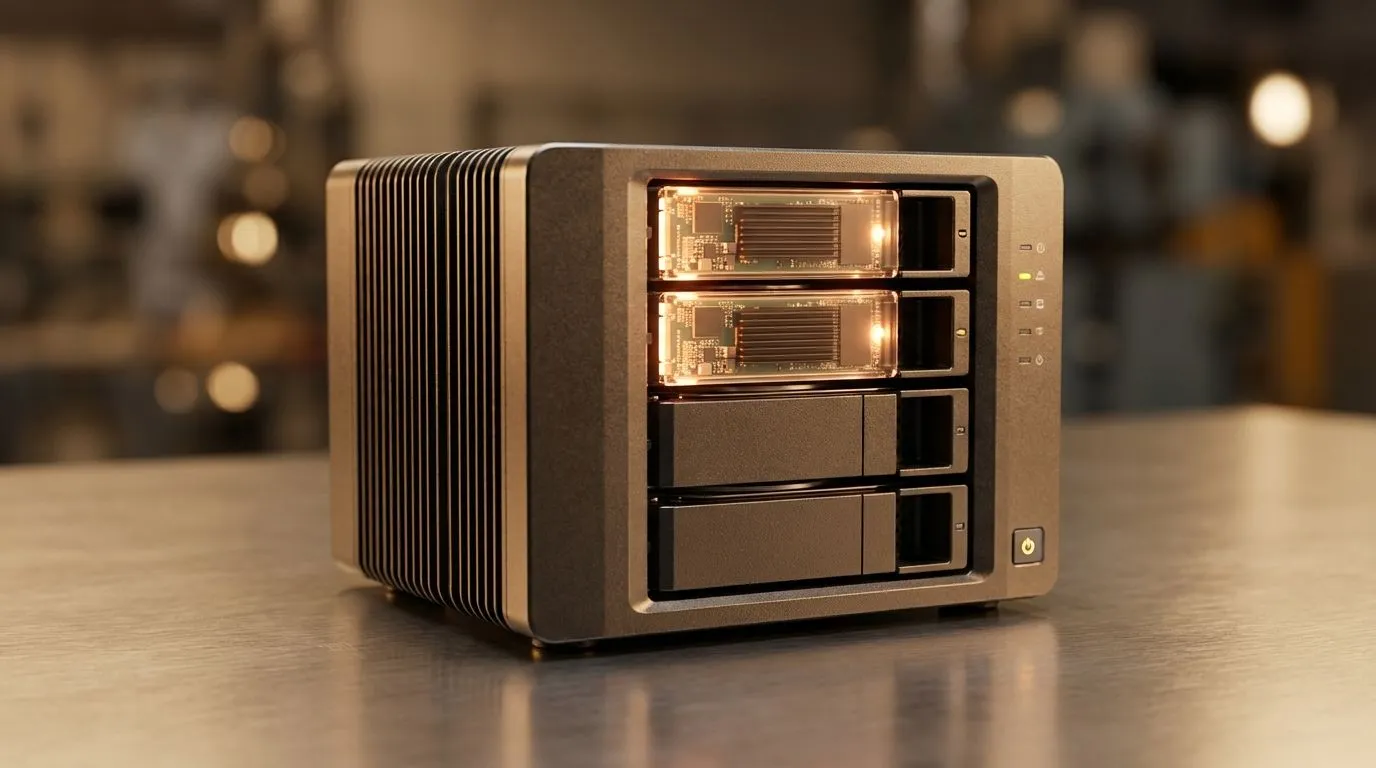
Understanding SSD Caching in NAS for Your Home Setup
Running a home NAS in South Africa often feels like a balancing act between capacity and speed. You want massive storage for your 4K Plex library, but waiting for thumbnails to load is frustrating. This is where SSD caching in NAS comes into play. It promises to bridge the gap between slow mechanical hard drives and the snappy performance of modern flash storage. ⚡
How SSD Caching in NAS Speeds Up Your Workflow
Most home NAS units rely on high-capacity spinning disks. These are great for bulk storage but struggle with random access speeds. When you enable SSD caching in NAS, the system uses a small amount of flash memory to store frequently accessed data. This means your most-used files are ready in an instant.
To get the best results, you should look for NAS units with dedicated PCI Express (NVME) slots. These slots allow you to install ultra-fast drives that handle the heavy lifting of data indexing. While most users will find Gen 3 or Gen 4 speeds more than sufficient, enthusiasts looking to future-proof their network might even consider the latest Gen 5 (NVME) options for extreme throughput.
Choosing the Right Drive for Your Cache
Not all drives are created equal when it comes to caching duties. Since a cache involves constant data movement, endurance is key. You can find a wide variety of reliable options when you buy solid state drives for your home server.
Reliable manufacturers like Western Digital have developed specific lines designed for NAS environments. Similarly, the consistent performance of Kingston drives makes them a popular choice for South African users building their first media server. If you are looking for a balance between price and performance, brands like ADATA provide excellent entry points into the world of flash-accelerated storage. 🚀
NAS Performance Tip ⚡
If you primarily use your NAS for large file transfers like 80GB 4K movies, a cache might not show a massive difference. SSD caching in NAS excels most when dealing with thousands of small files, such as photo libraries or running virtual machines and Docker containers locally.
When to Consider External Alternatives
Sometimes, your NAS might not support internal expansion. In these cases, you might look at a portable backup using a buy external SSD solution to move data quickly between your PC and the server. If you need a rugged, portable option in an External form factor for off-site backups of your most critical NAS data, there are plenty of high-speed choices available.
Is It Worth the Investment in South Africa?
With local prices for high-quality flash storage becoming more affordable... often starting under R1,000 for decent cache sizes... the upgrade is usually worth it. If you have multiple family members accessing the NAS at once, or if you use it for a home office, the reduction in latency is immediately noticeable. It turns a sluggish file explorer into a responsive tool. 🔧
Ready to Supercharge Your Storage? Don't let slow hard drives hold back your productivity or entertainment. Whether you need an internal boost or a portable solution, we have the right tech for you. Explore our massive range of SSD specials and find the perfect drive to accelerate your South African home NAS today.











