

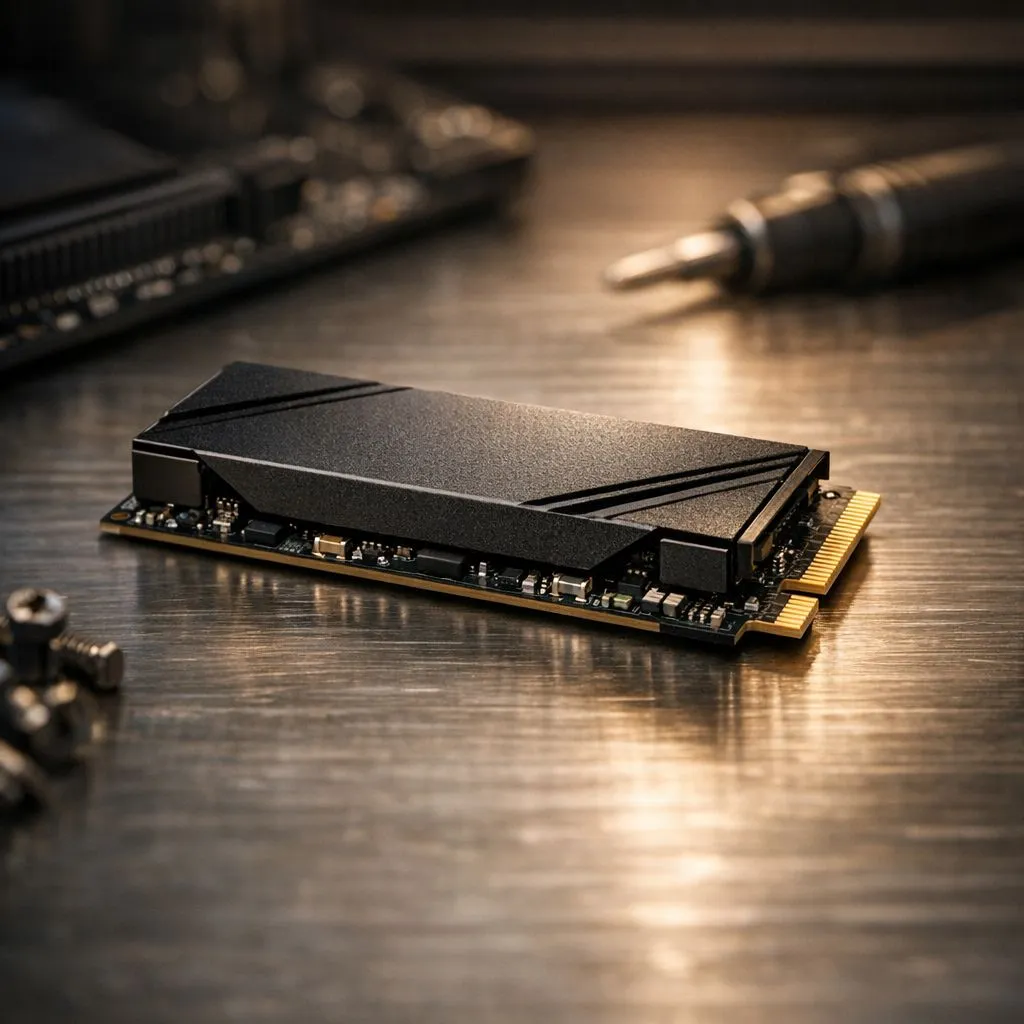
Understanding SSD Read and Write Speeds
Ever sat staring at a loading bar while your mates are already looting in Warzone? We’ve all been there. In South Africa, where every second of uptime counts between loadshedding blocks, your storage speed is everything. Understanding SSD read and write speeds is the first step to a snappier PC. Let's break down these numbers without the confusing tech speak ⚡.
What Do These Speeds Actually Mean?
When you look to buy solid state drives, you will see two main numbers measured in MB/s (Megabytes per second). Read speed refers to how quickly your computer can open files... like launching Windows or loading a massive open-world map.
Write speed is the opposite. It measures how fast data is saved to the drive. If you are a content creator or someone who downloads large files, high write speeds are essential. It ensures your system doesn't stutter while saving high-bitrate video or installing the latest patch.
Performance Pro Tip ⚡
Always leave about 10% to 15% of your SSD capacity empty. When a drive is nearly full, the controller has to work harder to find available blocks, which can significantly tank your write speeds and overall system responsiveness.
The Massive Leap to Gen 5 NVMe
Not all drives are created equal. Older SATA drives max out around 560 MB/s... which feels slow once you have tasted modern tech. For those who demand the absolute best, the latest Gen 5 NVMe interface offers speeds exceeding 10,000 MB/s.
This jump in performance isn't just for show. It reduces boot times to seconds and makes your entire OS feel incredibly fluid. If you are building a high-end rig in 2024, this is the gold standard for internal storage 🚀.
Choosing Reliable Brands for Your Build
Speed is vital, but reliability is the backbone of any good setup. Many local gamers choose ADATA for their balance of price and performance. They offer fantastic options for those looking to upgrade from a mechanical hard drive without breaking the bank.
If you are looking for professional-grade endurance, Western Digital remains a top-tier choice. Their WD_BLACK range is specifically designed to handle the thermal demands of high-speed gaming, ensuring your speeds don't throttle during intense sessions ✨.
Speed on the Move: External Solutions
You don't have to open your PC to get fast storage. You can buy external SSD units that are significantly faster than old-school portable hard drives. These are perfect for moving your Steam library between your desktop and a gaming laptop.
When shopping, look for a dedicated External form factor. These drives are built to be rugged and portable. They use USB-C connections to maintain high transfer rates, making them ideal for South African creatives who need to move large files between studios or home offices 🔧.
Ready to Speed Up Your Setup? Don't let slow storage hold your hardware back. Whether you need a lightning-fast boot drive or a massive library for your games, we have the right tech for you. Explore our massive range of SSD deals and find the perfect upgrade to conquer your world.











