

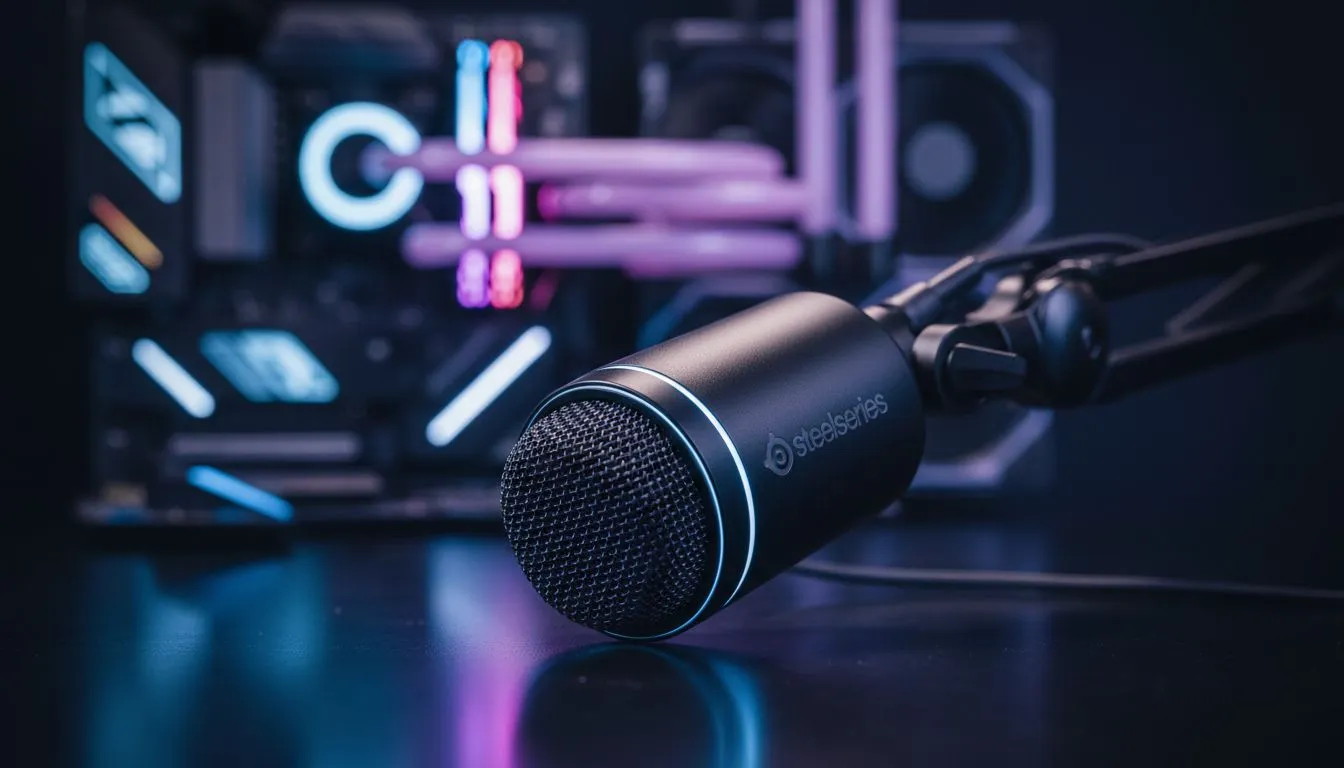
Finding the Perfect SteelSeries ClearCast Mic Settings for Best Microphone Quality
Nothing kills the vibe of a high-stakes clutch in Counter-Strike 2 or Valorant faster than sounding like you are broadcasting from inside a wind tunnel. If your teammates are constantly telling you to "fix your mic," you aren't alone. Achieving the SteelSeries ClearCast Mic Settings for Best Microphone Quality is a common hurdle for South African gamers, but the hardware is more than capable of studio-grade clarity once you know which virtual knobs to turn. 🎙️
The Foundation: Physical Positioning and Hardware Basics
Before diving into software, we have to look at the hardware. The ClearCast microphone is a bidirectional design... meaning it picks up sound from the front and back while ignoring the sides. This is based on the same technology used by aircraft carrier deck crews. For the best results, the flat side of the microphone must face your mouth.
You should aim for the capsule to be no more than an inch away from the corner of your mouth. If it is too far, you will sound thin... if it is too close, your "P" and "B" sounds will pop aggressively. If you are currently browsing for a new setup, checking out the latest headphone headsets can give you a fresh start with updated hardware.
Pro Mic Tip ⚡
Always keep the microphone slightly to the side of your mouth rather than directly in front of it. This prevents "plosives" (bursts of air) from hitting the diaphragm directly, ensuring your voice remains crisp even during heated callouts without needing a bulky pop filter.
Optimising SteelSeries Sonar for Crystal Clear Audio
The real magic happens inside the SteelSeries GG software, specifically the Sonar module. To get the SteelSeries ClearCast Mic Settings for Best Microphone Quality, you need to enable Sonar and navigate to the "Mic" tab.
- ClearCast AI Noise Cancellation: This is a lifesaver for South African gamers dealing with loud desk fans or the hum of an inverter during loadshedding. Slide this to about 50% to start... going too high can make your voice sound "robotic."
- Equaliser (EQ): Avoid the "smiley face" curve. Instead, try the "Deep Voice" or "Balanced" preset. If your voice is naturally deep, a slight boost in the 2kHz to 4kHz range will help you cut through the game audio.
- Noise Gate: This ensures the mic only activates when you speak. Set the threshold just above the ambient noise of your room.
Comparing High-End Alternatives
While SteelSeries offers incredible noise cancellation, some users prefer the punchier vocal profile of other brands. For instance, many competitive players often look toward Razer headphones and headsets for their Synapse integration. If you want a specific recommendation that balances aesthetics and performance, the Razer Barracuda X Chroma is a fantastic alternative for around R2,500 to R3,000, offering a wireless experience that rivals the best in the business. ⚡
Windows Sound Settings and Final Polish
Even with the best software, Windows can sometimes throttle your quality. Open your Sound Control Panel, find your SteelSeries mic properties, and ensure the "Advanced" tab is set to the highest possible sample rate... usually 48,000Hz (DVD Quality). Disable "Allow applications to take exclusive control" if you find your volume jumping around randomly during Discord calls. 🔧
By combining proper physical placement with the AI-driven power of Sonar, your SteelSeries ClearCast Mic Settings for Best Microphone Quality will ensure you sound professional, whether you are shouting commands in a raid or recording content for your YouTube channel. 🚀
Ready to Find Your Perfect Match? Clear communication is the difference between a win and a loss. Whether you need the latest SteelSeries gear or want to browse our massive range of gaming headsets, Evetech has the best deals in South Africa to keep you heard.











