

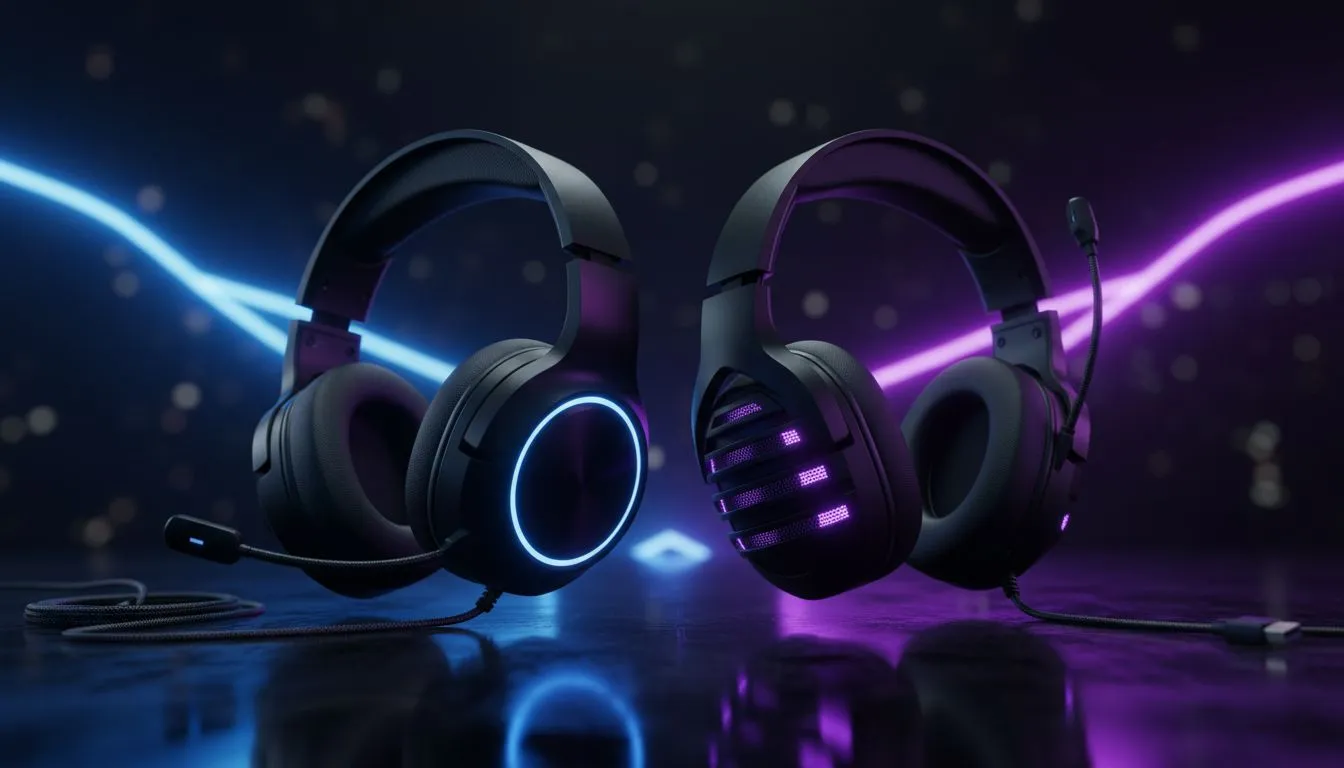
Quick hook for South African gamers and buyers
Deciding between a stereo vs 7.1 gaming headset can feel like choosing between style and science. Do you want pinpoint footsteps in Siege, or a richer, simpler sound for music and streaming? Read on for practical tips, local buying cues and wallet‑smart advice — so you pick a headset that actually improves your play, not just your shelf. 🎧✨
Stereo vs 7.1: the core differences explained
Stereo headsets deliver two-channel audio: left and right. That simplicity often gives clearer imaging and fewer processing artefacts, which helps many players detect directional cues naturally. Virtual or hardware 7.1 headsets simulate multichannel sound to place audio around you, useful for immersion and some competitive scenarios. Use stereo if you want accurate, faithful sound. Reach for 7.1 if you value pronounced spatial effects and on-board processing.
When stereo is the smarter pick
Stereo is lightweight on system resources and usually costs less. Players who stream, edit, or listen to music often prefer stereo’s balanced profile. If you favour comfort for long LAN nights, a quality stereo pair can be less fatiguing. For a wide choice of dependable wired and wireless stereo options, browse Evetech’s headset range (prices listed in ZAR) to compare models and deals. See the full headset category for options and specs: Headphone & headset category at Evetech.
When 7.1 or virtual surround helps
If you play titles where vertical or layered sound matters, virtual 7.1 can give an advantage. FPS and battle‑royale players report easier detection of behind‑or‑above footsteps when the surround processing is well tuned. Bear in mind some implementations rely on USB soundcards or proprietary drivers. For solid examples of feature-rich models (including USB dongles and wireless options), check brand lines like Razer’s headset selection for detailed specs and driver support: Razer headphones & headsets at Evetech. 🔧
A practical pick: wireless, wired, and the Barracuda X example
Want wireless but worry about latency? Modern low‑latency wireless headsets are viable for most gamers. The Razer Barracuda X is a popular choice thanks to its multi‑platform wireless dongle and comfortable fit — useful if you switch between PC and console. Compare current stock and ZAR pricing before you buy to lock in the best deal: Razer Barracuda X Chroma on Evetech. 🚀
Setup tips to squeeze the most out of your headset
Pro Tip ⚡
When you set up a new headset, test both stereo and any 7.1 modes on maps or game demos where positioning matters. Turn off virtual surround if voices sound smeared. For PC, set your audio device in Windows to the headset’s native sample rate, and use in‑game audio sliders to balance effects and dialogue. This small tuning step often improves clarity more than swapping headsets.
How to decide for your South African setup
- Think about budget in ZAR and what you primarily do: competitive FPS, single‑player immersion, streaming.
- Test mic quality if you play with a SA team; clear comms beat immersive sound when coordinating.
- Consider driver support and warranty; Evetech’s product pages list official specs and support details for comparison (see product pages above for source specs).
Final checklist before checkout
- Do you need low latency for competitive play? Choose wired or proven wireless dongles.
- Is music and streaming important? Stereo tends to be more faithful.
- Want on‑board processing or EQ presets? Look for models with good driver software.
Ready to Find Your Perfect Match? Choosing the right headset is personal, but comparing features, comfort, and price in ZAR will make the choice easier. Explore Evetech’s full headset selection and find the perfect pair for your setup.











