

Quick Answer
Storage terminology covers the types, interfaces, and performance metrics used to describe hard drives, SSDs, and NVMe drives. Key terms South African buyers need to understand include HDD vs SSD vs NVMe, SATA vs PCIe interface, read/write speeds, TBW endurance, and form factors like 2.5-inch and M.2.
Buying storage in South Africa can be confusing when product listings throw around terms like NVMe Gen 4, TBW, SATA III, and QLC without explanation. Understanding what these terms mean helps you compare products accurately, avoid overpaying for specs you do not need, and select storage that matches your PC''s interface capabilities.
Drive Types: HDD, SSD, and NVMe Explained
A Hard Disk Drive (HDD) uses spinning magnetic platters to store data. HDDs offer the lowest cost per gigabyte of any storage type and are available in large capacities (2 TB to 20 TB+), making them practical for bulk media storage, backups, and secondary drives. The downside is mechanical speed limits - HDDs have access times measured in milliseconds and sequential read speeds typically between 100 and 200 MB/s.
A Solid State Drive (SSD) uses NAND flash memory with no moving parts. SATA SSDs - the most common entry-level SSD type - connect via the same interface as HDDs and offer sequential speeds of around 500–550 MB/s, roughly three to four times faster than a typical HDD. They share the same 2.5-inch physical form factor as laptop HDDs.
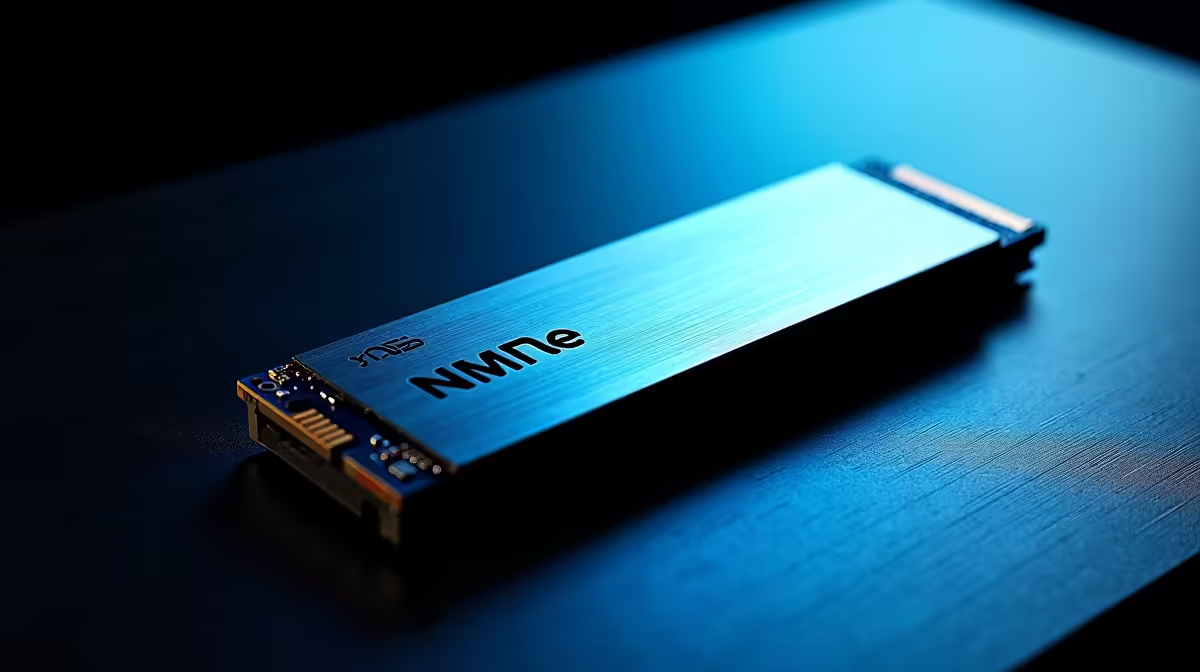
NVMe (Non-Volatile Memory Express) SSDs connect via PCIe lanes directly to the CPU or chipset, bypassing the SATA bottleneck. Entry-level NVMe drives (Gen 3) reach 3000–3500 MB/s sequential reads. PCIe Gen 4 NVMe drives push 5000–7000 MB/s. Gen 5 drives available in 2026 exceed 10000 MB/s, though real-world gaming benefits over Gen 4 are minimal. NVMe SSDs use the M.2 form factor - a small rectangular blade that slots directly into a motherboard or laptop M.2 slot.
Key Terms in Storage Listings
TBW (Terabytes Written) is an endurance rating measuring how much data a drive can write over its lifetime before flash cells degrade. For gaming and general use, most consumer SSDs offer more than sufficient TBW - typically 150 TBW to 600 TBW for standard consumer drives. Content creators doing heavy video editing write far more data daily than typical gamers and should prioritise higher TBW.
DRAM cache refers to a small DRAM buffer built into some SSDs that accelerates small random read/write operations. Budget SSDs often use HMB (Host Memory Buffer) instead, borrowing system RAM - a workable compromise. Drives without any caching (DRAM-less, no HMB) can slow significantly under heavy random write loads.
QLC, TLC, and MLC refer to how many bits each memory cell stores. TLC (Triple Level Cell) is the most common consumer SSD type in 2026, balancing cost, performance, and endurance. QLC (Quad Level Cell) offers cheaper large-capacity drives but lower write endurance. MLC (Multi Level Cell) is rarer and more expensive but offers superior endurance.
What South African Buyers Should Prioritise
For most SA gaming PC builds, an NVMe Gen 3 or Gen 4 M.2 SSD for the operating system and primary game library, combined with a large HDD for bulk file storage, is the most cost-effective configuration in rands. Check that your motherboard has an available M.2 slot and confirm whether it supports PCIe Gen 3 or Gen 4 before purchasing a Gen 4 drive - a Gen 4 drive in a Gen 3 slot runs at Gen 3 speeds.
Frequently Asked Questions
Q: Do I need NVMe storage for gaming, or is SATA SSD enough? A: SATA SSD is sufficient for most gaming. Game load times are nearly identical between SATA SSD and NVMe Gen 3 in most titles. NVMe provides its biggest advantages in large file transfers, content creation, and DirectStorage-enabled titles that stream assets directly from the drive to the GPU.
Q: What does form factor mean in storage listings? A: Form factor describes the physical shape and size. Common storage form factors in SA are 3.5-inch (desktop HDD), 2.5-inch (laptop HDD and SATA SSD), and M.2 2280 (the standard NVMe SSD size, 22 mm wide and 80 mm long). Confirm your case and motherboard support the form factor before buying.
Q: Is 500 GB enough storage for a gaming PC in 2026? A: 500 GB is a functional minimum but fills quickly with modern games, many of which exceed 50 GB. A 1 TB NVMe drive is the practical starting point for a gaming build in 2026, with a secondary HDD for additional storage if budget allows.
Ready to Find Your Perfect Match? Shop SSDs, hard drives, and storage upgrades at Evetech - South Africa''s leading gaming and tech retailer.











