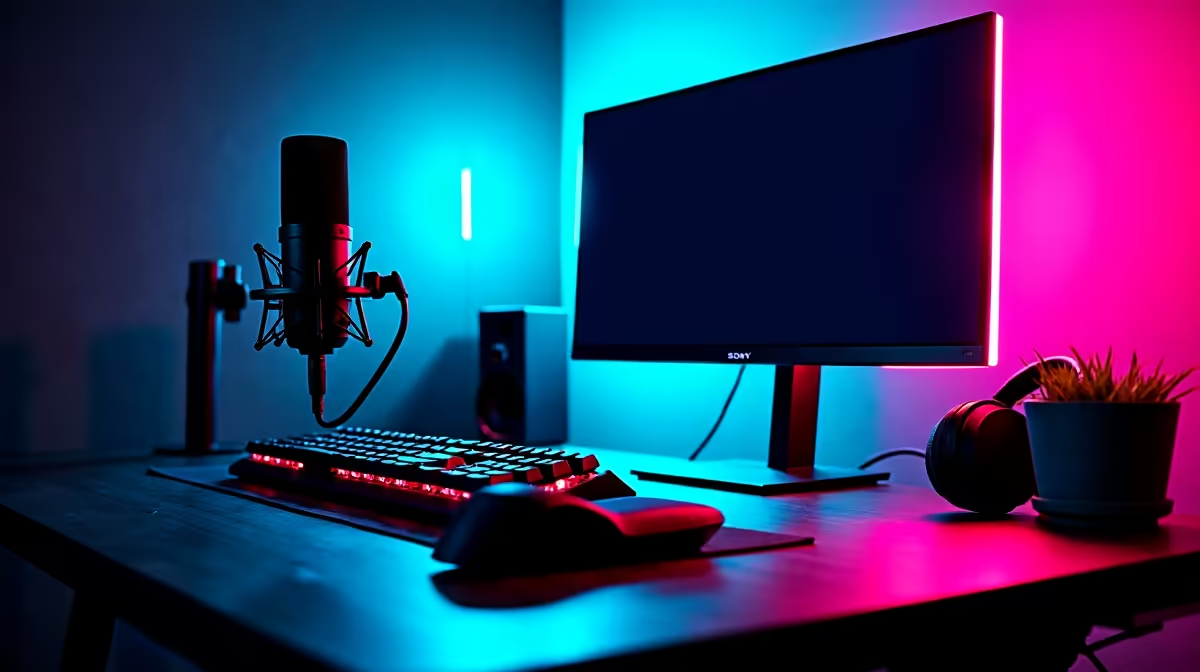
Dropping frames mid-clutch in Apex? Your stream looking more like a pixelated mess than a pro broadcast? Let's be honest, nothing kills viewer hype faster than a laggy stream. When you're playing fast-paced games, your PC is under immense pressure. To truly shine, you need to optimise your setup with the best streaming gear that can keep up with every flick, slide, and victory. It’s time your stream reflected your skill.
Why Your PC is the Heart of Your Streaming Setup
Before you even think about fancy lights or a new camera, let's talk about the engine room: your PC. Streaming and gaming simultaneously hammers your system. For fast-paced action, your CPU and GPU need to be in perfect sync.
Modern GPUs from NVIDIA (using the NVENC encoder) are fantastic for this, offloading the streaming work from your CPU. This means your processor can focus on giving you maximum frames in-game, while the GPU handles the broadcast. The result? A smooth experience for both you and your audience. A quality streaming setup starts with a powerful core. 🚀
Choosing the Best Streaming Gear for Audio and Video
Once your PC is sorted, it's time to focus on how your audience sees and hears you. This is where good peripherals make a massive difference.
Your Camera and Lighting 💡
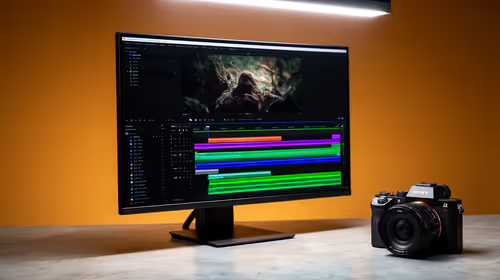
A crisp, clear facecam builds a connection with your viewers. While a high-end DSLR or mirrorless camera is the ultimate goal, a quality 1080p webcam can look incredible with one simple addition: good lighting. A key light, even a budget-friendly ring light, can elevate your video quality from 'meh' to amazing. It's often the single biggest visual upgrade you can make.
Your Microphone 🎙️
If your audience can't hear you clearly over the chaos of a Warzone firefight, they'll quickly tune out. Your headset mic might be fine for Discord, but dedicated USB microphones offer a huge leap in clarity. They capture your voice with richness and depth, making your commentary and callouts sound professional. This is a non-negotiable part of the best streaming gear for any serious content creator.
Pro Audio Tip
Use a 'noise gate' filter in your streaming software like OBS or Streamlabs. Set a threshold just above your background noise level. This will automatically mute your mic when you aren't speaking, cutting out keyboard clicks and fan noise for a cleaner, more professional sound.
Optimise Your Stream for Peak Performance
Having the right hardware is only half the battle. To truly optimise your fast-paced gaming streams, you need to configure your software correctly. Spend time in your broadcast software's settings. A good starting point for a powerful PC is streaming at 1080p resolution and 60 frames per second (fps), with a bitrate between 4500 and 6000 kbps for platforms like Twitch. This ensures your stream looks sharp and fluid, even during the most intense moments.
Remember, the goal is to create a seamless viewing experience that does your gameplay justice. Investing in a balanced, quality setup ensures you're not just playing well... you're performing. ✨
Ready to Go Live with a Pro Setup?
Stop letting lag and poor quality hold you back. Explore our curated streaming PC deals, built and optimised to handle the intensity of both gaming and broadcasting. Shop our Streaming PC Deals now for performance that leaves buffering in the dust.