

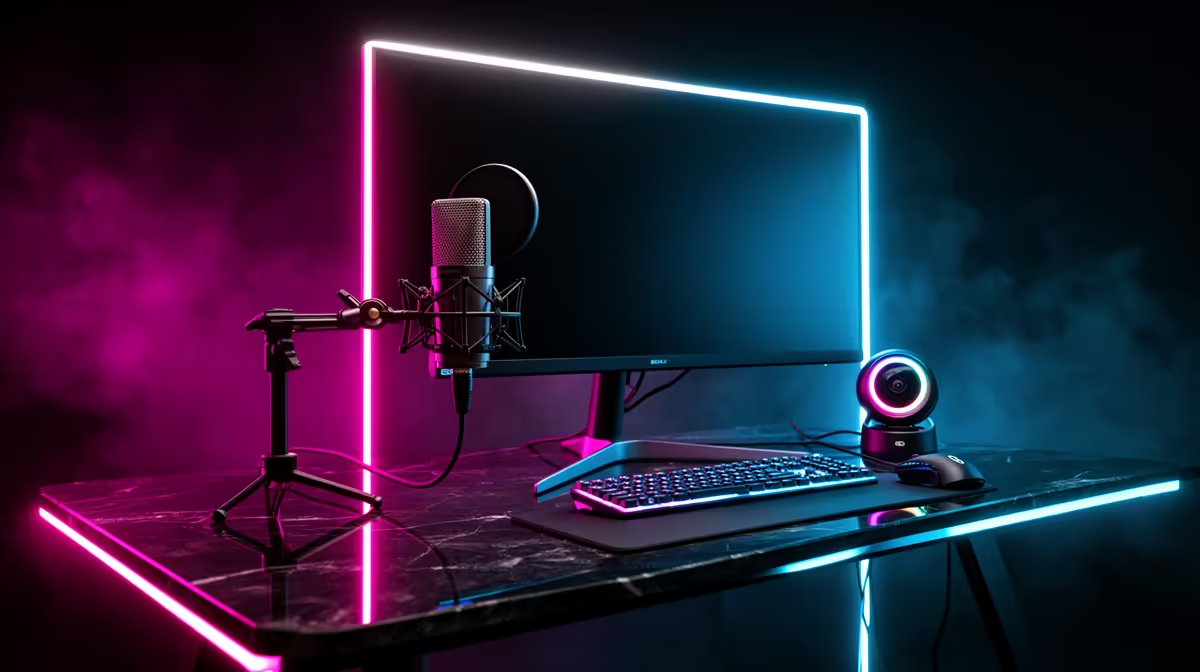
So, you’ve got the skills to clutch a 1v5 in Valorant and the personality to keep a crowd entertained. The dream of going live is calling… but hitting that ‘Start Streaming’ button with a dodgy mic and a grainy webcam can kill your channel before it even starts. Building a proper streaming setup isn't just about flashy gear; it's about giving your audience the quality experience they deserve, right from your very first viewer.
Nail Your Core Streaming Setup Essentials
Before you even think about complex scenes and transitions, you need to master the three pillars of any great stream: clear audio, crisp video, and good lighting. Getting these right forms the foundation of a professional-looking streaming setup.
Audio: Your Most Important Upgrade 🎤
If your audience has to choose, they will forgive mediocre video before they tolerate bad audio. Crackling, background noise, or a distant-sounding voice makes viewers click away instantly. A dedicated USB microphone is the single biggest upgrade you can make. It captures your voice with warmth and clarity, making your commentary a pleasure to listen to.
High-quality gear from brands like CORSAIR offers fantastic microphones that deliver broadcast-level audio without needing a complex audio engineering degree to set up. It’s a plug-and-play solution for sounding like a pro.
Video: Seeing is Believing
Your face is your brand. While you don't need a Hollywood-tier camera to start, your built-in laptop webcam probably won’t cut it. A solid 1080p webcam is the sweet spot for a new setup for streaming. It provides a sharp image that lets your reactions and personality shine through, connecting you with your chat on a more personal level.
Lighting: The Secret Ingredient ✨
Ever wonder why top streamers look so good on camera? It’s all about the lighting. A single, well-placed key light can dramatically improve your camera's quality, eliminating grainy shadows and making you pop from the background. You don’t need a massive studio.
For an extra layer of visual flair, customisable RGB lighting can transform your background from a plain wall into a dynamic part of your stream's identity. Smart lighting panels like those from Cololight let you craft a unique visual mood that matches your game or brand colours.
Quick Lighting Tip
Position your main light (key light) slightly above your head and at a 45-degree angle to one side. This creates a natural, flattering look and avoids harsh shadows directly on your face.
Optimising Your Setup for a Flawless Broadcast
Once your core hardware is sorted, it's time to fine-tune your broadcast. Software like OBS Studio or Streamlabs OBS is essential, but your gear needs to support a smooth experience for both you and your viewers. The goal is to play your game at high FPS while sending a stable, high-quality stream to Twitch or YouTube.
A powerful PC is at the heart of this, but you don't need to spend a fortune to get started. You can build a very capable stream setup on a reasonable budget. In fact, you can find a complete range of streaming essentials under R6000 to get you going without emptying your wallet. From there, you can add components like a Stream Deck to manage your scenes or a capture card if you're streaming from a console.
This incremental approach to building your streaming setup allows you to grow your channel and your gear at the same time. 🚀
Ready to Build Your Dream Stream? Stop dreaming and start broadcasting. Explore our massive range of streaming essentials now at Evetech and build the setup your content deserves.











