

So, you're ready to go live. You’ve got the skills, the personality, and a PC that can handle the latest titles. But turning your gameplay into a polished broadcast for a growing Mzansi audience requires more than just raw talent. Nailing your streaming setup essentials is the first, crucial step from being just another player to becoming a creator. Let's dive into the core gear that will make your stream look and sound professional from day one. 🚀
Core Streaming Setup Essentials: Beyond the PC
While a powerful rig is the heart of any gaming setup, your audience connects with you. That means they need to see and hear you clearly. Your first investments should focus on three key areas: audio, video, and lighting. Getting these right forms the foundation of a high-quality stream that keeps viewers coming back for more.
Crystal-Clear Audio: Your Voice is Key
If viewers have to choose between a grainy camera and crackly audio, they'll drop the bad audio stream every time. Your voice is your primary tool for connection, so a dedicated microphone is non-negotiable. Forget the tinny mic on your gaming headset… a quality USB microphone is the perfect starting point for any new streamer, offering plug-and-play simplicity with a massive audio upgrade. A quality microphone from a trusted brand like Corsair is a fantastic place to start.
A Professional Look: The Right Webcam
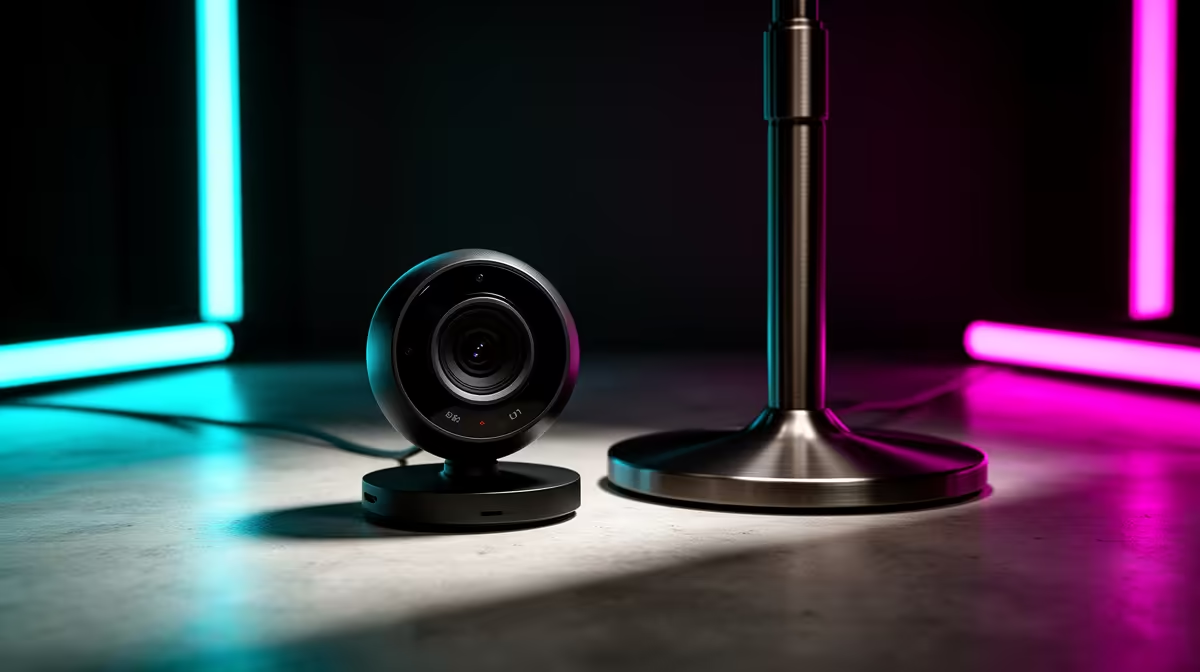
You don't need a cinema-grade camera to start, but your laptop's built-in webcam won't cut it. A solid 1080p webcam that can shoot at 60 frames per second (FPS) will provide a smooth, clear image that looks fantastic. Remember, good lighting (which we'll cover next) can make a budget-friendly webcam look like a premium one. Look for features like autofocus and good low-light performance.
Level Up Your Production Value ✨
Once you have the basics sorted, a few extra pieces of gear can drastically improve your stream's production quality and workflow. These are the items that separate the hobbyists from the serious creators.
Let There Be Light: The Unsung Hero
Lighting is the single most impactful, yet often overlooked, part of an essential streaming setup. It affects your camera's quality, sets the mood, and makes you look more professional. A simple ring light or a pair of LED key lights will illuminate your face, eliminate harsh shadows, and make your webcam's sensor perform at its best. For extra flair, you can create an incredible atmosphere with dynamic, programmable RGB lighting from Cololight to make your background pop.
Pro Lighting Tip 💡
Your R1000 webcam can look like a R4000 camera with good lighting. Position your main light source (a key light) slightly above and to one side of your face for a flattering, professional look that avoids harsh shadows.
Streamlined Control: Green Screens & Stream Decks
A green screen allows you to replace your real-world background with gameplay or custom graphics, giving your stream a clean, focused look. Paired with a control surface like a Stream Deck, you can switch scenes, trigger sound effects, and manage your entire broadcast with the push of a button, all without ever alt-tabbing out of your game.
Building Your Stream on a Budget in SA
Getting started doesn't have to cost a fortune. The key is to invest smartly in the gear that offers the biggest impact. Prioritise your microphone first, followed by lighting, and then your webcam. You'd be amazed at the quality you can achieve without breaking the bank. In fact, you can find a fantastic range of streaming essentials under R6000 that deliver incredible value and professional results.
Ready to Build Your Stream? Your journey from gamer to creator starts with the right gear. Explore our curated collection of streaming essentials at Evetech and start building the setup your content deserves.











