

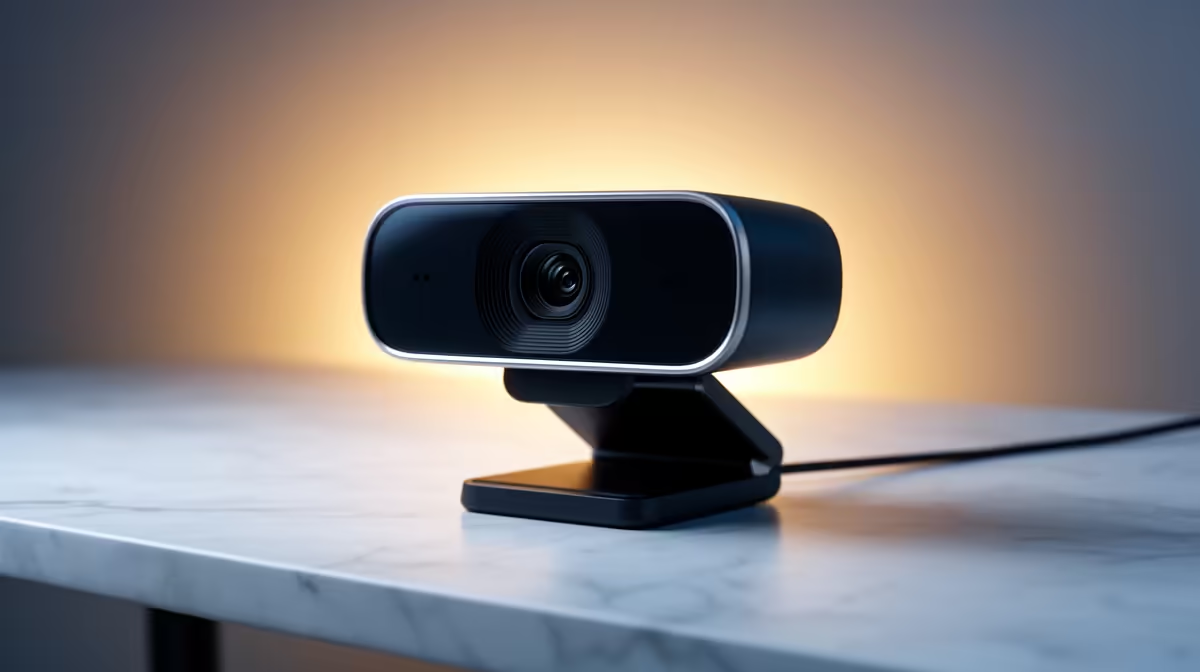
So, you’re ready to take your Twitch or YouTube channel to the next level? Awesome. Many aspiring South African streamers believe the first step is dropping thousands of Rands on a high-end camera. What if we told you that’s not the secret? You can strengthen your streaming setup and achieve a crisp, professional look by focusing on three other key areas first. Let's dive in and get your stream looking lekker without breaking the bank. ✨
💡 First, Master Your Lighting
Great lighting is the single most effective way to improve your stream quality. It’s the difference between a grainy, amateur webcam feed and a sharp, vibrant picture that makes viewers stick around. A good lighting setup makes your existing camera work smarter, not harder.
You don't need a full Hollywood production. Start with a simple three-point setup:
- Key Light: Your main, brightest light.
- Fill Light: A softer light on the opposite side to reduce shadows.
- Back Light (or Hair Light): This separates you from your background, adding depth.
For an extra splash of personality, consider adding some colour to your background. This is perfect for reinforcing your brand and creating a unique vibe. You can achieve stunning effects with customisable modular lighting panels like Cololight, turning a plain wall into a dynamic part of your stream.
🎙️ Crystal-Clear Audio is Non-Negotiable
Here’s a hard truth: viewers will forgive mediocre video, but they will click away instantly from bad audio. If your audience hears crackling, buzzing, or every single keystroke, they won't stay for long. A dedicated microphone is one of the best investments you can make to strengthen your streaming setup.
While your gaming headset mic is fine for Discord with your mates, a standalone USB mic offers far superior clarity. It captures the richness of your voice while filtering out distracting background noise. You can find quality microphones from brands like CORSAIR that deliver broadcast-grade sound without needing a complex audio interface.
Pro Mic Tip
Position your microphone slightly to the side of your mouth, not directly in front. This simple trick reduces harsh "plosive" sounds (like "p" and "b" popping) and ensures your voice sounds smooth and professional.
🚀 Optimise Your Background for a Cleaner Look
Your background is part of your brand. A cluttered, distracting room can make your entire stream feel unprofessional. You don't need a massive green screen to look good, but a little effort goes a long way.
Consider these options:
- Tidy Up: The cheapest and easiest fix! A clean, organised space looks intentional.
- Add Personality: Use shelves to display cool collectibles, posters, or gear that reflects your personality.
- Use a Screen: A simple room divider or a portable green screen can create a perfect, neutral backdrop.
Improving your background doesn’t have to be expensive. From mics to key lights, there's plenty of great gear under R6000 that can dramatically improve your stream's production value. By focusing on lighting, audio, and your environment, you create a premium experience for your viewers... all before ever needing that pricey camera.
Ready to Build a Better Stream? Stop letting poor quality hold you back. Explore our full range of affordable gear and start building a streaming setup that will capture and keep your audience. Shop all streaming essentials at Evetech and go live with confidence.











