Quick Answer
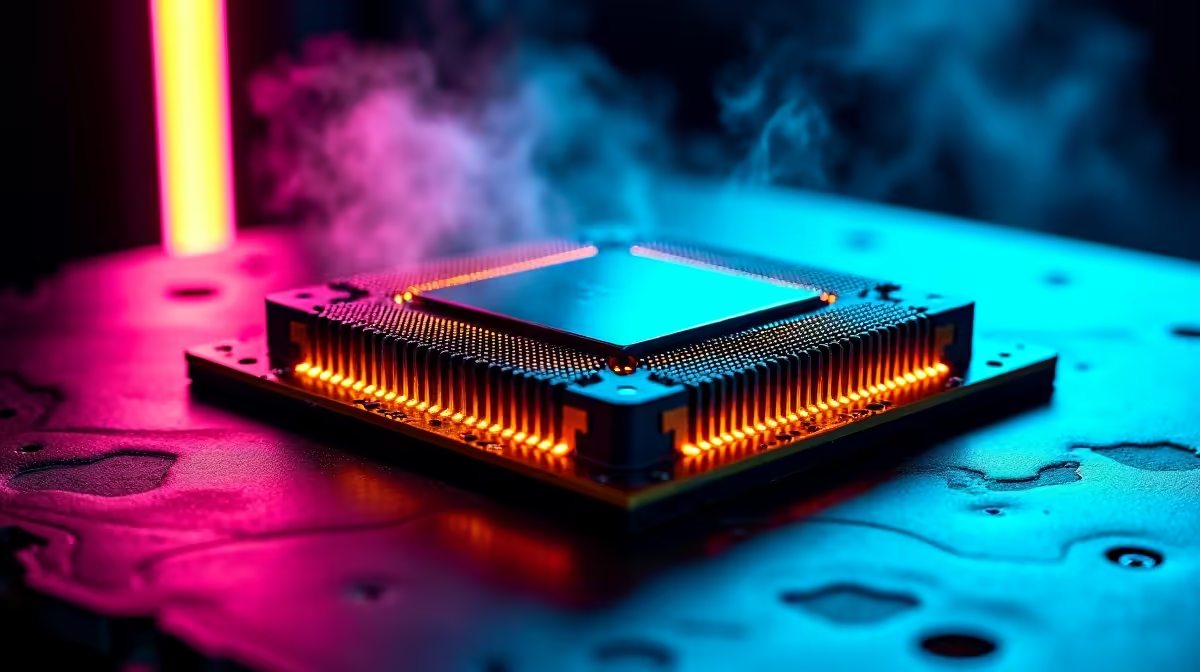
StreamLabs works best with a CPU that has at least 6 cores and 12 threads for simultaneous gaming and streaming. In South Africa, a Ryzen 5 7600X or Intel Core i5-13600K and above gives you smooth 1080p60 streams without dropping frames, even on the default x264 software encoder settings.
Choosing the Right CPU for StreamLabs in SA
StreamLabs, like OBS Studio, relies on your CPU for software encoding when you do not use a dedicated encoder. The x264 software encoder produces the highest quality stream output but demands significant CPU resources. For SA streamers targeting 1080p at 60fps, the sweet spot is a CPU with 6 cores minimum and a clock speed above 3.8GHz base.
Current CPU recommendations for StreamLabs streaming in South Africa:
- Entry-level streaming: Ryzen 5 5600 or Core i5-12400 (6 cores, adequate for 1080p30 or 1080p60 on Veryfast preset)
- Mid-range streaming: Ryzen 5 7600X or Core i5-13600K (6-14 cores, comfortable for 1080p60 on Fast or Medium preset)
- High-end streaming: Ryzen 7 7800X3D or Core i7-13700K (handles streaming and gaming simultaneously with headroom to spare)
- Dedicated streaming PC: A secondary 4-6 core CPU receiving a capture card feed gives the best gaming performance on your primary system
For SA streamers who also game on the same PC, the CPU must handle both the game engine and the encoder simultaneously. This is where higher core counts and faster clock speeds make a real difference.
StreamLabs Settings Optimized for SA Upload Speeds
South African internet upload speeds are the primary constraint for streaming quality, not your hardware. Most SA residential fibre connections offer 10 to 50 Mbps upload, which comfortably supports streaming at the following quality levels:
- 720p60 at 4,000 to 6,000 Kbps: Works on 10 Mbps upload connections, smooth for most SA streamers
- 1080p60 at 6,000 to 8,000 Kbps: Requires 15 Mbps upload minimum for reliable streaming without buffering
- 1080p60 at 8,000 to 10,000 Kbps: Needs 20 Mbps upload, gives noticeably sharper streams, ideal for Twitch or YouTube
In StreamLabs, set your encoder to NVENC New if you have an Nvidia RTX card, or AMF if you have an AMD RX 6000 or RX 7000 series GPU. GPU encoding offloads the streaming workload from your CPU entirely, giving you more headroom for gaming performance.
Handling Load Shedding as a SA Streamer
Load shedding is the biggest unpredictable variable for South African streamers. A mid-stream power cut not only drops your stream but can also corrupt recordings if StreamLabs was capturing to disk. Practical solutions for SA streamers:
- A UPS with enough capacity to power your PC, monitor, and router gives 15 to 30 minutes of buffer time, often enough to finish a match or save your session gracefully
- StreamLabs supports local recording alongside streaming, so having a backup recording saves content even if the stream drops
- Communicate your load shedding schedule to your audience through your stream description and social media to manage expectations
For township-based streamers on LTE rather than fibre, connection stability during load shedding is doubly unpredictable, as both your home connection and the cellular towers may be affected.
StreamLabs CPU Configuration Tips
Once your hardware is sorted, these settings inside StreamLabs improve stream quality on your CPU:
- Encoder Preset: Start at Veryfast for x264 if you are on a 6-core CPU, move to Fast if you have 8 or more cores
- Keyframe Interval: Set to 2 seconds for Twitch, 2-4 seconds for YouTube
- Profile: High (better compression, same bitrate)
- Rate Control: CBR for Twitch, VBR for YouTube if your connection is stable
- Process Priority: Set StreamLabs to High priority in Task Manager to prevent frame drops
Frequently Asked Questions
What CPU do I need for 1080p60 streaming on StreamLabs in SA?
A Ryzen 5 7600 or Core i5-13400 is the minimum for comfortable 1080p60 streaming on x264. With GPU encoding via NVENC or AMF, even a mid-range 6-core CPU from the previous generation handles 1080p60 streaming without impacting game performance.
Should I use GPU or CPU encoding on StreamLabs?
GPU encoding (NVENC for Nvidia, AMF for AMD) is almost always preferable for SA streamers who game on the same PC. It frees up your CPU for the game, reduces frame drops, and modern NVENC and AMF encoders produce quality comparable to x264 at faster presets.
How much RAM do I need for streaming with StreamLabs?
16GB is the working minimum for streaming and gaming simultaneously. 32GB is preferred if you run browser tabs, Discord, StreamLabs alerts, and a game at the same time, which is typical for active streamers.
Can I stream to Twitch from South Africa with MTN or Telkom fibre?
Yes. Telkom and MTN Fibre connections with 10 Mbps or more upload support stable Twitch streams at 720p60 or 1080p30. For 1080p60 at high bitrate, 20 Mbps upload or better is recommended.