

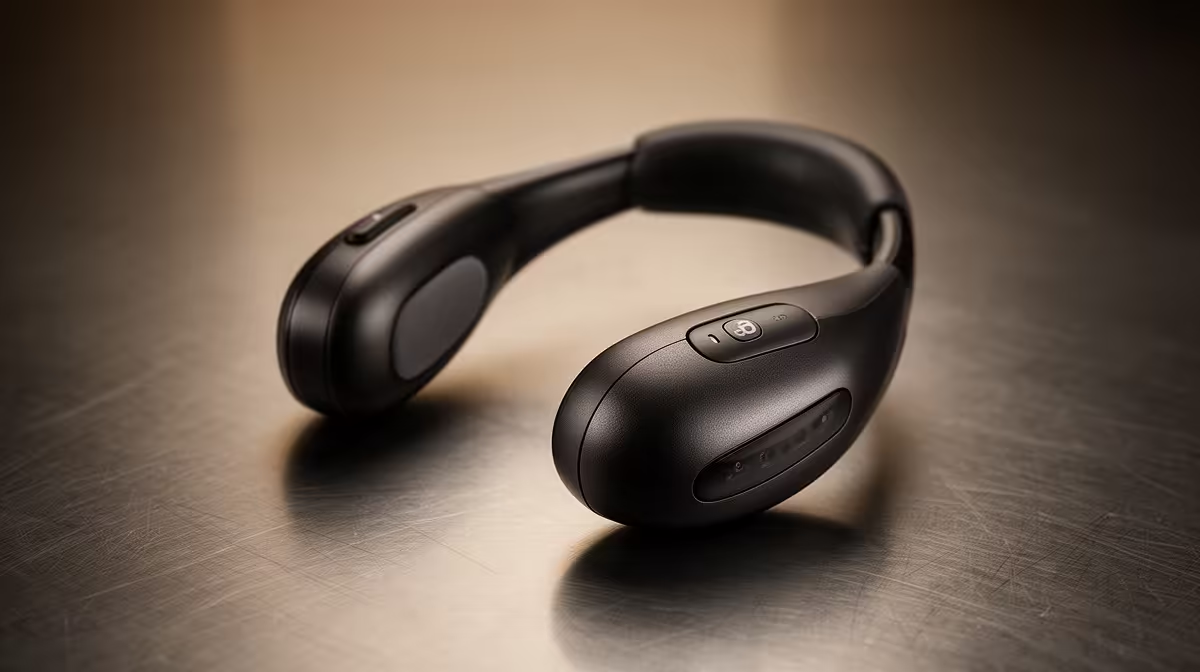
That familiar ache... the one that creeps into your shoulders after a marathon Apex Legends session. You know it, right? It’s the dreaded "gamer neck." What if you could strengthen neck muscles without sweating... not in the gym, but by optimising your setup? It’s totally possible. Forget neck curls; the real solution is a smarter, more ergonomic battlestation that supports you through every clutch play and marathon stream. Let's dive in. 🔧
Your Battlestation's Posture is the Real Problem
Before you blame your reflexes for leaning into the screen, check your monitor height. If you're looking down, even slightly, you're putting massive strain on your cervical spine. The goal is simple: the top of your monitor should be at or just below eye level. This single adjustment forces you into a neutral posture, instantly relieving pressure. An ergonomic setup isn't a luxury; it's a performance enhancer that prevents burnout, and you can find plenty of quality streaming essentials under R6000 to get started.
Build a Foundation for Pain-Free Gaming
Your chair is your throne. Is it supporting your kingdom? A good gaming chair isn't just about cool colours; it’s about adjustable armrests, lumbar support, and the ability to recline safely. Your feet should be flat on the floor, with your knees at a 90-degree angle. This stable base prevents you from slouching and shifting the load onto your neck and shoulders. Investing in solid peripherals from brands that prioritise comfort, like this ergonomic gear from CORSAIR, provides the support you need for those long-haul sessions.
. To fight eye strain and neck fatigue, look at something 20 metres away for 20 seconds, every 20 minutes. It’s a simple trick that forces your eyes and neck muscles to relax, preventing the tension that builds up from staring intently at your screen.
Optimise Your Environment to Reduce Strain
Did you know your room's lighting can affect your neck? Harsh glare or a poorly lit room causes you to squint and lean forward, undoing all your good posture work. Soft, ambient lighting reduces eye strain and helps you stay relaxed and focused. It creates an immersive atmosphere that not only looks amazing on stream but also contributes to your physical well-being. Adding some smart Cololight ambient lighting behind your monitor can make a massive difference. ✨
Ready to Upgrade Your Comfort? Stop letting neck pain end your gaming sessions early. Build a setup that supports your passion and performance with our wide range of streaming essentials.











