

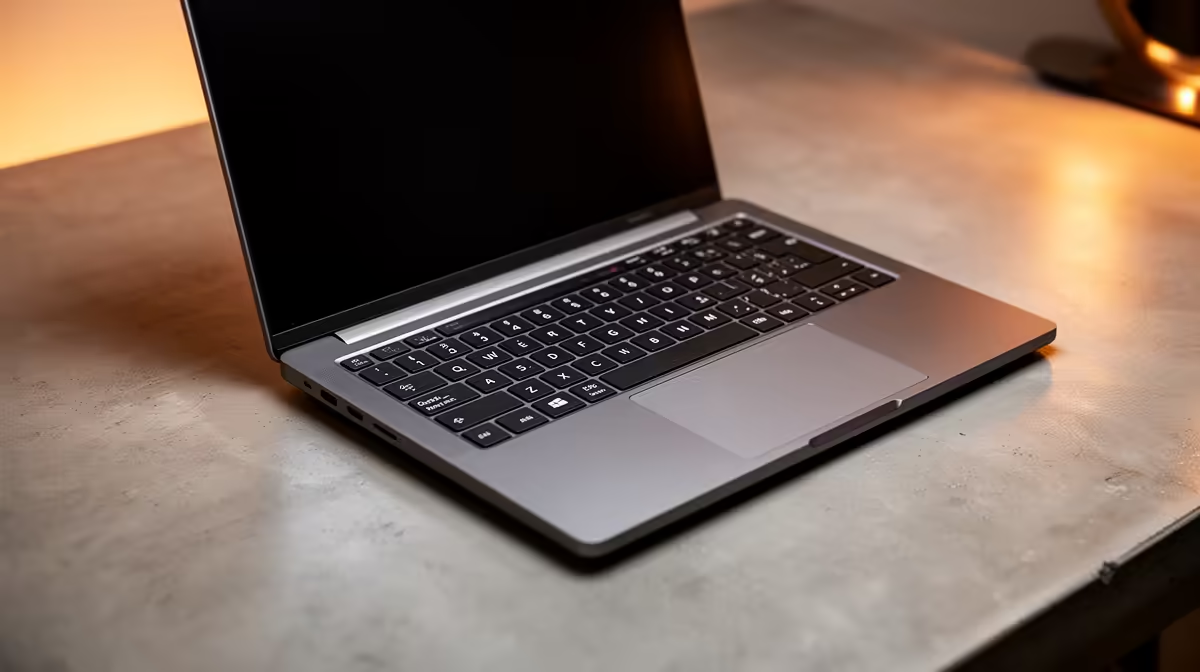
Staring at a massive spreadsheet for your BCom assignment? Trying to punch in numbers for your finance project using the top row of your keyboard is a special kind of slow torture. For South African students crunching data, a dedicated numeric pad isn't a luxury... it's a necessity. Finding the right student laptop with a numeric pad can make the difference between acing your assignment and pulling an all-nighter just to finish the data entry.
Why a Numpad is Essential for Your Studies
Let's be honest, varsity life is demanding. When you're dealing with accounting, statistics, or financial modelling, speed and accuracy are everything. A student laptop with a numeric pad transforms your workflow. Instead of hunting and pecking for numbers, you can input data rapidly with one hand, just like on a desktop keyboard. This muscle memory drastically cuts down on errors and saves you precious time—time you could spend actually understanding the data, not just typing it. 📈
For complex calculations, a powerful processor is just as crucial. A machine that can keep up with your spreadsheet formulas without freezing is key. Whether you're running simulations or compiling reports, a robust CPU ensures a smooth experience. Many modern AMD laptops on special offer incredible multi-core performance at a student-friendly price point, making them excellent for heavy workloads.
Key Specs for Student Laptops with Numeric Pads
When you're shopping in South Africa, looking beyond the numpad is vital to finding a laptop that will last you through your degree and beyond.
Processing Power & Memory
For finance and data-heavy courses, you need a machine that won't buckle under pressure. Look for at least an Intel Core i5 or AMD Ryzen 5 processor. These CPUs provide a solid foundation for multitasking between research, spreadsheets, and online lectures. Paired with a minimum of 8GB of RAM, your laptop will handle large datasets with ease. You can explore a wide variety of powerful Intel laptops on special that are perfectly suited for these demanding tasks.
Excel Pro-Tip 💡
Master the Ctrl + Shift + Arrow Keys shortcut. It allows you to select entire columns or rows of data instantly. Combine this with the numeric pad for data entry, and you'll navigate spreadsheets faster than ever before.
Screen Size and Portability
Most laptops with a built-in numeric pad have a screen size of 15.6 inches or larger. This is actually a huge benefit for finance students, as the extra screen real estate makes viewing wide spreadsheets much more manageable. You'll spend less time scrolling horizontally and more time analysing your work. Just be sure to balance this with portability—check the weight if you'll be carrying it across campus all day.
Can a Gaming Laptop Work for Finance Calculations? 🚀
It might sound strange, but hear us out. Many of the best gaming laptop deals feature exactly what a finance student needs: a high-quality keyboard with a numeric pad, a powerful processor, and a top-tier cooling system to handle intense workloads. A gaming laptop's dedicated graphics card can even accelerate certain calculations in specialised software.
The trade-off is often battery life and weight, but if you're mostly working from your desk or near a plug point, a gaming rig could be a surprisingly powerful and versatile tool for your studies... and a bit of fun after hours.
Find Your Perfect Student Laptop Today Stop fighting with your keyboard and start acing your assignments. Explore our wide range of laptop specials for sale in South Africa and find the perfect machine to power your studies.











