

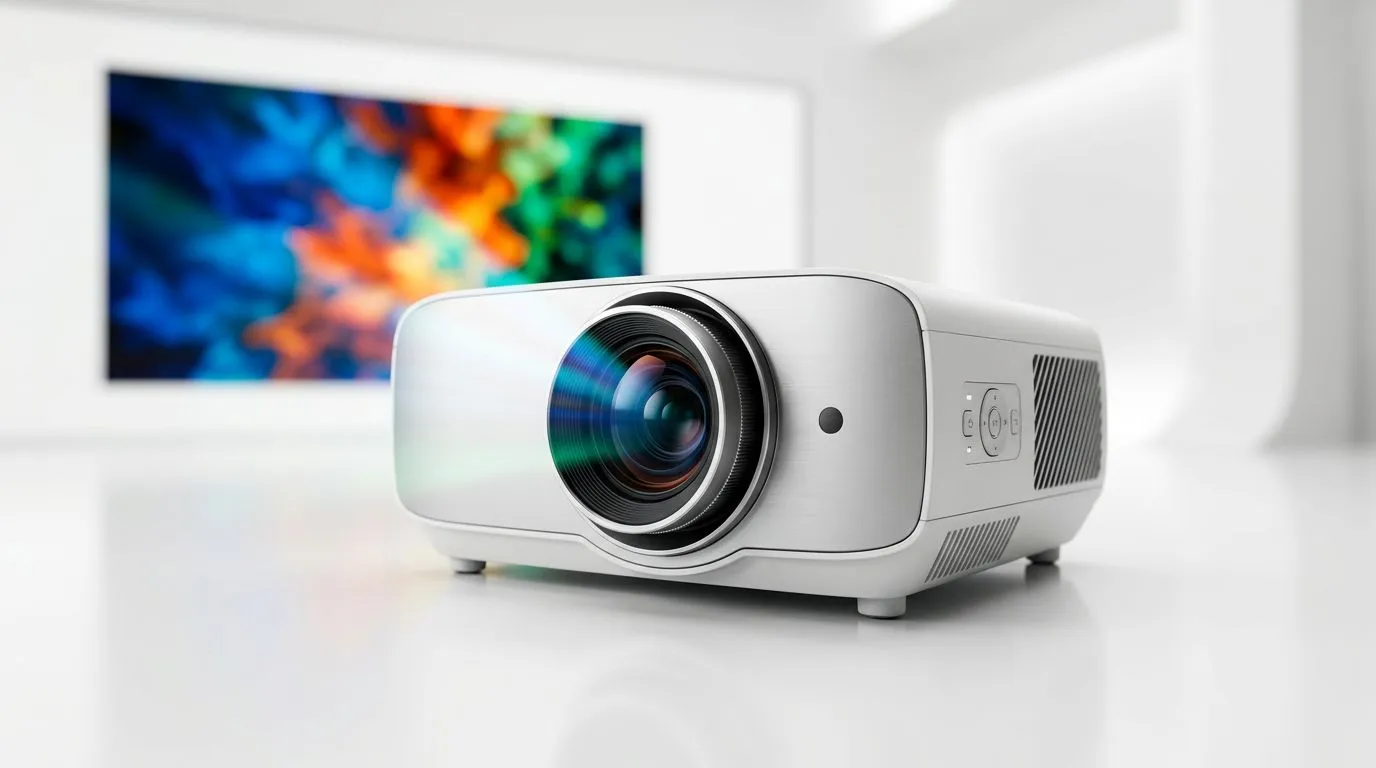
SuperColor Technology: Getting LED Projector Colour Accuracy Right (In Real Life)
If you’ve ever watched a trailer on a projector and thought, “Why does everything look washed out?”… you’re not imagining things. In South Africa, we stream in every lighting condition, from bright lounges to dim man caves. And when colour accuracy is off, games, movies, and sports don’t just look different... they feel different.
SuperColor Technology is often marketed as a shortcut to better colour. But what does it actually change, and how do you choose a projector that stays accurate in your setup? Let’s break it down. ✨
SuperColor Technology: What “Colour Accuracy” Means (And Why Gamers Should Care)
Colour accuracy is how faithfully a projector displays colours compared to a known standard. For gamers and film fans, that matters because:
- Whites and greys affect image clarity and detail.
- Reds and greens shape skin tones, team kits, and HUD readability.
- Blacks influence contrast, which impacts night scenes and explosions.
With LED projectors, lighting behaviour and calibration can shift over time. So “accurate” isn’t only about specs on paper. It’s also about matching the projector’s output to the environment it’s used in.
The key idea: stable output, stable colour
LED light sources are popular because they can last long. Still, colour performance depends on how the system manages the light spectrum and processes colour. That’s where vendor technologies like SuperColor Technology enter the conversation. The practical goal is consistent colour output, especially across long sessions.
SuperColor Technology: How LED Colour Gets Managed (Without the Marketing Hype) 🔧
SuperColor Technology (and similar approaches from projector brands) is generally about improving how the projector creates and maintains colour. In a simplified sense, better colour accuracy comes from tighter control in two areas:
- Light spectrum quality (how the LED light behaves and is filtered)
- Colour processing (how the projector maps signals to real-world colours)
Even when two projectors are “4K” or “1080p”, colour handling can differ. That’s why two units can both be bright, yet one looks more natural in-game while the other feels overly saturated or greyish.
A micro-story: the “over-saturated” surprise
We’ve all seen it. You plug in the projector, test a game lobby, and suddenly everything pops… too much. That’s often vividness without accuracy. The image feels exciting for five minutes, then it becomes fatiguing during longer sessions. Colour accuracy aims to reduce that “fake pop” effect.
SuperColor Technology: What to Check Before You Buy (South African Setups) 🚀
Before you choose, focus on what you can verify for your room. LED projectors are flexible, but lighting is ruthless.
1) Room brightness and screen size
If your room is bright, aim for a brighter projector and keep expectations realistic about true black levels. If you’re using a large screen, the trade-offs become more visible.
2) Inputs you’ll actually use
Gamers usually care about input lag, HDMI support, and practical compatibility. Make sure the model you pick matches your consoles, streaming boxes, and laptops.
3) Brand ecosystem and after-sales support
In South Africa, service matters. Buying from a store with clear product support reduces the headache if you need help with setup or replacements.
If you want options under R7,000, start here:
And if you want to narrow down by brand family:
Or if you’d rather compare everything side-by-side:
SuperColor Technology: Setup Tweaks That Improve Colour Accuracy Fast ✨
Even the best projector can look wrong if it’s set up with “default” assumptions. Try these quick fixes:
Calibrate using real content, not just test pages
Pick something you know:
- A game menu with readable UI
- A sports match with team colours
- A movie scene with skin tones
Then adjust in this order:
- Brightness (so whites aren’t crushed or grey)
- Contrast (so details show in shadows)
- Colour temperature / tint (for natural skin tones)
Keep your screen consistent
A projector on a glossy wall will change colour perception fast. If possible, use a screen made for projection.
Productivity Pro Tip 🔧
On many projectors, you can improve perceived colour accuracy by setting the picture mode that matches your source (Gaming, Movie, or Presentation). Use that mode first, then fine-tune brightness and contrast with a known test clip showing skin tones and bright highlights.
SuperColor Technology: Choosing the Right Projector Model for Your Needs (Not Just a Feature) ⚡
“SuperColor Technology” can sound like the only thing that matters… but it’s only part of the story. A more useful mindset is: colour accuracy is the result of the whole system, plus your environment.
Ask yourself:
- Do I mostly watch in a bright room or in low light?
- Will I use it for gaming sessions of 1 to 3 hours, or only occasional movies?
- Do I want a projector with predictable performance, or am I okay tweaking settings often?
If you want the best chance at a satisfying result, choose a model that fits your budget and brand preferences, then adjust settings based on real content.
Ready to Find Your Perfect Match?
Ready to Find Your Perfect Match? The Mac vs Windows debate is complex, but for maximum power, choice, and value in South Africa, Windows is hard to beat. Explore our massive range of laptop specials and find the perfect machine to conquer your world.











