

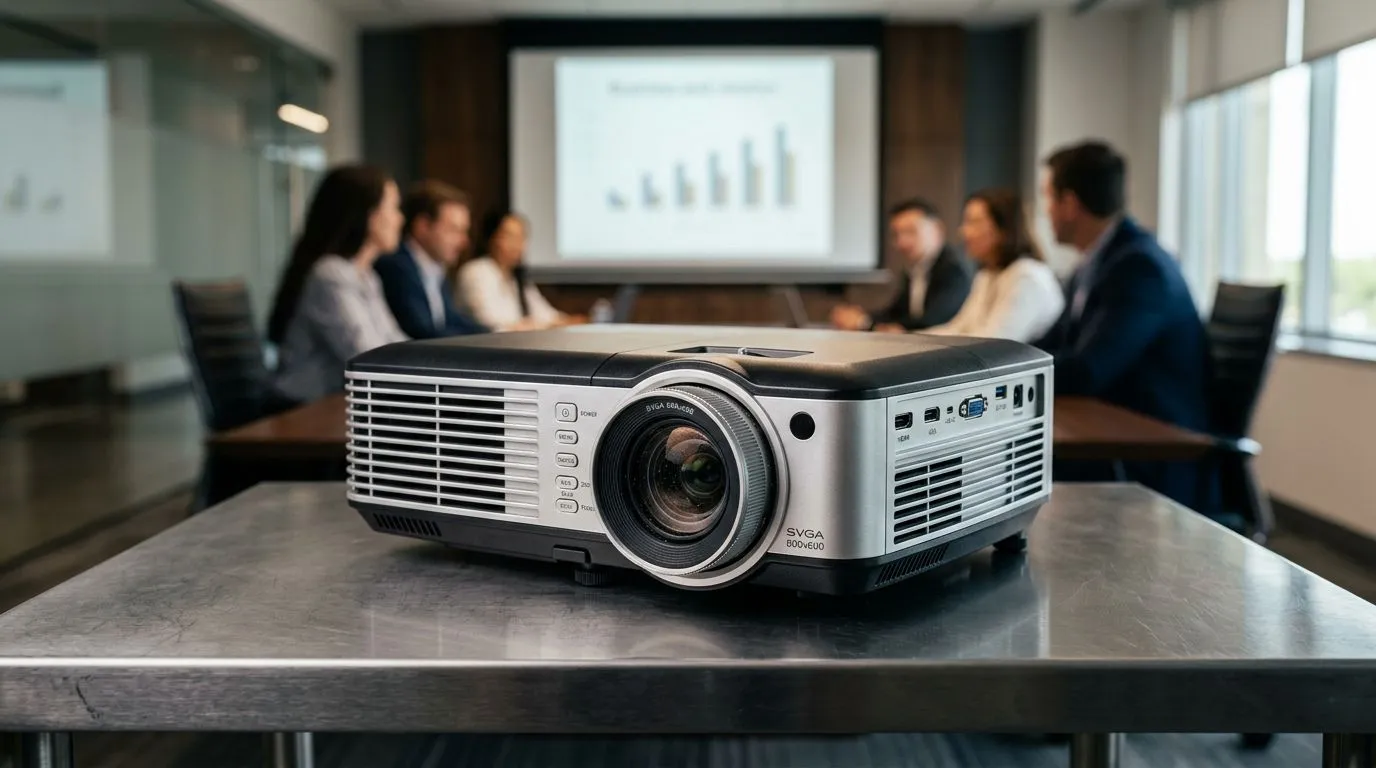
Is an SVGA 800x600 Projector Still Good Enough for Office Meetings? (Answer first, details second) ✨
If your office meetings usually look like “Zoom on a laptop”... and “everyone squints at the screen”… you might be wondering whether a basic SVGA (800x600) projector is still worth it. In South Africa, where budgets can be tight and replacements are often delayed, this is a very real question. The good news? For the right setup, an SVGA 800x600 projector can still do the job. But there are a few deal-breakers to watch for before you buy. 🔧
Why SVGA 800x600 can work for office meetings (when it’s the right use case) ⚡
SVGA 800x600 is a “good enough” resolution for simple presentations: PowerPoint slides, spreadsheets, and training decks. Most office content is not pixel-perfect. It’s layout, readability, and contrast that matter.
That said, projector performance is about more than resolution. Image clarity depends on:
- Brightness (lumens), especially in rooms with daylight
- Screen size vs throw distance
- Contrast and lamp/LED quality
- How your laptop outputs video (and whether the projector scales nicely)
If your meetings are usually in a smaller room with controlled lighting, SVGA can feel totally fine. If the room is bright or you’re projecting onto a large screen, it can look soft fast.
The practical reality: what your audience will notice
In office use, people typically complain about:
- Text that looks blurry
- Thin lines in charts
- Faded colours during daytime meetings
Higher resolution helps, but only if the rest of the setup supports it (brightness, screen choice, and positioning). So yes… an SVGA projector can be “still good enough” for meetings, but it’s not automatically a safe buy.
What to check before you buy an SVGA office projector (so you don’t regret it) 🚀
Before you commit, verify the basics. Don’t rely on resolution alone.
1) Room lighting and brightness
Even a decent SVGA projector can struggle in bright rooms. If you’re presenting in boardrooms with large windows, look for a projector that offers enough lumens for clear text. (For projector buyers, Evetech’s listings are a good starting point because you can compare models in the same category.)
Start browsing here:
2) Screen size and placement
If you project too big for the projector’s native resolution, text gets mushy. A simple rule of thumb: keep the image size realistic for the room. If you’re not sure about throw distance and image size, measure your setup first. Then match projector placement to the screen.
3) Connectivity (your laptop matters)
Most office laptops output via HDMI. Some projectors also support VGA or other inputs. If your presenter laptops differ (Windows machines, older desktops, or even a MacBook with adapters), check inputs so you don’t end up troubleshooting cables mid-meeting.
4) Maintenance and reliability (lamp/LED)
Projectors often come down to long-term cost: replacement lamps (for lamp units) or maintenance cycles. If you’re buying for recurring office use, reliability is as important as up-front price.
Productivity Pro Tip ⚡
Productivity Pro Tip ⚡
On Windows, use PowerToys FancyZones to create clean snap layouts before meetings. Keep your slide deck open on one side, notes or spreadsheets on the other, and your video calls on a third zone. It helps you avoid resizing chaos when someone asks a “quick question” halfway through.
Buying guidance in South Africa: where SVGA fits (and where it doesn’t) ✨
If you’re setting up:
- a small meeting room
- a training space with controlled lighting
- a “screen share plus slides” workflow
…then SVGA 800x600 can still be a workable, cost-effective choice.
But if you expect:
- frequent daytime meetings
- large screens
- detailed graphs, spreadsheets, or design-heavy decks
…then it’s worth stepping up. The projector should be bright enough and suited to your screen size, not just your budget.
Picking a brand that actually matches office needs
Brand matters, but configuration matters more. Still, if you want a known product line to compare, start with a focused list:
Then compare the models you’re considering using the same criteria: brightness, connectivity, and intended screen size.
Make the call: SVGA 800x600 is good enough… with the right setup 🔧
So, is an SVGA 800x600 projector still good enough for office meetings?
Yes, if your meetings are mostly slide-based, your room lighting is manageable, and you size the screen appropriately.
No, if you routinely present in bright rooms, project extremely large images, or your content has lots of fine text and charts. In those cases, you’ll feel it every time someone tries to read from the back row.
If you want the easiest way to avoid buyer’s remorse, compare a shortlist of projectors within your budget and check how the specs fit your actual room.
Ready to Find Your Perfect Match? Looking for the right projector setup for South Africa’s office and training spaces? Make your decision easier by browsing Evetech’s curated options and choosing the model that fits your room, your screen size, and your budget. Explore our massive range of projectors and find the right one today.











