

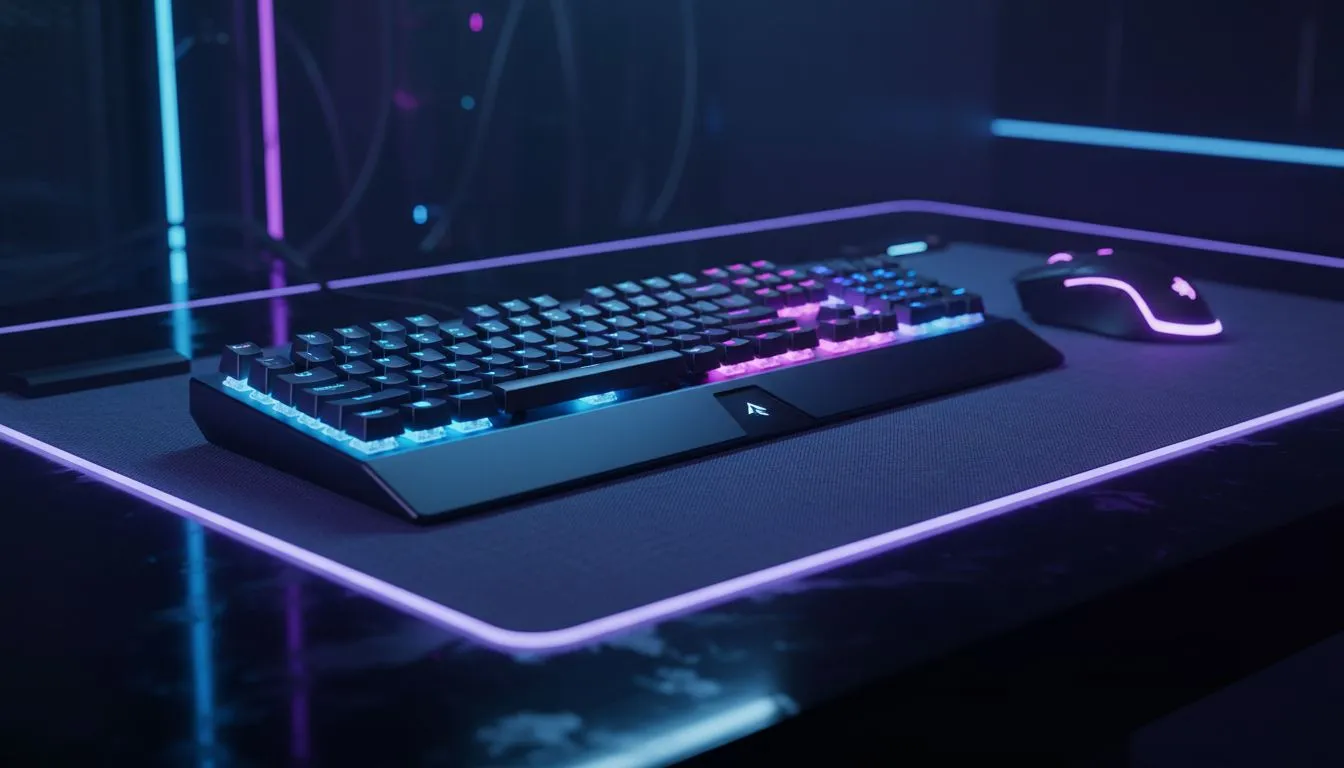
Sync RGB Lighting Across Your Gaming Setup — Quick Start 🎮✨
Want your desk to feel like a single, coordinated unit? Sync RGB lighting across your gaming setup and your rig finally looks intentional, not accidental. This quick primer helps South African gamers and builders get colourful harmony fast, with practical steps, software tips, and where to buy the right gear in ZA.
Sync RGB Lighting: Gear and compatibility
First, inventory what you have. Peripherals from different brands may need brand-specific software. If you’re shopping for a new mouse, start with Evetech’s dedicated gaming mouse selection for compatible models and detailed specs: check the gaming mouse range here. That page will help you match software ecosystems before you buy.
Many gamers upgrade during a build. If you want to catch a bargain, keep an eye on promotions and curated offers — these best gaming mouse deals often bundle RGB-capable gear. Browse current specials to compare features and ZAR pricing.
Sync Tip 🔧
Use matched-brand peripherals where possible. If you mix brands, prioritise devices that support open standards like OpenRGB or that expose SDKs. Save profiles to device memory where available; it keeps your lighting synced even without software running.
Sync RGB Lighting: Setup steps & software
Start simple: pick one software hub. Manufacturers like Razer, Corsair, Logitech, and others provide suites that manage colour, effects, and sync. If you prefer wireless freedom, double-check wireless mouse compatibility before you commit — Evetech lists wireless mice and specs so you know what works together. For wired favourites, Evetech’s wired mouse category makes it easy to compare connectors, polling and RGB support.
Practical workflow:
- Uninstall conflicting RGB apps.
- Install your chosen hub and update firmware.
- Set a master profile and apply it device by device.
- Save to onboard memory when possible.
If you need accessories to tie everything together, look for hubs, LED controllers, and adapters in the mouse accessories section at Evetech.
Sync RGB Lighting: Troubleshooting & optimisation
If effects stutter or colours don’t match, reboot the hub and test with a single device. Sometimes a driver conflict or outdated firmware causes issues. For wireless peripherals, keep firmware updated and check battery levels — low power can affect lighting behaviour. For a final polish, set a cohesive palette and limit the number of active dynamic effects; it reduces CPU overhead and keeps everything smooth.
Need specific device compatibility help? Evetech’s wireless mouse listings and wired mouse pages provide product pages and spec sheets you can use when comparing RGB features.
Wrap and next steps 🚀
Syncing RGB lighting across multiple brands can take a few tries, but the payoff is a visually unified battlestation. Start by deciding your software hub, match a few key peripherals, and read product pages for compatibility before checkout.
Ready to Find Your Perfect Match? Want seamless RGB across your desk? Browse our curated range of mice, peripherals and accessories and lock in a cohesive look and feel. Shop Evetech and build your perfect rig and start syncing today.











