

Sync vs Backup: Protecting Your Data and How They Differ
Imagine losing your entire Steam library or five years of family photos because a power surge fried your drive during stage 4 loadshedding. It happens more often than we’d like to admit. Many users think they are safe because their files are in the cloud, but there is a massive difference between Sync vs Backup. Understanding this distinction is the first step toward true data security. 🛡️
The Real-Time Mirror: What is File Syncing?
Syncing is all about accessibility and convenience. When you sync a file, you are ensuring that the same version of that file exists in two or more places simultaneously. If you edit a document on your desktop, the changes reflect instantly on your laptop or phone. It is a fantastic tool for productivity, but it is not a safety net.
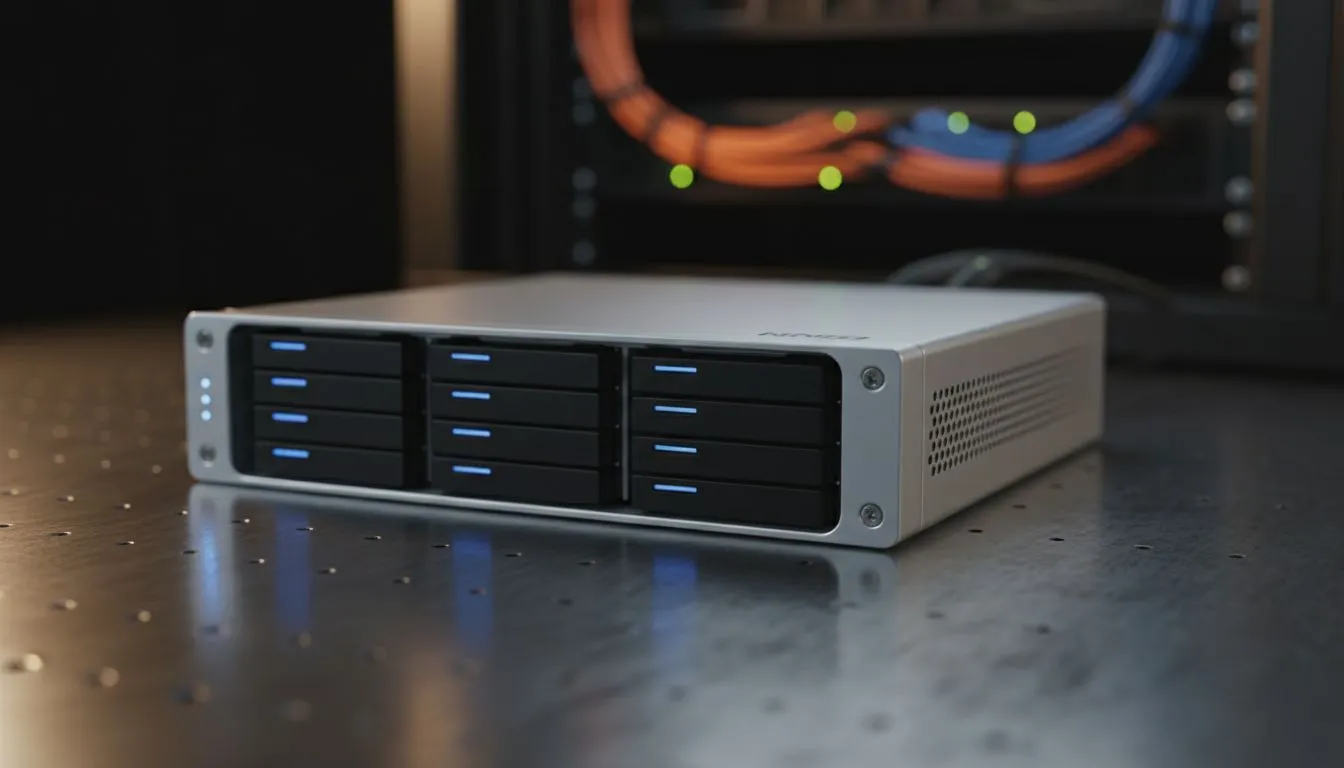
The biggest risk with syncing is that it mirrors everything... including mistakes. If you accidentally delete a folder or a virus encrypts your data, that deletion or encryption syncs across all your devices immediately. For those looking to build a local cloud that handles this efficiently, investing in diskless NAS storage solutions is a great way to centralise your files while maintaining control over your hardware.
The Digital Safety Net: What is a Data Backup?
A backup is a dedicated copy of your data stored in a separate location, intended to be used for recovery if the original is lost. Unlike syncing, a backup is typically "point-in-time." This means if your drive fails today, you can restore your files exactly as they were yesterday or last week.
Backups are your insurance policy against hardware failure, theft, or accidental deletion. To keep your secondary copies safe without breaking the bank, many South African gamers use Orico storage options to house high-capacity hard drives. These external enclosures allow you to swap drives easily, making it simple to rotate your backups and keep one copy offline... away from potential power surges. ⚡
The 3-2-1 Backup Rule ⚡
truly protect your data, follow the 3-2-1 rule: Keep three copies of your data, store them on two different types of media, and keep at least one copy off-site. This ensures that even if a fire or theft occurs at home, your digital life remains intact on a remote server or a drive kept at a different location.
Why Sync vs Backup Matters for Your Setup
The debate of Sync vs Backup isn't about choosing one... it’s about using both. Syncing keeps your active projects updated across your devices, while backups ensure that you have a "undo" button for life’s digital disasters.
If you are running a compact home office or a dedicated media server, you might want to look at Minis Forum hardware to manage your data traffic. These small but powerful units can act as the brains of your storage operation, handling both your real-time syncing needs and scheduled backup routines without taking up half your desk. ✨
When you value your data, you start seeing storage not as an expense, but as an investment. Whether it is a R1,500 external drive or a multi-bay NAS, the cost of recovery is always higher than the cost of prevention. 🚀
Ready to Secure Your Digital Life? Don't wait for a drive failure to take your data seriously. For the best prices and most reliable storage solutions in South Africa, we have you covered. Explore our massive range of storage and NAS specials and find the perfect hardware to protect your world.











