

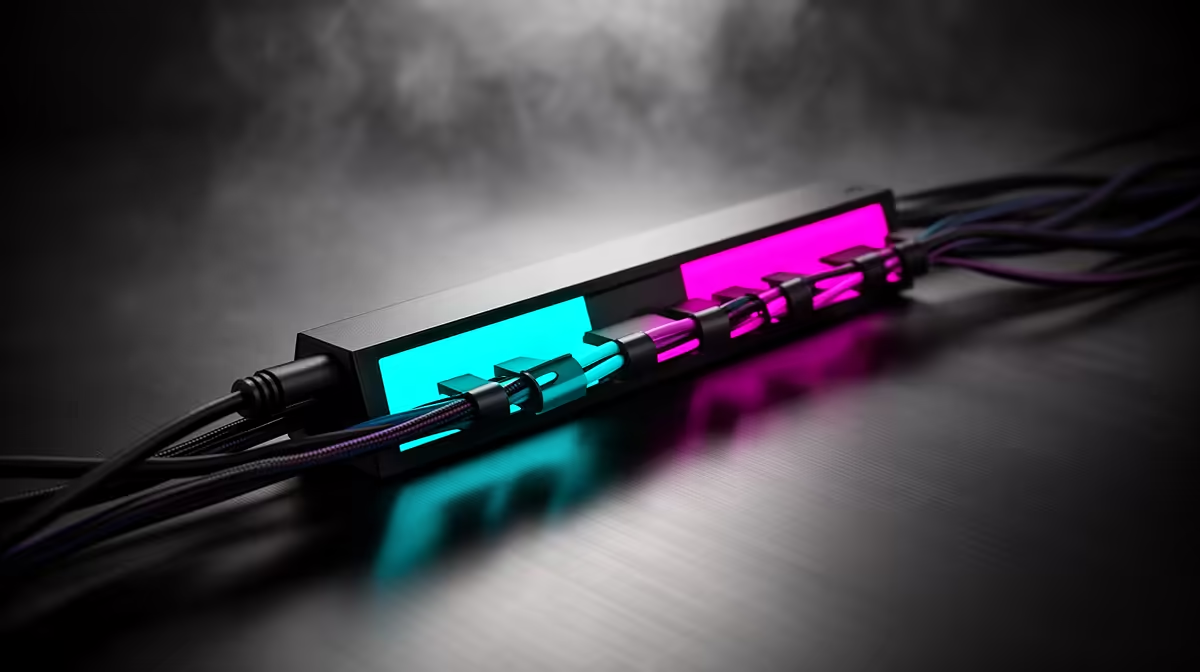
That tangled mess of wires behind your desk… we’ve all been there. It’s the tech equivalent of a bird’s nest, and it only gets worse with every new gadget or loadshedding-induced replug. But what if you could achieve perfect, clutter-free tech organization? It’s easier than you think. The secret lies in a smart approach and the right tangle-free cables, turning that chaos into a clean, efficient, and seriously cool-looking setup. ✨
Why Good Cable Management Is More Than Just Tidy
Let's be honest, a clean setup looks incredible. But the benefits of achieving clutter-free tech organization go way beyond just aesthetics. For PC gamers, untangled and properly routed wires mean better airflow inside your case, which can lead to lower component temperatures and more stable performance. No more dust bunnies choking your fans!
Beyond performance, it’s about practicality. Need to swap out a monitor or plug in a new peripheral? A tidy setup makes it a quick, painless job instead of a 10-minute battle with a cable monster. It also reduces the risk of accidentally yanking the wrong plug or creating a trip hazard. Investing in a few quality cable solutions is one of the smartest upgrades you can make for your peace of mind and your hardware's longevity.
Your Toolkit for Tangle-Free Cables
Getting started doesn't require a massive budget, just the right tools for the job. You’re moving from a tangled mess to a streamlined system, and a few key items will make all the difference.
The Essentials
- Velcro Ties & Cable Clips: Reusable, adjustable, and perfect for bundling cables together behind your desk or along a monitor arm. They are far superior to single-use zip ties.
- Cable Sleeves: These fabric or plastic tubes wrap around a bundle of cables, creating one neat-looking conduit. They are fantastic for the main cluster of wires running from your PC to your monitor and power strip.
- Cable Boxes: A simple box to hide your power strip and all the bulky plugs, instantly cleaning up the floor area.
Brands are getting clever with this, too. You can find everything from basic ties to advanced organisers in GIZZU's range of smart accessories, designed to simplify your tech life.
The Rule of Three 🔧
cables by function before you start tying them down: 1. Power, 2. Data (HDMI, DP, USB), and 3. Peripherals. This simple trick makes future upgrades or troubleshooting so much easier.
A Simple 3-Step Plan for a Clutter-Free Desk
Ready to tackle the beast? Here’s a straightforward plan to achieve that dream setup.
1. The Great Disconnect: Start with a clean slate. Yes, that means unplugging everything. It feels drastic, but it's the only way. As you disconnect, wipe down the cables and get rid of any old, unnecessary ones you've been hoarding. You don't need that printer cable from 2005, we promise.
2. Route & Group: Before plugging anything back in, plan the path. Run power cables together and signal cables together to reduce potential interference. Think about the most direct and hidden routes—along the back edge of the desk or down a desk leg. This is where you'll use your velcro ties to create logical bundles. Even major manufacturers offer accessories from trusted brands like HP that can help create a more unified workspace.
3. Secure & Admire: Now, use your cable sleeves and clips to secure the bundles in place. With the right tangle-free cables and accessories, your setup will not only be organised but also look incredibly professional. Brands are even making aesthetics a priority, with innovative solutions from Promate often featuring sleek designs to match modern tech.
Taking an hour to sort out your cables is an investment that pays off every single day in a cleaner, more efficient, and less stressful tech environment. ⚡
Ready to Conquer the Cable Chaos? Stop letting cable spaghetti slow you down. A clean setup is a fast setup, so explore our full range of cable management solutions at Evetech and build the battle station you deserve.











