

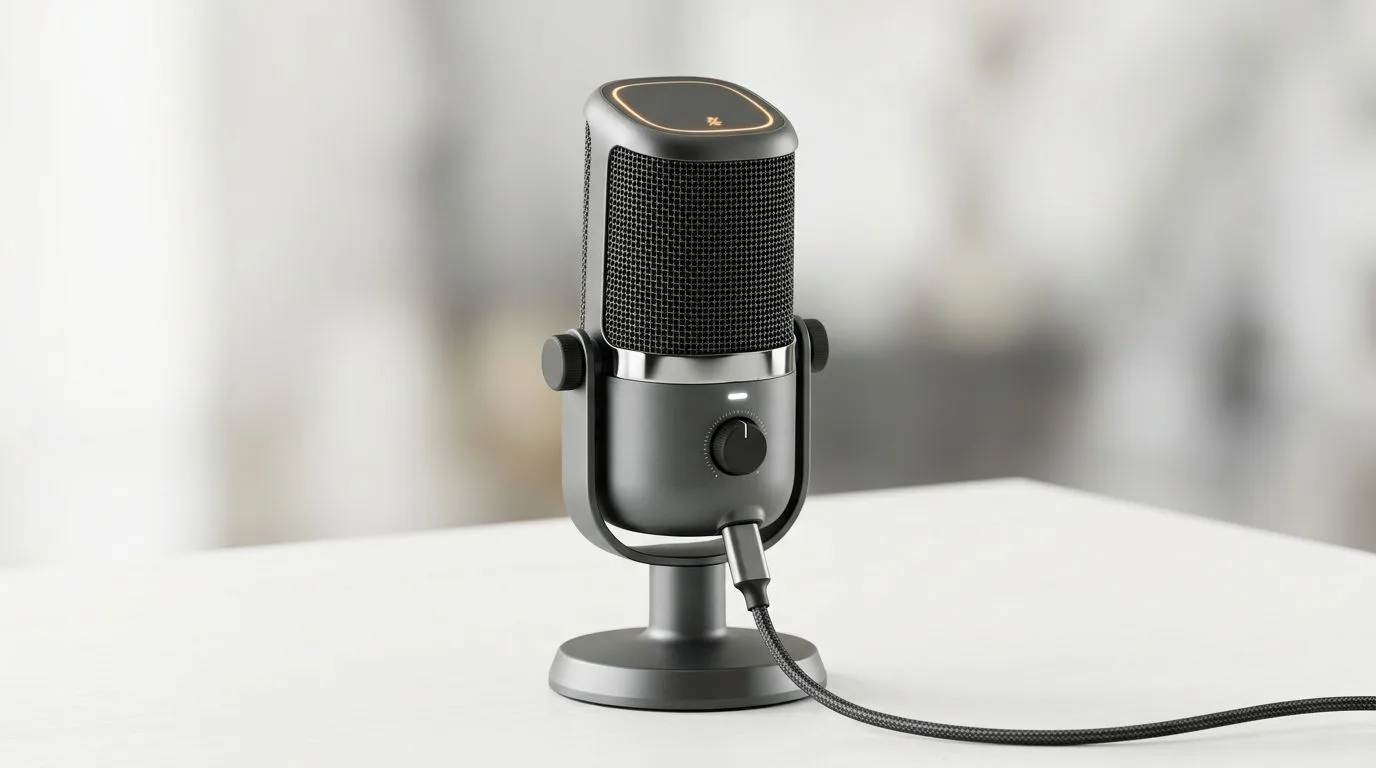
Mastering Tap-to-Mute USB Microphone Controls for Seamless Audio
South African gamers and streamers, ever found yourself scrambling to mute your mic during a clutch moment? That’s where tap-to-mute USB microphone controls step in. These easy-access mute buttons can save you from awkward interruptions and keep your audience locked in. Let’s break down how to set up and monitor these controls smoothly—ensuring your voice comes through loud and clear when you want it, and stays silent when needed. 🔧
How Tap-to-Mute USB Microphone Controls Improve Your Streaming Setup
Streaming smoothly means having control at your fingertips. Tap-to-mute USB microphones offer a tactile way to pause your audio without fumbling through software menus. Unlike generic mute toggles, these built-in buttons respond instantly—perfect during heated game moments.
Setting these controls up involves simple steps: plug in your USB mic, check your audio device settings, and assign the mute function to the tap button if it’s not pre-configured. Most modern mics from brands like Corsair come with intuitive software that lets you customise these controls to your preference.
If you’re building a full setup, consider browsing Evetech’s streaming essentials selection. They stock options tailored for South African creators seeking reliable audio gear.
Essential Tips for Optimising Your USB Mic Monitoring
Monitoring your voice while streaming is as crucial as tap-to-mute function itself. You want zero delay, so you hear yourself naturally and ensure levels are balanced.
Here’s a quick pro tip: activate direct monitoring on your microphone or audio interface. This method routes your voice straight back to your headphones, bypassing PC processing lag. It ensures real-time feedback, helping you avoid speaking too loud or too softly during broadcasts. 🎧
For those using gaming rigs or desktops without built-in mic monitoring, pairing your USB microphone with a dedicated audio interface or mixer can be a solid upgrade.
Proper setup also means getting your mic volume just right. Overly sensitive mics pick up background noise; too low, and you sound distant. Use your recording software or system sound control panel to calibrate. Evetech’s detailed webcam and mic bundles help simplify this with tested gear combos.
Enhance Your Audio Setup
Streaming without annoying echo or feedback? Lower your headphone volume slightly while keeping mic monitoring active for crystal-clear input.
Why Quality USB Mics with Tap-to-Mute Matter in South Africa
Quality matters, especially in our local context where power interruptions and variable internet can disrupt streams. A reliable USB microphone with tap-to-mute avoids the stress of accidentally transmitting unwanted sounds during reconnections or network lags.
Brands like Corsair and Cololight offer sturdy USB mics designed for durability and consistency. Plus, their software often supports tap-to-mute customisations and noise cancellation features for cleaner audio delivery.
Explore Corsair’s range for South African gamers and streamers who demand flexibility and control in their microphones by visiting Evetech’s Corsair streaming essentials. Investing in the right mic also means less time troubleshooting and more focus on your content.
Final Thoughts on Setting Up and Monitoring Tap-to-Mute USB Microphones
The right USB microphone with tap-to-mute controls doesn’t just improve your sound—it enhances your streaming experience by giving you full command over when and how you’re heard. Monitoring tools combined with those controls keep your broadcast professional and polished every session.
To stay ahead, gear up with trusted streaming essentials from reputable suppliers like Evetech. They understand our local market and can help you find microphones and accessories that meet your needs without breaking the bank.
Equip Your Stream with Premium Audio Gear Don’t let background noise derail your next stream. Shop now at Evetech for reliable USB microphones and streaming essentials that keep you sounding sharp.











