

Why Your Tarkov Setup Matters in South Africa
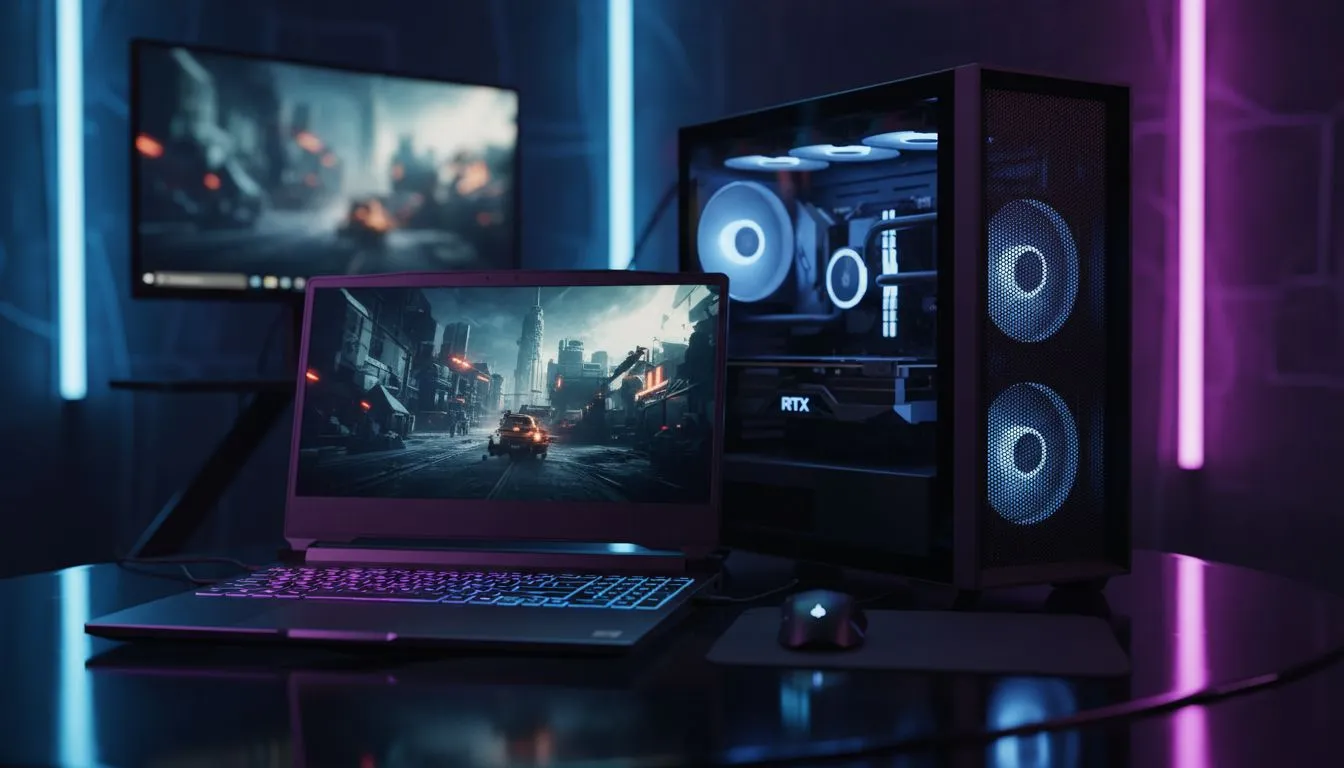
Surviving a raid in Escape from Tarkov is hard enough without hardware stuttering during a firefight at Customs. Whether you are a rat or a chad, choosing the right Tarkov setup: Gaming Laptop vs Desktop Pros & Cons is the first real decision you make before stepping into the Norvinsk region. Let's break down which machine keeps you in the raid longer... and which one might leave you staring at a death screen. 🔧
The Desktop Advantage: Raw Power and Cooling
Desktops are the traditional choice for a reason. You simply get more performance per Rand spent. Because Tarkov is notoriously unoptimised and relies heavily on CPU cache and high clock speeds, a full-sized tower allows for the thermal headroom needed to maintain peak performance. If you want the most stable frame rates on maps like Streets of Tarkov, our best gaming PC deals provide the cooling necessary to prevent thermal throttling.
Furthermore, desktops offer an easy upgrade path. When the next major Tarkov wipe introduces even more demanding textures or mechanics, you can simply swap out a component. For those who want a plug-and-play experience without the hassle of building, exploring pre-built PC deals is the smartest way to ensure component compatibility.
The Laptop Reality: Portability and Load-Shedding
Gaming laptops have evolved significantly... they are no longer the "weak" cousins of the desktop. For the South African gamer, the laptop offers a massive hidden advantage: a built-in battery. While you should never engage in a heavy raid on battery power alone, it acts as a secondary UPS, giving you those vital few minutes to find an extraction point if the lights go out.
If you are a student or a professional who needs to move between locations, a laptop is the only logical choice. You can find highly capable budget gaming PCs and laptops that handle the game at 1080p with respectable frames, provided you manage your settings correctly. ⚡
Tarkov Optimization Tip ⚡
Always enable the 'Automatic RAM Cleaner' in the Tarkov in-game settings if you have 16GB of RAM or less. Tarkov is known for memory leaks... this small toggle can prevent your game from crashing during long sessions. Also, ensure your Windows Power Plan is set to 'High Performance' to keep your CPU cores primed for action.
Balancing the Budget in ZAR
When looking at the Tarkov setup: Gaming Laptop vs Desktop Pros & Cons, price is often the deciding factor. Entry-level gaming requires a balance of speed and stability. If you are shopping for your first serious rig, checking out PCs under R20k can get you into the game with solid 1080p performance.
However, if you want to push high refresh rates or play at 1440p, you will need more muscle. Investing in PCs above R20k ensures you have at least 32GB of high-speed RAM... which many veterans consider the "true" minimum requirement for a stutter-free Tarkov experience. 🚀
Final Verdict
If you have a dedicated desk and want the best longevity, the desktop is king. If you value the ability to raid from anywhere or need protection against sudden power cuts, the modern gaming laptop is a formidable tool. ✨
Ready to Find Your Perfect Match? The Tarkov setup: Gaming Laptop vs Desktop Pros & Cons debate is complex, but for maximum power, choice, and value in South Africa, Evetech has you covered. Explore our massive range of gaming PC specials and find the perfect machine to survive your next raid.











