

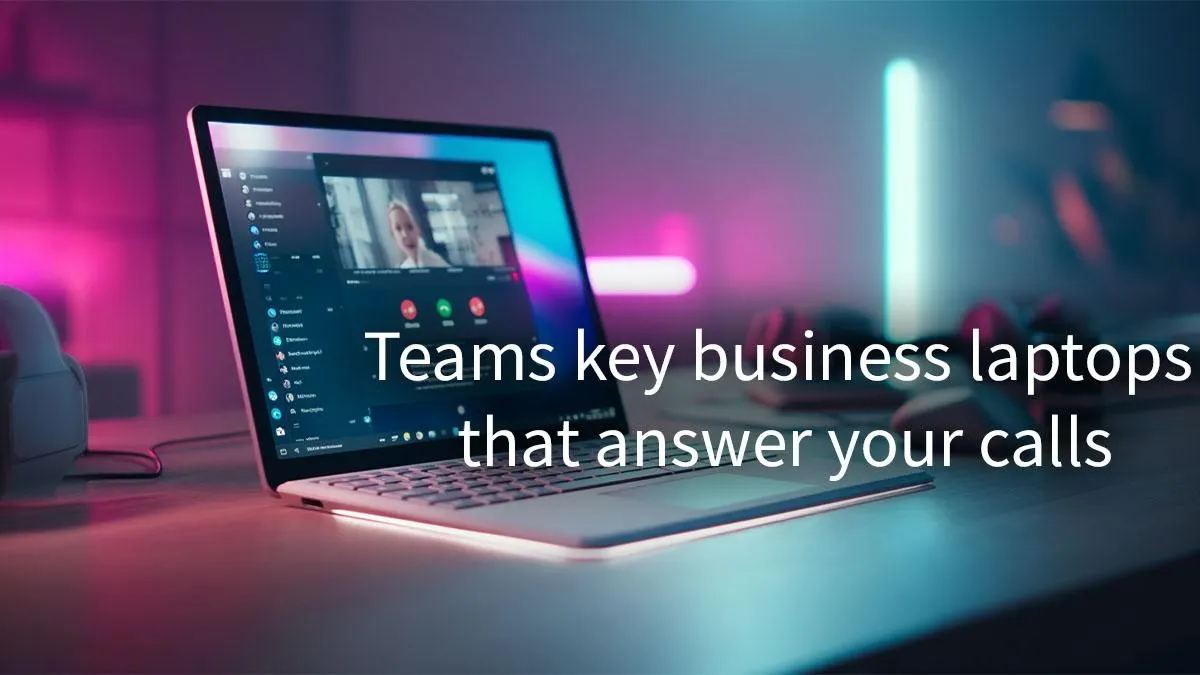
Powering Your Productivity: Microsoft Teams Laptops for Business Calls
In South Africa's dynamic work landscape, blending productivity with personal passion is key. Whether you're clinching deals from a Cape Town cafe or collaborating with colleagues across continents, a reliable laptop is your digital lifeline. But what if that same machine could also power your evening gaming sessions? We're diving into how to choose the perfect Microsoft Teams laptops for business calls that don't compromise on your after-hours fun. Get ready to elevate your virtual presence and leisure time.
Why Your Laptop Matters for Seamless Virtual Meetings
Think about it: a stuttering video, a crackling microphone, or an app freezing mid-presentation can derail a crucial business call faster than load shedding. For professionals relying on Microsoft Teams daily, your laptop isn't just a tool; it's your virtual boardroom, your collaboration hub, and often, your first impression. Investing in the right hardware ensures your voice is heard, your video is clear, and your workflow remains uninterrupted. This is especially true for those seeking dedicated laptops for Teams calls that can handle intense multitasking.
Choosing a laptop that excels in this environment means looking beyond just the CPU. While a powerful processor is crucial, components like a high-definition webcam, clear audio input/output, and robust Wi-Fi connectivity are equally vital. It's about creating an immersive, professional experience for everyone on the call, from your colleagues in Johannesburg to clients overseas.
Key Features for Optimal Microsoft Teams Laptops 💻
When searching for the best Microsoft Teams laptops for business calls, here’s what to prioritise:
- Processor Power: An Intel Core i5 (11th Gen or newer) or AMD Ryzen 5 (5000 series or newer) is generally a solid starting point. For heavier multitasking or if you’re also running demanding applications, stepping up to an Intel Core i7 or AMD Ryzen 7 will provide that extra grunt. Many excellent Intel laptops on special offer the processing power needed for a smooth Teams experience, ensuring your video and screen-sharing run without a hitch.
- RAM (Memory): 8GB is the minimum, but 16GB RAM is highly recommended. Teams, especially with video and screen sharing, can be quite memory-intensive. Having ample RAM means you can run Teams, Outlook, a browser with multiple tabs, and other business applications simultaneously without slowdowns.
- Storage (SSD): An SSD (Solid State Drive) is non-negotiable. It drastically speeds up boot times, application loading, and file transfers compared to traditional HDDs. A 256GB SSD is a good baseline, but 512GB or 1TB offers more flexibility for documents, presentations, and other software.
- Webcam Quality: A good 720p or 1080p webcam is essential for professional video calls. Some premium business laptops even feature privacy shutters, a thoughtful addition.
- Microphone & Speakers: Look for laptops with dual-array microphones for better noise cancellation and clear voice pickup. Quality built-in speakers are great for casual use, but for critical calls, consider external headphones or a dedicated headset.
- Battery Life: For professionals on the go, a battery that lasts through a full day of meetings is invaluable. Look for 8+ hours of real-world usage.
Optimise Your Call Quality
Before a big meeting, ensure your laptop is plugged in and close unnecessary background apps. For clearer audio, consider a dedicated USB headset – it makes a world of difference for both you and your listeners.
Balancing Business and Play: The Performance You Need ⚡
Many professionals in South Africa also enjoy unwinding with a good game. The good news? Laptops powerful enough for demanding Microsoft Teams calls often share DNA with entry-level or mid-range gaming machines. A robust CPU, sufficient RAM, and an SSD are beneficial for both.
If you occasionally dabble in gaming, look for models with integrated graphics like Intel Iris Xe or AMD Radeon Graphics, which can handle lighter titles. For more serious gamers who still need a professional machine, consider laptops with a dedicated NVIDIA GeForce GTX or RTX GPU. You might be surprised to find that some of the best gaming laptop deals also make fantastic business companions, offering the performance and display quality for both worlds.
Finding Your Ideal Microsoft Teams Laptop in South Africa 🚀
Evetech understands the diverse needs of South African professionals and gamers. We stock a wide range of laptops that fit the bill, whether you're after pure business efficiency or a powerful hybrid. For those who favour AMD's processing prowess, our selection of AMD laptops on special offers fantastic value and performance for your Teams calls and beyond.
Choosing the right device means thinking about your specific workflow. Are you constantly on video calls? Do you need to run complex software alongside Teams? Or is portability your top priority? Consider these questions, and you’ll narrow down your options significantly. We have a variety of laptop specials for sale in South Africa that cater to every budget and requirement, ensuring you get a machine that performs reliably day in, day out.
Upgrade Your Virtual Workspace Today! Ready to experience crystal-clear calls and seamless multitasking? Explore Evetech's extensive range of high-performance laptops designed for the modern South African professional and find your perfect match. Shop now at Evetech for performance that leaves lag in the dust.











